
Move-in and move-out photos do not match
Without the same steps for each inspection, managers cannot easily compare a unit before occupancy, after move-out, and after cleaning or repairs.
BUILT FOR PROPERTY MANAGEMENT TEAMS
Capture move-in, move-out, repair, cleaning, and Airbnb or Vrbo turnover photos with the time, address, and details managers and owners need.
✓ Clear photos for approval, billing, and disputes

THE PHOTO RECORD GAP
California AB 2801 requires move-in, move-out, and post-repair or cleaning photos for deposit deductions. Yet photos often sit in personal phones, texts, or albums, making the address, time, task, and condition hard to find.
Without the same steps for each inspection, managers cannot easily compare a unit before occupancy, after move-out, and after cleaning or repairs.
Owners need to see the issue and completed work before they approve or pay a vendor, but photos and updates are spread across messages.
A missing move-out or turnover photo can leave managers without a clear record when a tenant or guest disputes cleaning, damage, or repair charges.
If a required photo is missed, the team may have to revisit the unit or explain a charge without showing the original condition.
THE MOMENTS YOU CANNOT RECREATE
A unit can change as soon as cleaning or repairs begin. Take photos at each stage, with the time, address, and inspection details attached.

Document a clean, ready bedroom and the condition of furniture, walls, floors, appliances, and fixtures before a tenant or Airbnb or Vrbo guest arrives.

Capture the unit as the tenant or guest left it, including trash, belongings, stains, or cleaning needs, before the turnover team starts work.

Photograph wall damage, broken items, leaks, or other repair issues before they are cleaned, moved, covered, or fixed.
ONE TEAMSPACE FOR EVERY PROPERTY
Photos from maintenance techs, leasing staff, cleaners, and vendors arrive in Teamspace, organized by project, member, and date for managers and owners to review.
Sign up for Teamspace →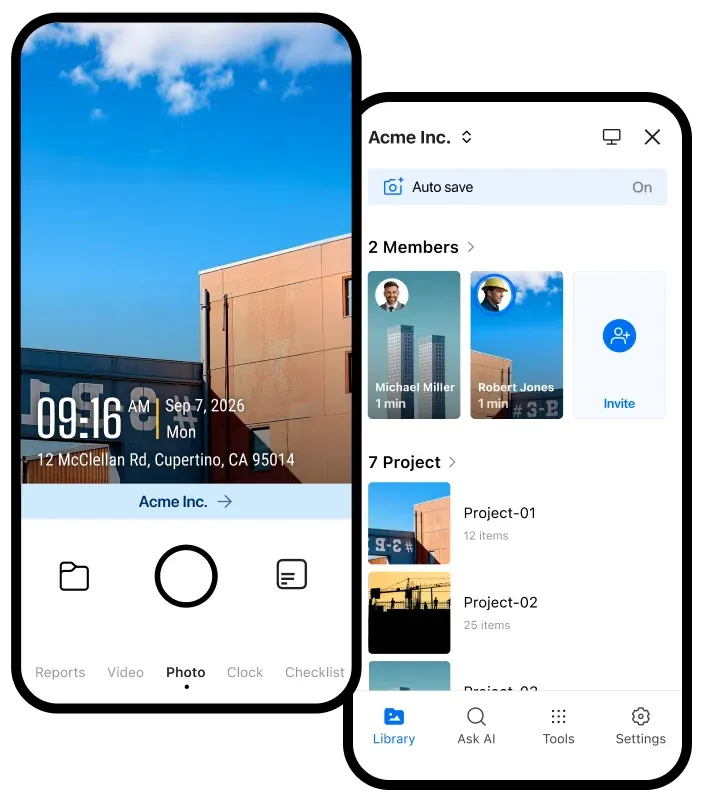
Give staff and vendors one way to capture photos, without chasing texts, personal albums, or separate uploads.
Review move-in, move-out, repair, cleaning, and turnover photos by property when an owner, tenant, HOA board, or insurer asks questions.
THE DETAILS THAT STAY WITH EVERY PHOTO
Use a team photo template so each inspection or turnover photo includes the details the person approving, paying, or disputing the work needs.
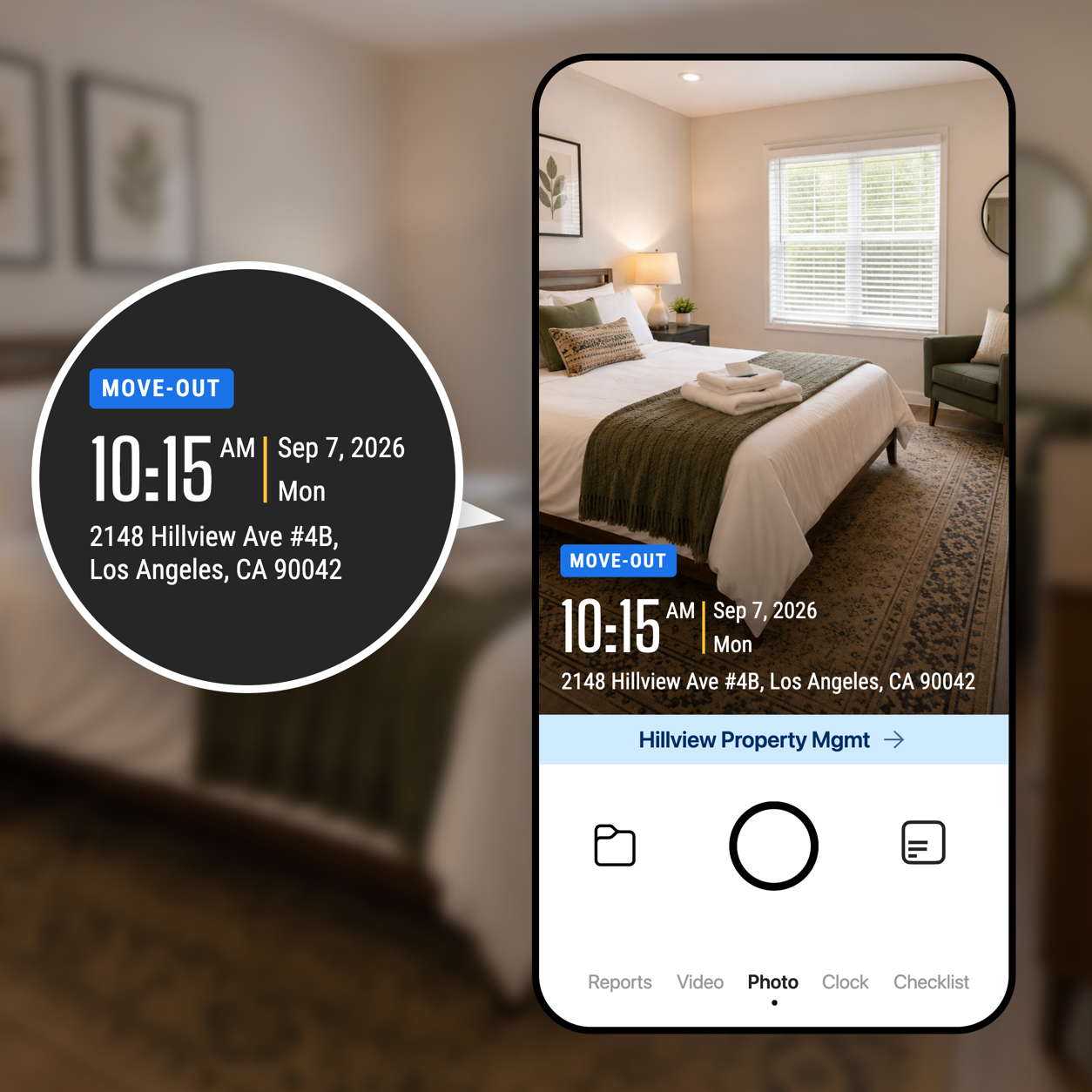
Each photo can include network time, GPS location, and street address. The capture time and location cannot be edited.
Add fields for unit, room, task, work order, condition, or notes. Make important fields read-only when needed.
Build move-in, move-out, repair, or Airbnb and Vrbo cleaning checklists so staff do not miss a required photo before leaving the property.
TOOLS FOR PROPERTY MANAGERS
Explore practical tools for property inspections, move-in and move-out records, Airbnb cleaning checklists, repair photo reports, and Vrbo turnovers.
Share verified field records with the storage and automation tools your team already uses.

Automatically send verified jobsite photos and reports to the Google Drive folders your team already uses.

Keep project evidence available in OneDrive so office teams and field teams work from the same record.

Send job events and verified field records to the internal systems and automation tools your team relies on.

Sync verified job photos and field records with the jobs your team manages in Jobber.
BUILT FOR PROPERTY INSPECTIONS
Give owners, tenants, and managers a clear photo record for every inspection, repair, cleaning job, turnover, and move-out charge.
Get Timemark free →