
Mark Up Jobsite Photos. Make Every Detail Clear.
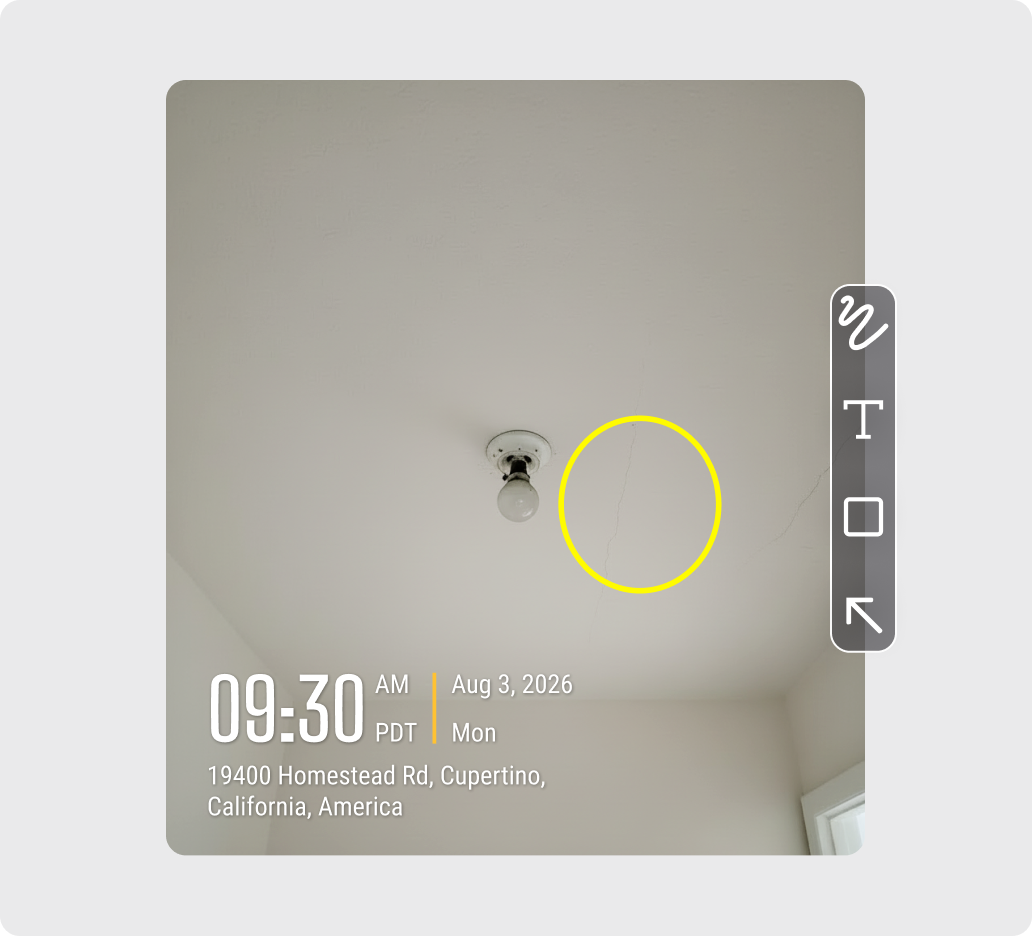
Add arrows, shapes, text, and freeform markup directly to jobsite photos to point out issues and make important details easier to understand.
Trusted by 3.7M field pros and teams from











When Jobsite Photos Leave Too Much Open to Interpretation
Are These Challenges Holding You Back?

Details Are Hard to Spot
- Important issues can be easy to miss in a busy jobsite photo.
- Reviewers may not know exactly where to look.
- Small details can lead to extra questions or clarification.

Photo Context Gets Lost
- Written notes may not clearly match the area being discussed.
- Separate messages make photos harder to review later.
- Teams need a clearer way to show what needs attention

Marked-Up Photos Get Scattered
- Editing photos in separate apps creates extra copies.
- Annotated versions can become separated from the original project.
- Finding the right marked-up photo later takes more time.
Flexible Photo Annotation
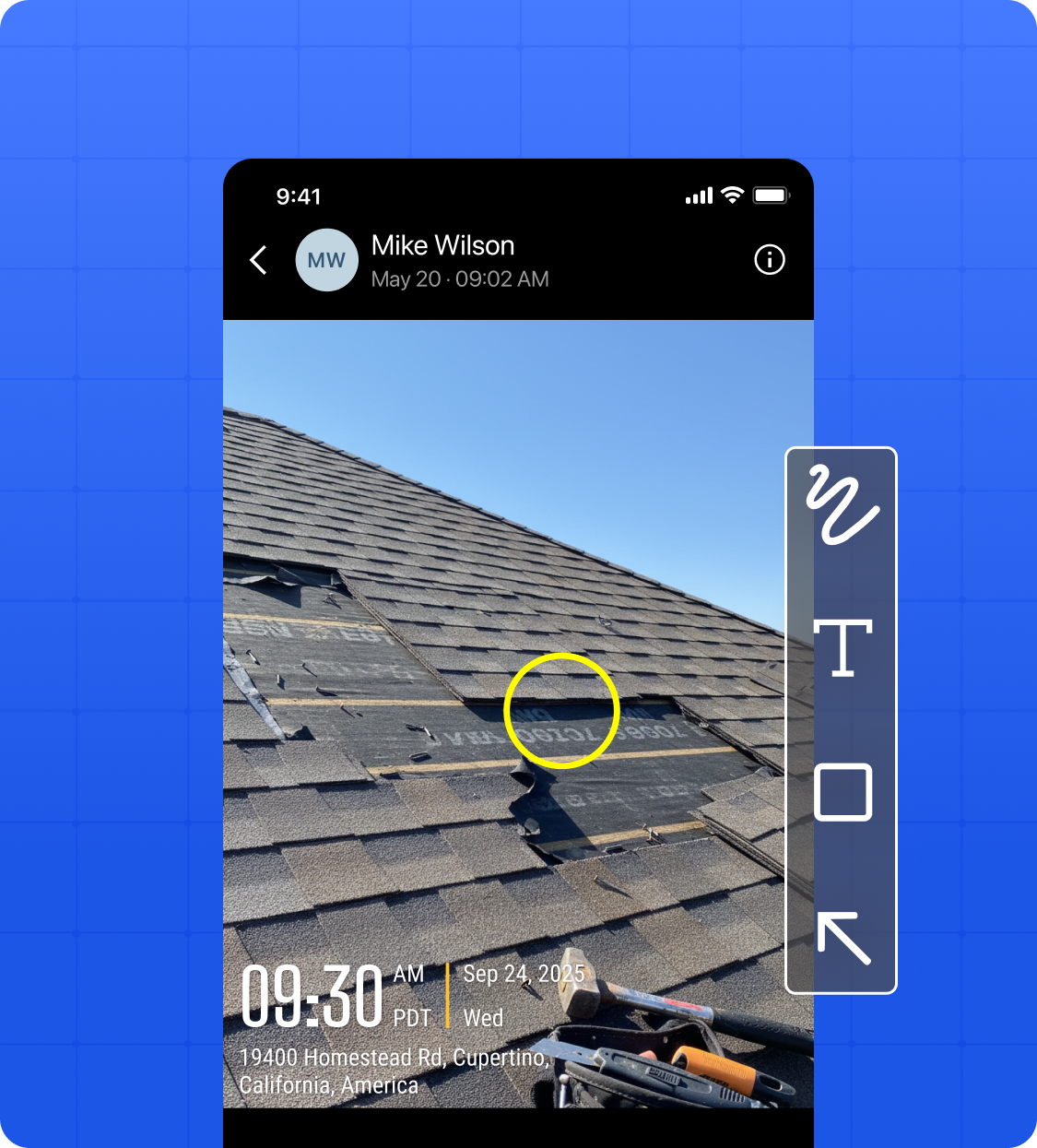
- Add rectangles, circles, and arrows to highlight specific areas or point out issues.
- Add text directly to photos for notes, instructions, or additional context.
- Use the brush tool for freehand markup when you need more flexibility.
Keep Annotated Photos With Your Project
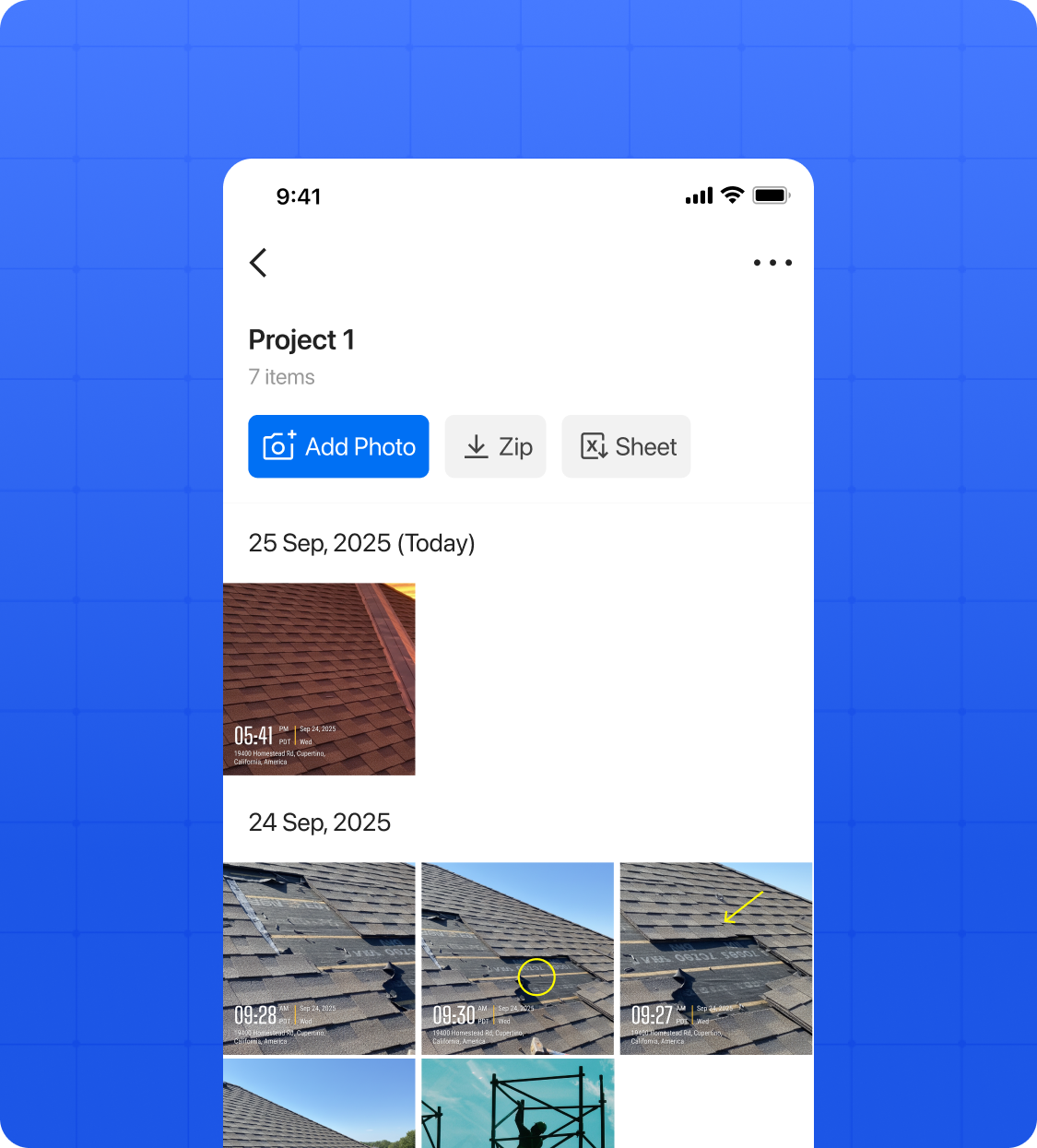
- Save annotated photos directly in Teamspace with your other jobsite photos.
- Keep markup, photos, and project records organized in the same place.
- Review and share annotated photos without moving files between different apps.
What Field Teams Say About Timemark
“Authenticity matters. Timemark lets us capture on-site photos with real time, location, and notes—making every image professional and trustworthy.”

“Timemark changes how we document medical and legal cases. Every photo captures real time, location, and on-site notes, making documentation fast, accurate, and professional.”
“One of the best apps for on-site photos. It captures the exact time and location, making documentation fast and professional.”
Frequently Asked Questions

Make Every Jobsite Photo Easier to Act On
Add clear markup, keep annotated photos with your project records, and give your team the context they need without extra back-and-forth.
Start For Free