Timemark vs. Phone Camera
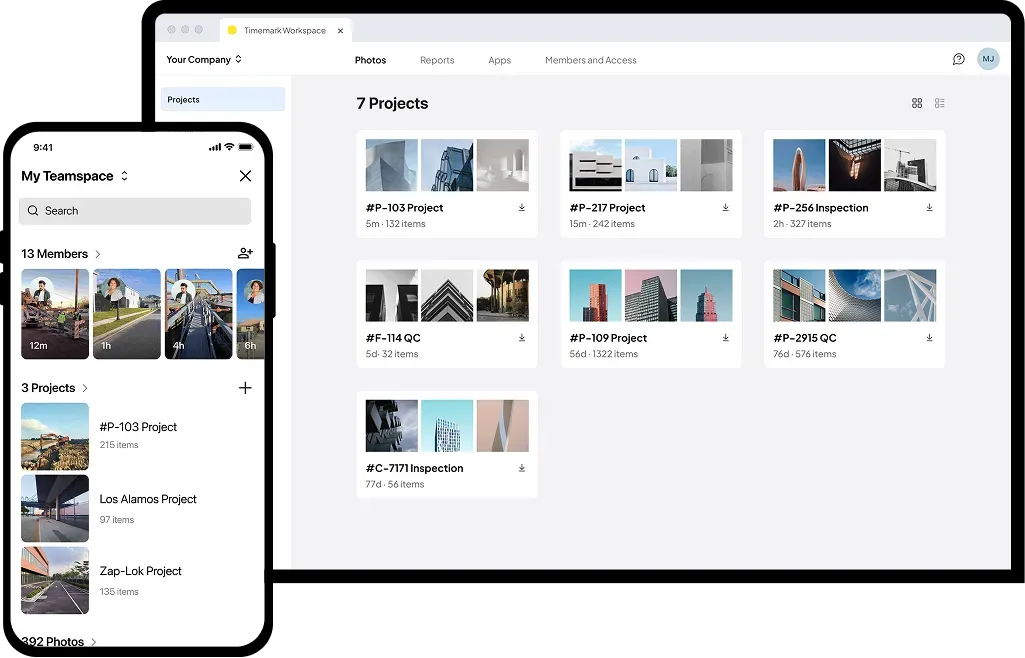
Stop mixing work photos with personal memories. Timemark organizes every job photo and turns them into reports.
Trusted by 3.7M field pros and teams from






Why Timemark is Better than a Phone Camera for Work Photos?
Keeps Life & Work Photos Separate
Phone Camera: Every photo, whether it is a site inspection or a family event, ends up in the same gallery. Sorting them later wastes time and storage space. Timemark: Job photos are automatically saved in the cloud, so professional documentation stays organized while personal memories remain private.
Download Timemark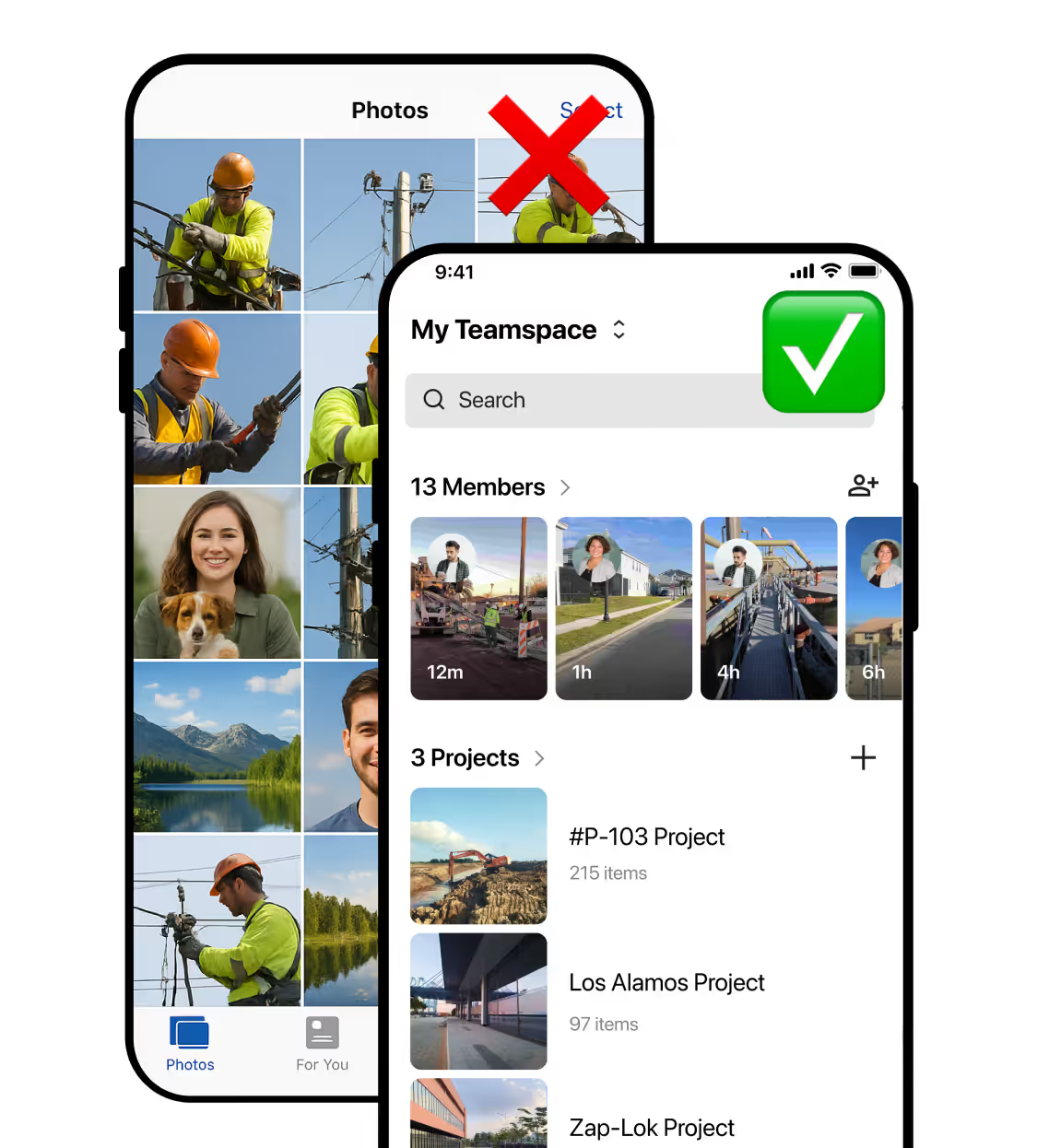
Provides More Site or Job Information
Phone Camera: A standard camera captures only the photo. Timestamps, location, and project details must be added manually. Timemark: Every photo automatically includes date, time, GPS, map, custom notes, and more, turning it into a complete record.
Download Timemark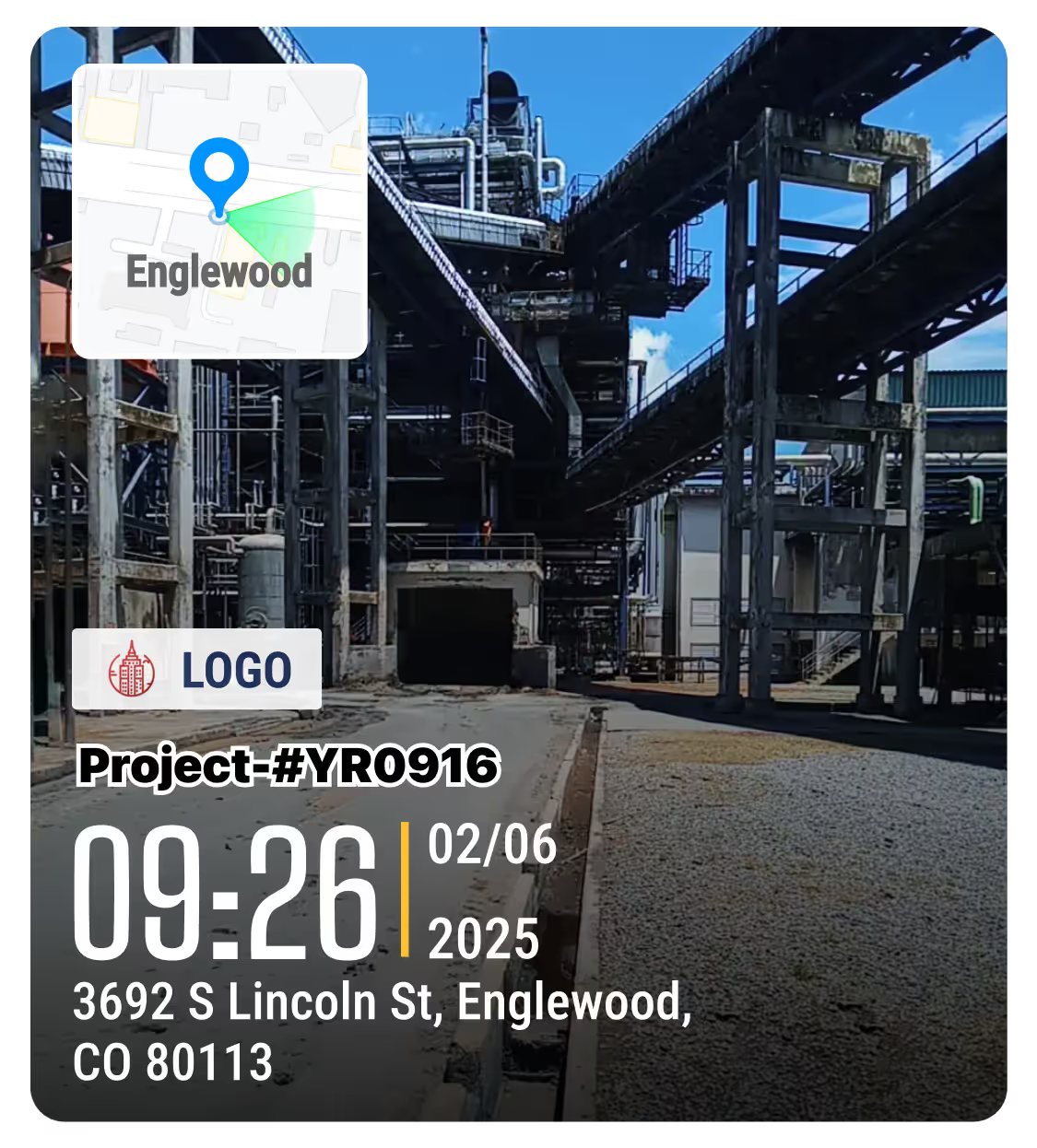
Organizes Your Work Photos
Phone Camera: Raw photos need to be renamed, sorted, and explained before they can be shared. Timemark: Applies consistent naming and organizes photos in one place, where reports can be generated in just a few clicks.
Download Timemark