The Shared Photo Album for Contractors

Shared photo album lets you sync on-site photos, view in gallery/map, and share links—the best way to manage your collaborative collection.
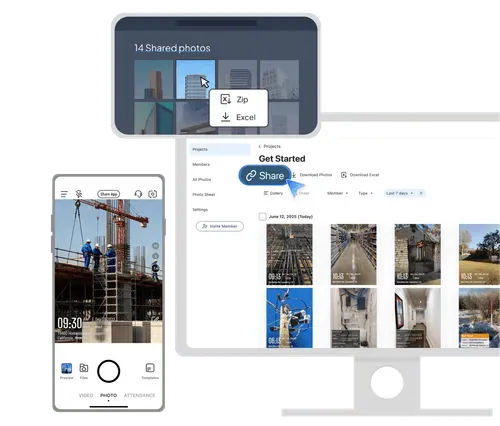
The interface of the construction photo documentation tool on the web and mobile portal

Trusted by 3.7M field pros and teams from

Charter logoSpectrum logoCoca cola logoUnilever logoSeven eleven logoAIA logoG4S logoCoteccons logoMasTec logoWaskita logo
Charter logoSpectrum logoCoca Cola logoUnilever logoSeven Eleven nlogoWalmart logoG4S logoContecons logoWaskita logoMasTec logo

Shared Photo Album Solutions From Timemark
Best Way to Solve Your Pain Points

An image showing the jobsite pain point and the solution.
Pain Point

Your work photos get mixed with family snaps, and you often lose key project shots in chat apps.

Timemark's Solution

Timemark Auto-Organizes Work Photos By Project/Member Using A Shared Photo Album—The Best Way To Avoid Mixing Or Losing Important Shots.

An image showing the jobsite pain point and the solution.
Pain Point

You need clear, timestamped photos for project checks or legal needs, but your current tool fails you.

Timemark's Solution

Timemark Keeps Photos In Full Quality And Adds Timestamps With A Shared Photo Album, The Best Way To Prove Work Quality And Site Conditions.

An image showing the jobsite pain point and the solution.
Pain Point

Office staff wait for on-site photos via email, which slows down checks and project progress.

Timemark's Solution

Timemark Auto-Collects On-Site Photos With A Shared Photo Album, And Office Teams View Them Instantly—The Best Way To Speed Up Checks And Work.

Key Features of Our Shared Photo Album
Feature Image

Auto-Organization

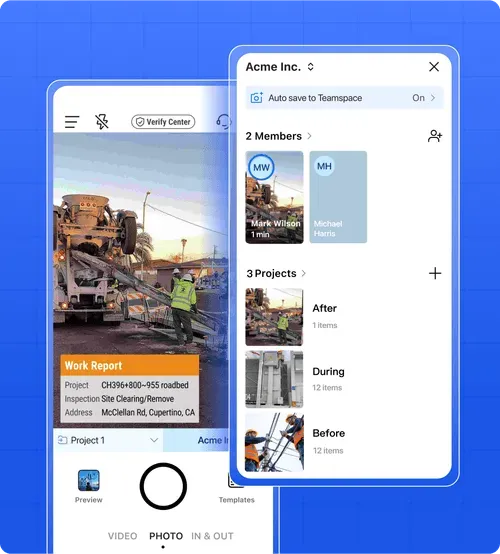
Instant project myalbum: Timemark automatically creates a dedicated myalbum for each project, organizing photos by project, member, task, and timestamp.
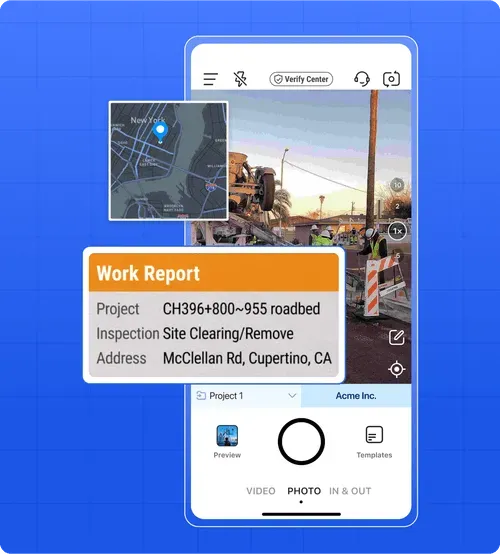
Smart metadata sorting: GPS, timestamps, and device info help Timemark sequence and categorize every photo.
Centralized online album: No more scattered images in chats or emails—your team works from one organized, searchable myalbum.

Feature Image

Audit-Ready Documentation

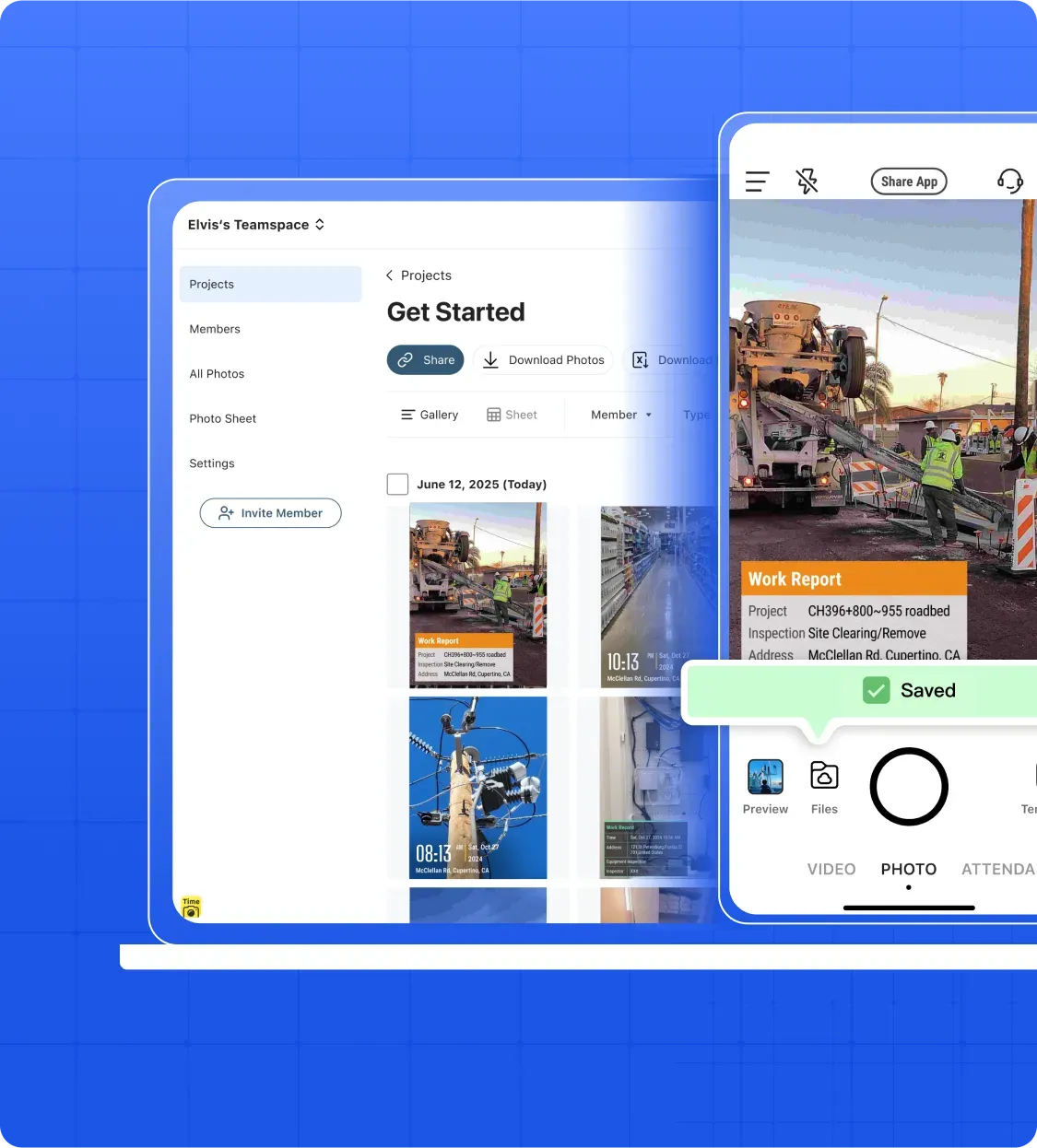
Full-quality storage: Every photo is saved online in full quality with metadata intact.
Quick professional export: Generate inspection reports or progress logs directly from your myalbum.
Time-stamped history: Each upload and update creates a clear visual trail for audits or claims.

Feature Image

Real-Time Team Collaboration

Live online access: Team members view the latest photos in the project myalbum in real time.
Instant comments and markups: Add notes or tag issues directly inside the online album.
Smooth project coordination: Supervisors and staff review the same visual info simultaneously, speeding approvals and reducing confusion.

ROI & Risk Management

Service Icon

Reduce Quality Control Losses

Quality control mistakes cost U.S. construction $31.3 billion yearly. Timemark cuts costs 65% with a shared photo album of clear, organized photos—the best solution for project documentation.

Service Icon

Save Time & Avoid Delays

Searching for lost/mixed photos slows projects. Timemark auto-sorts photos by project/member, so you skip manual sorting and keep work on track

Service Icon

Get Paid Faster

Missing or low-quality photos can delay or reject your payment claims. Timemark’s full-quality, timestamped photos act as proof, helping you get paid without holdups

Service Icon

Protect Your Reputation

Poor docs lead to more disputes and fewer bids. Timemark keeps your work well-documented, making clients trust you more, helping you win more projects

Frequently Asked Questions

Who can use a Shared Photo Album?
Faq Icon
What are the main features of a Shared Photo Album?
Faq Icon
Can a Shared Photo Album be used offline?
Faq Icon
How is a Shared Photo Album different from a regular photo album?
Faq Icon
How does Timemark prevent work-personal photo mix-ups?
Faq Icon

Try Timemark’s Shared Photo Album Free

Sign up for free to use our team-focused shared photo album, auto-organize work photos, and stop losing time to messy photo management.