
The original loss is gone before review
Once cleanup or tear-out begins, the insurance company or property owner cannot see the damage as it was found. A missing first photo leaves a gap in the claim.
BUILT FOR RESTORATION CONTRACTORS
Capture water, fire, storm, mold, and roof damage photos with the time, place, and job details insurance companies and property owners need.
✓ Clear records for insurance claims, approval, and payment
WHEN THE SITE CHANGES FAST
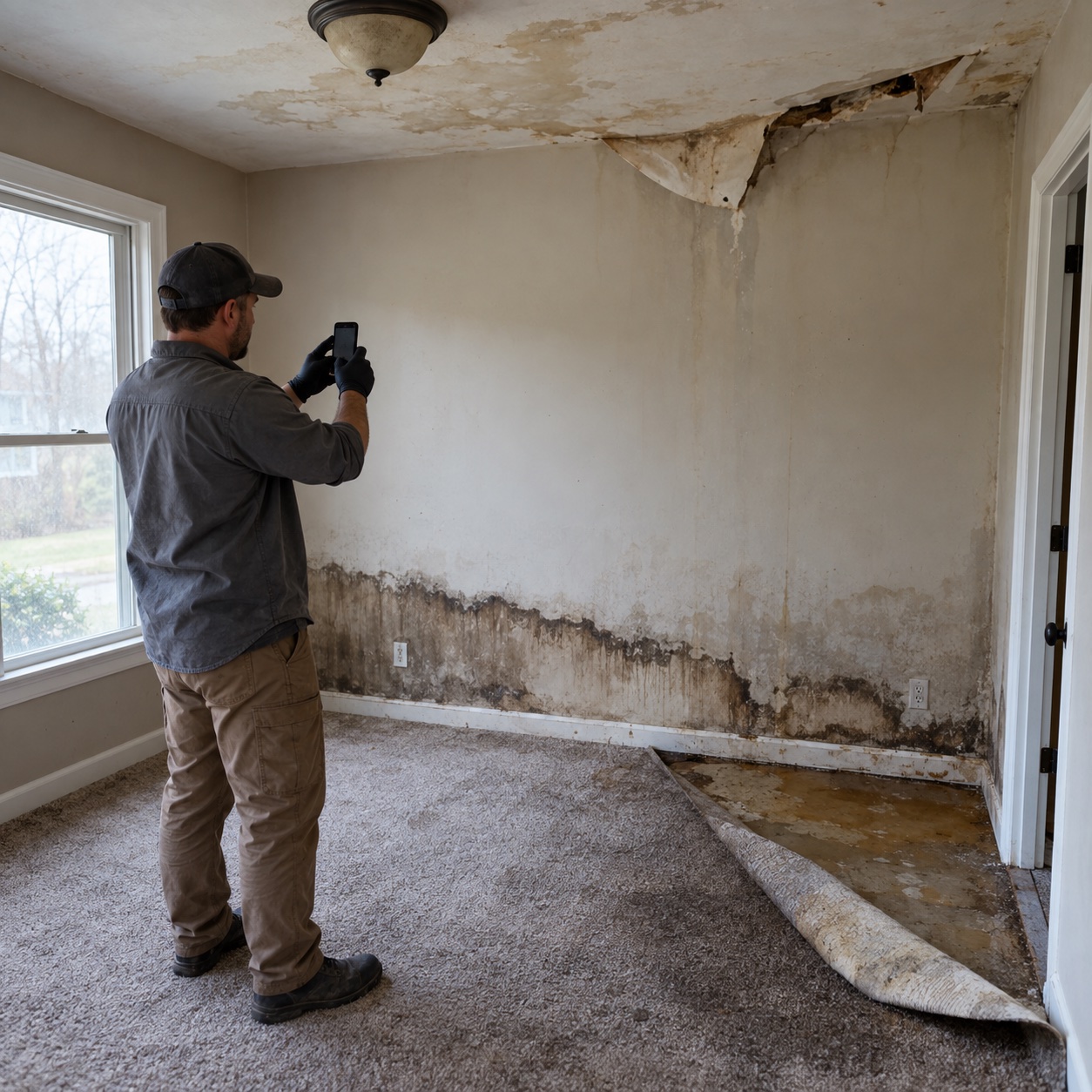
Tear-out, water extraction, drying, and cleanup can remove the original damage within hours. Insurance companies and property owners are not on site, so they need photos that show what was found, where, when, and on which job.
Once cleanup or tear-out begins, the insurance company or property owner cannot see the damage as it was found. A missing first photo leaves a gap in the claim.
When photos stay in personal albums or messages, managers must chase each crew member to find the right job photos for a report.
Insurance companies and property owners need to understand what was found, what was opened up, and what was finished. Unmarked photos do not tell that story.
If a required photo is missed before the crew leaves, the team may need to return or explain the insurance claim without showing the condition.
THE MOMENTS YOU CANNOT RECREATE
A restoration job changes the site quickly. Record each key stage with the time, street address, and job details attached to the photo.
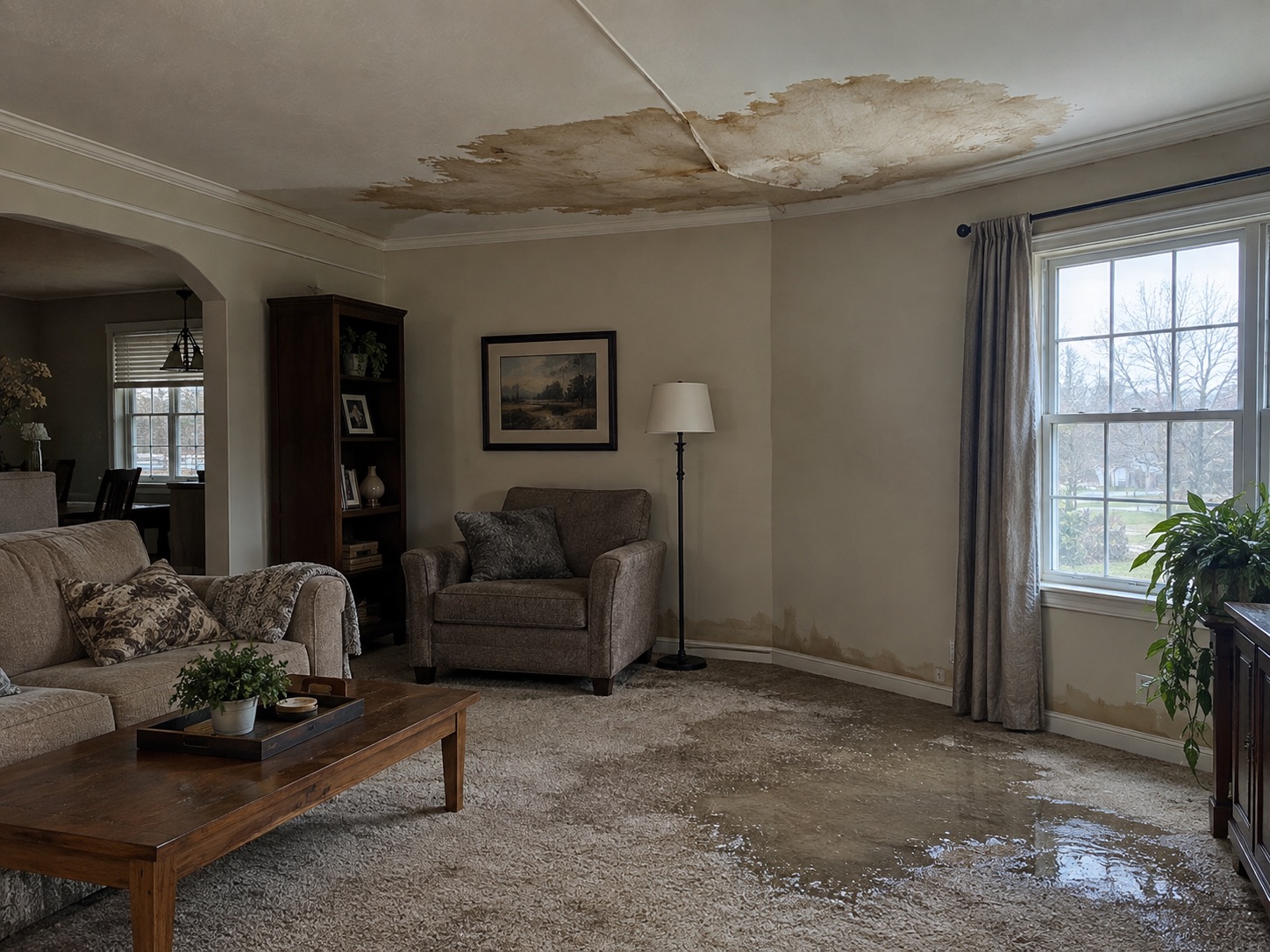
Photograph the loss on arrival, before tear-out or water extraction starts, so the insurance company and property owner can see what the crew found.
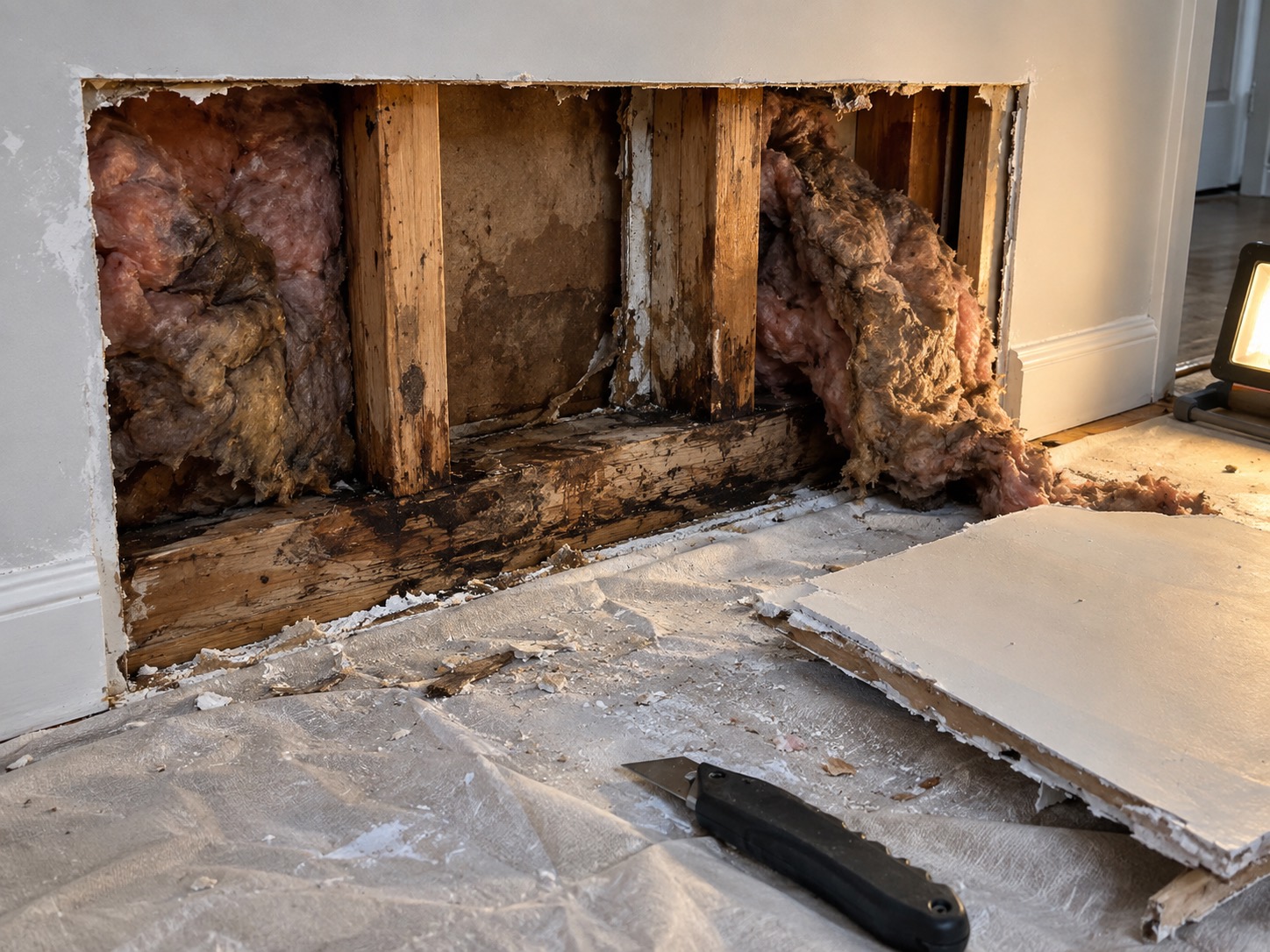
Capture hidden damage that appears when material is opened up or removed, while the cause and the condition can still be seen on site.

Take a final photo that pairs with the first one as before and after, so the property owner and the insurance company can see the completed work.
ONE TEAMSPACE FOR EVERY JOB
Photos from every crew member arrive in Teamspace, organized by project, member, and date, ready to become the report for each insurance claim.
Sign up for Teamspace →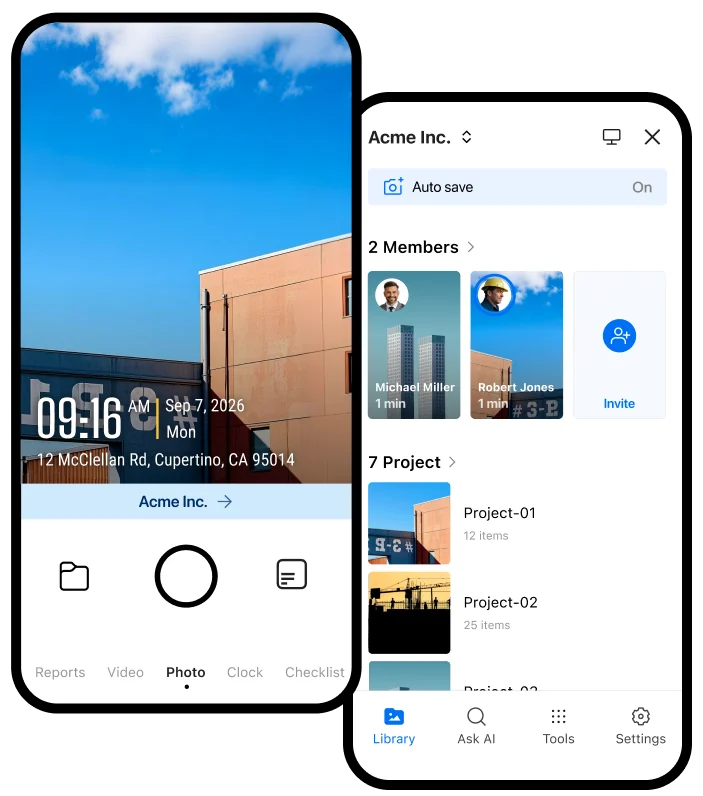
Bring photos from the whole restoration team into one project, instead of chasing personal phones, texts, and separate uploads.
Create a PDF report in Teamspace from any crew member's photos, then share it with the property owner or the insurance company.
DETAILS THAT STAY WITH EVERY PHOTO
Use team templates and checklists so every restoration photo carries the details the person approving, paying, disputing, or inspecting the work needs.

Each photo can include network time, GPS location, and street address. The capture time and location cannot be edited.
Add project, claim or job reference, room or area, loss type, and notes. Make important fields read-only where needed.
Build a checklist for the photos and information needed before the crew leaves, so a missing image does not leave a gap in the claim.
TOOLS FOR RESTORATION CONTRACTORS
Explore practical tools for restoration jobs: photo evidence, insurance claim reports, checking the original time and place of a photo, and crew checklists.
Share verified field records with the storage and automation tools your team already uses.

Automatically send verified jobsite photos and reports to the Google Drive folders your team already uses.

Keep project evidence available in OneDrive so office teams and field teams work from the same record.

Send job events and verified field records to the internal systems and automation tools your team relies on.

Sync verified job photos and field records with the jobs your team manages in Jobber.
BUILT FOR RESTORATION WORK
Give insurance companies and property owners a clear photo record of the loss, the hidden damage, and the finished repair for every job.
Get Timemark free →