
Every Crew Takes Different Photos
Sales reps, inspectors, and production crews may each capture a different view of the roof. The one photo needed later may never have been taken.
BUILT FOR ROOFING TEAMS
Capture roof inspection, tear-off, and finished roof photos with the time, address, and details homeowners, building owners, and insurance companies need.
✓ Clear photo evidence for review, payment, and disputes
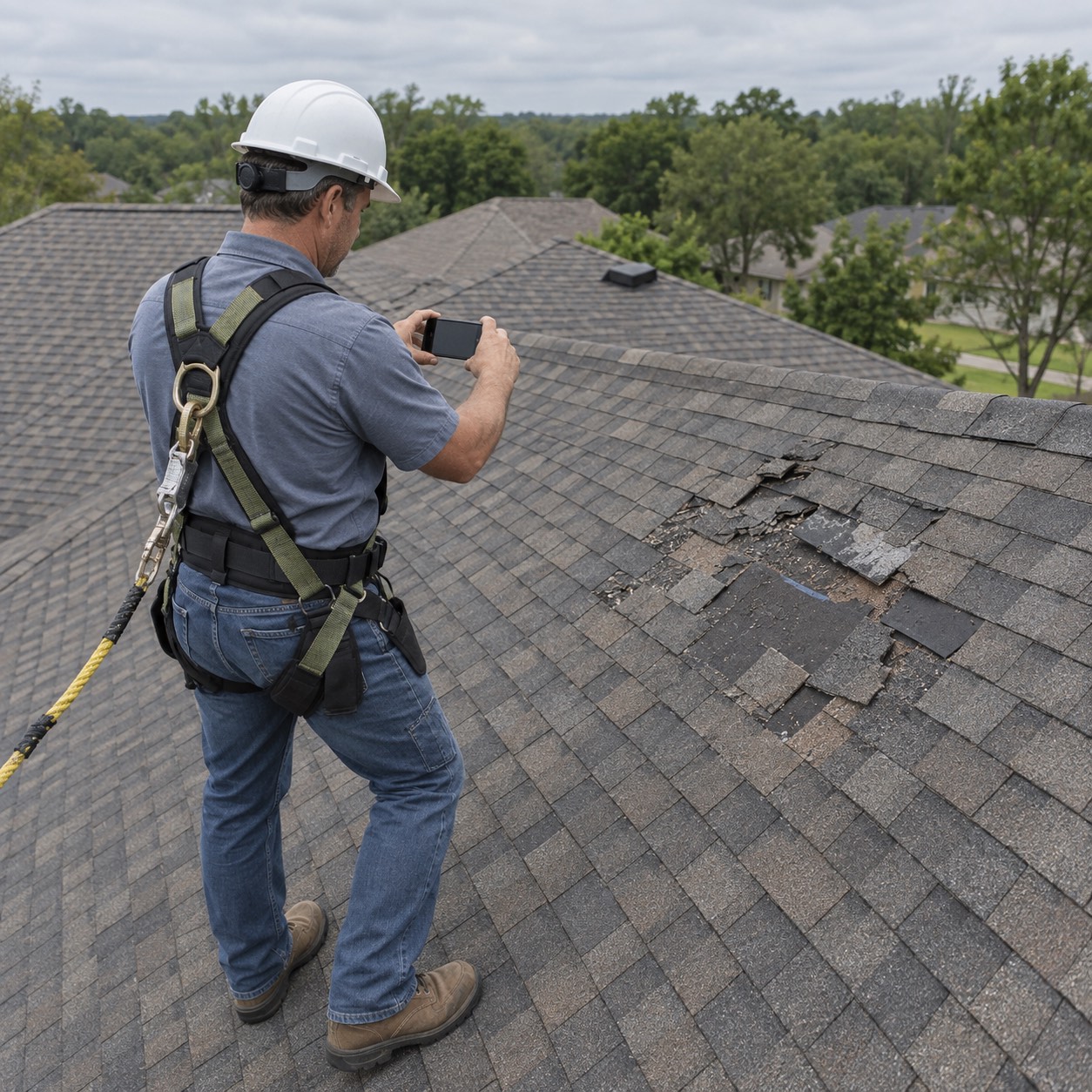
THE ROOF PHOTO GAP
The roof is hard for homeowners, building owners, and insurance companies to inspect themselves. When a photo has no time, address, or job details, it cannot show which roof it is, when it was taken, or what was there before work began.
Sales reps, inspectors, and production crews may each capture a different view of the roof. The one photo needed later may never have been taken.
Once the old roof is removed and the new roof is installed, the damage and roof deck details cannot be photographed again.
When photos are in personal albums or messages, managers must chase files to review an inspection or answer questions about the work.
A photo with no time, address, or job on it cannot show which roof it is, when the crew was there, or what the damage looked like before work started.
THE MOMENTS YOU CANNOT RECREATE
A roof changes quickly once work begins. Take each photo with the time, address, and roof details attached, before the next stage hides what came before.
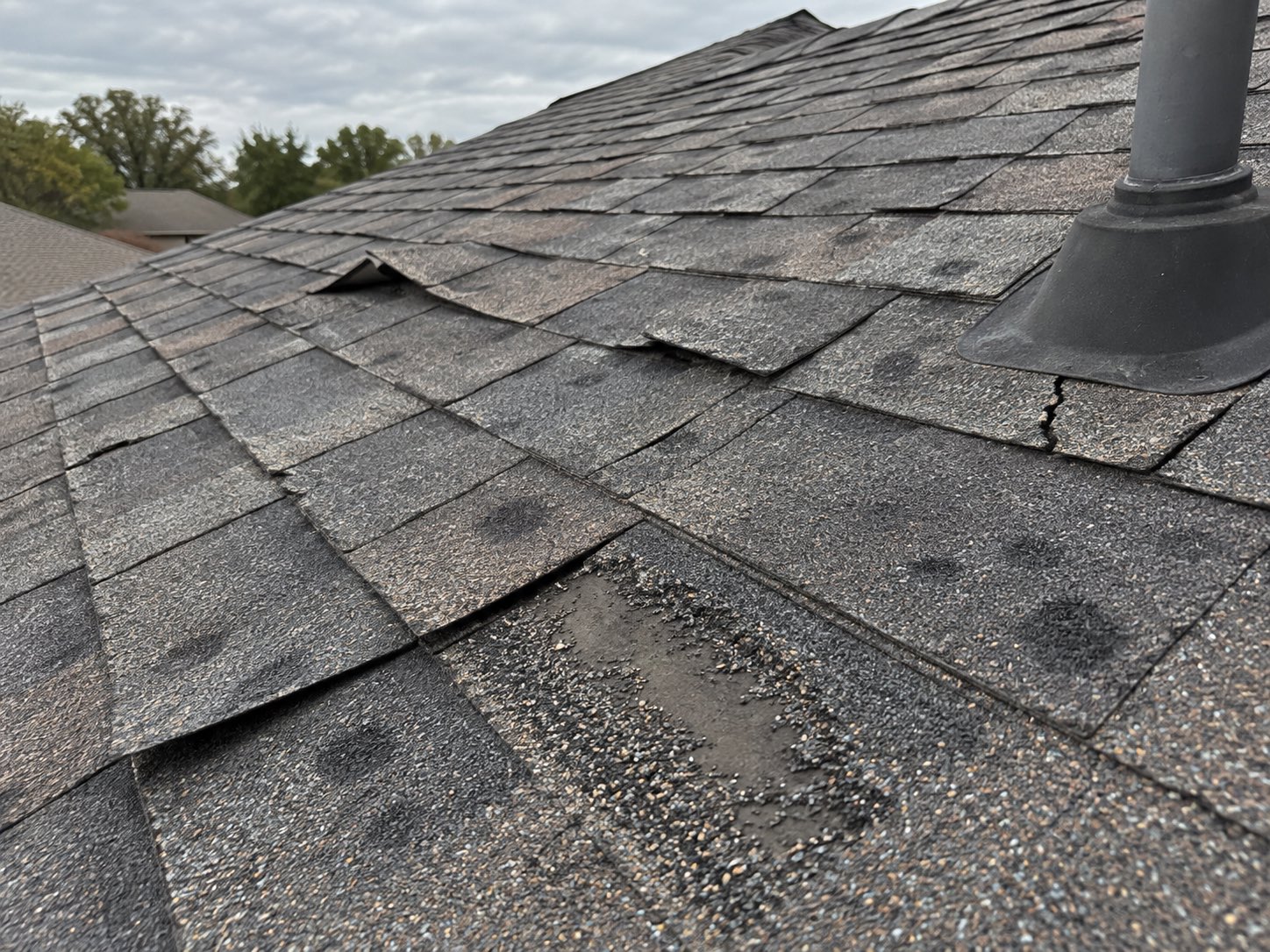
Photograph hail damage, punctures, worn panels, and the condition of the roof at the inspection, before anyone starts work.
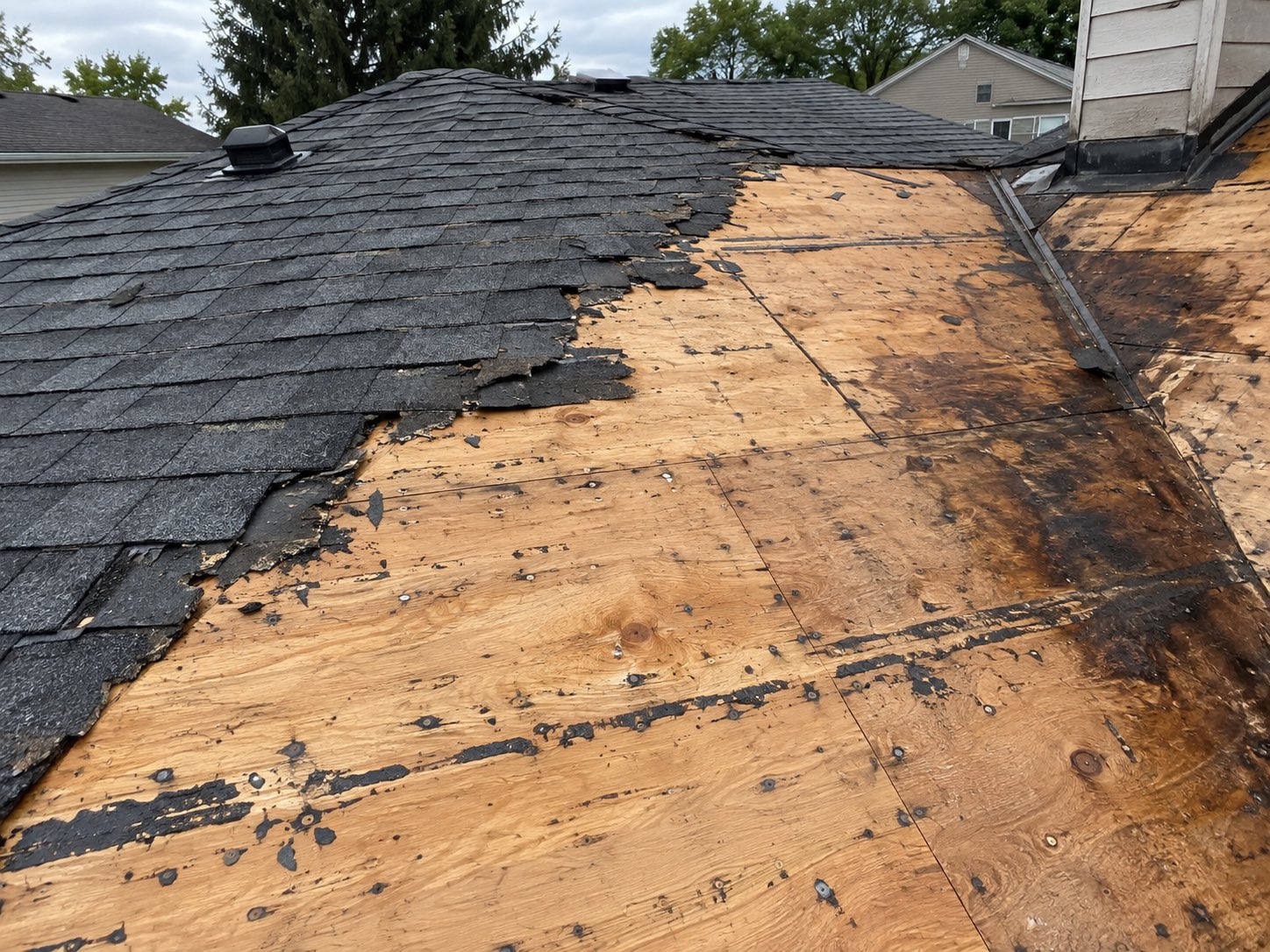
Capture the deck after tear-off, while this layer is visible. Once the new roof goes on, nobody can see this stage again.
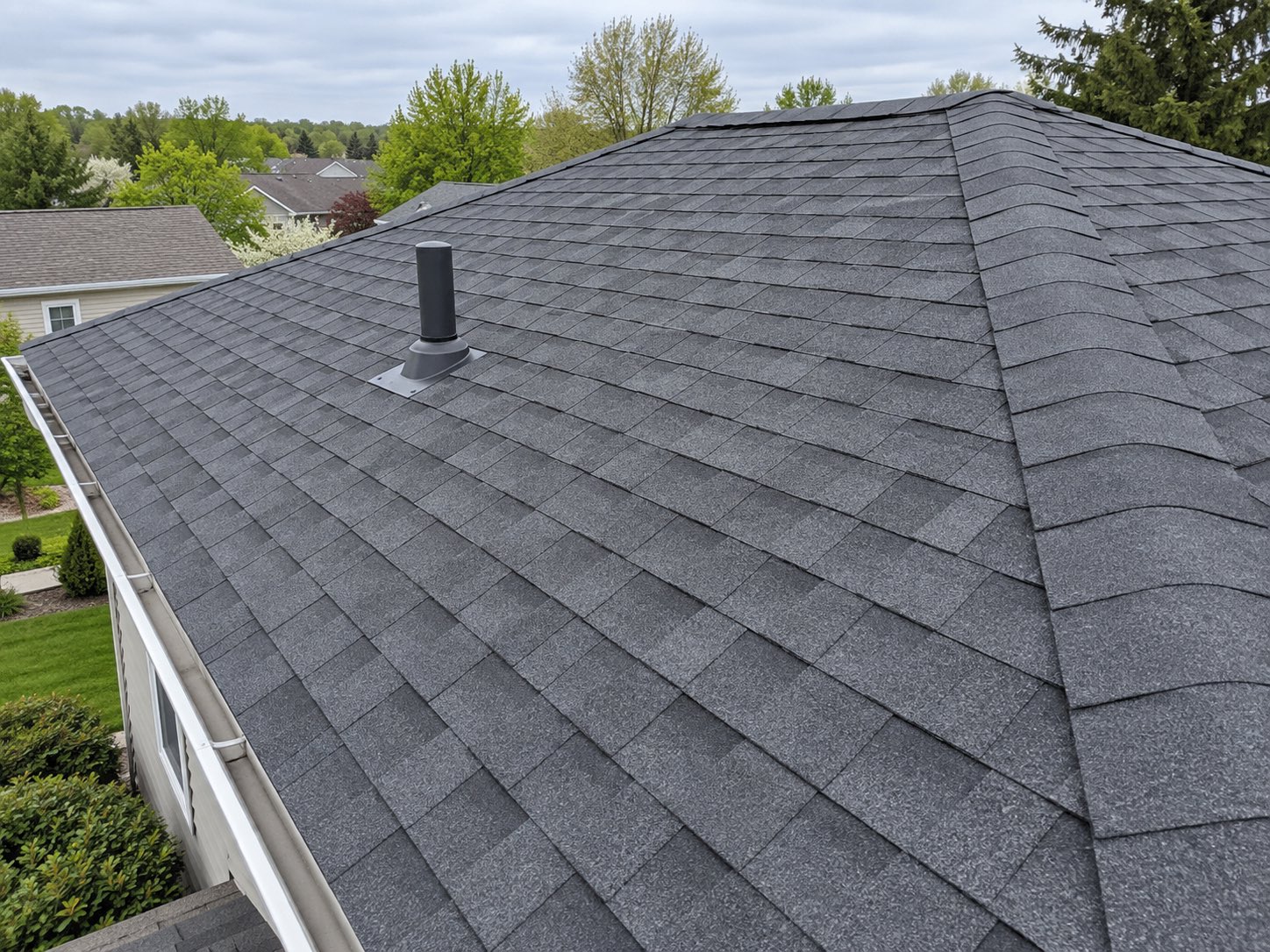
Take finished roof photos that pair with the first inspection photos, so homeowners and building owners can review the before and after.
ONE TEAMSPACE FOR EVERY ROOF
Photos from sales reps, inspectors, and production crews arrive in Teamspace, organized by project, member, and date for managers to review.
Sign up for Teamspace →
Bring photos out of personal phones into one workspace, organized by roof, person, and date, so you can see who was on which roof and when.
Use photos from any crew member to build a PDF, a before and after report, or a share link for a homeowner, building owner, or insurance company.
THE DETAILS THAT STAY WITH EVERY PHOTO
Use a team template and checklist so every roof inspection and work photo has the details the person approving, paying, disputing, or inspecting the work needs.
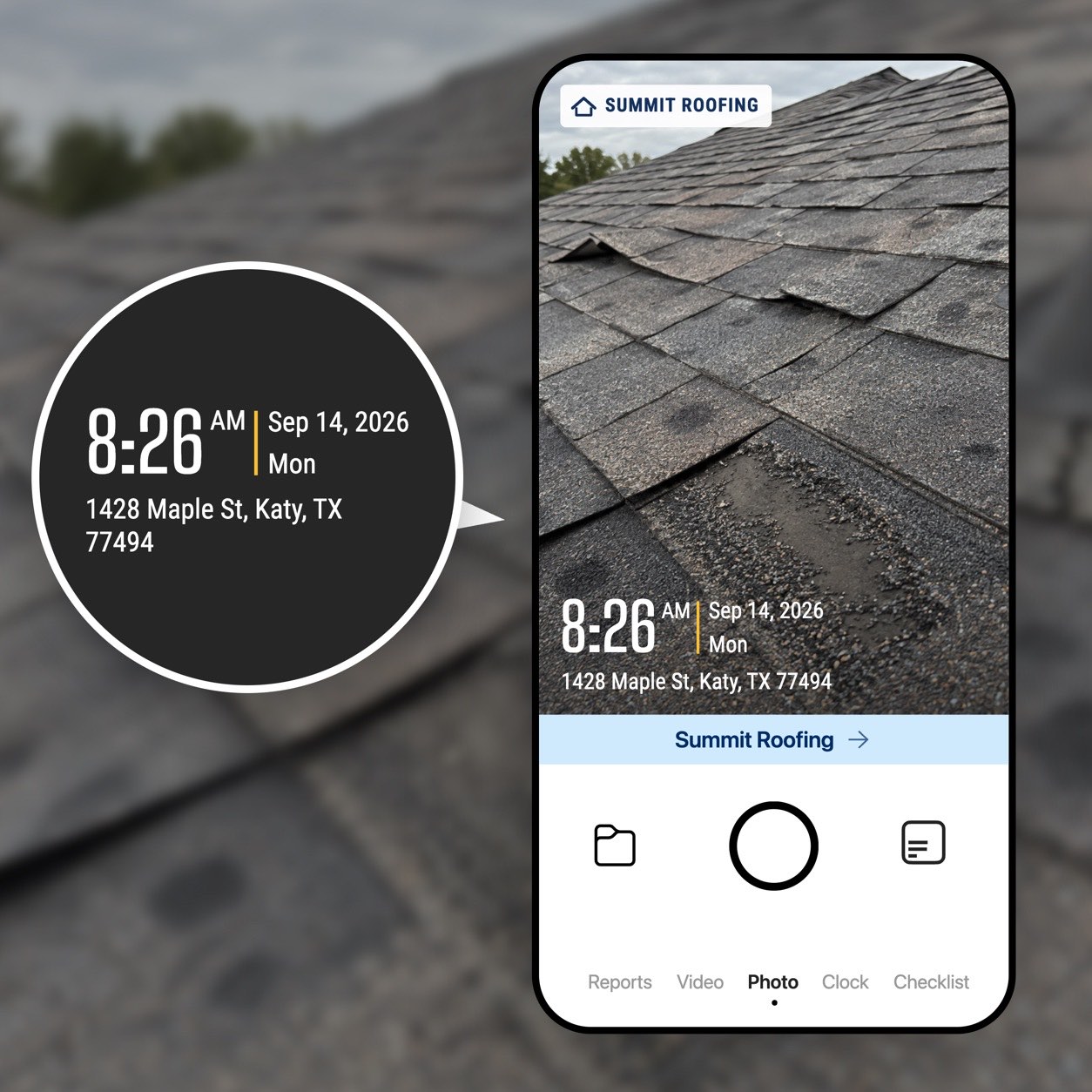
Each photo carries the time from the network, the GPS location, and the street address. The capture time and location cannot be edited.
Create a team template with project or job, claim reference, roof area or section, damage type, and notes. Keep important fields read-only.
Build a checklist of the roof photos every job needs, from inspection to finished roof, so the crew completes them before coming off the roof.
TOOLS FOR ROOFING TEAMS
Explore practical tools for roof inspections, roof reports, hail damage inspection photos, before and after records, and crew checklists.
Share verified field records with the storage and automation tools your team already uses.

Automatically send verified jobsite photos and reports to the Google Drive folders your team already uses.

Keep project evidence available in OneDrive so office teams and field teams work from the same record.

Send job events and verified field records to the internal systems and automation tools your team relies on.

Sync verified job photos and field records with the jobs your team manages in Jobber.
BUILT FOR ROOF INSPECTIONS
Help homeowners, building owners, insurance companies, and managers review roof conditions and completed work with clear, organized photos and reports.
Get Timemark free →