
Time Clock App for Field Teams
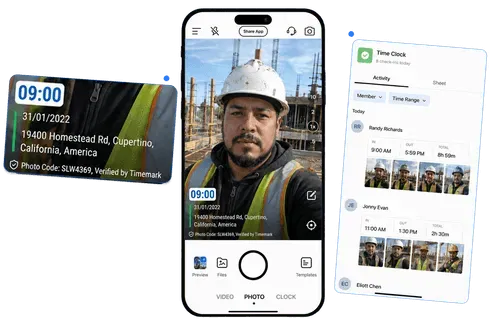
Your crew clocks in and out with a photo. The clock-out photo has work hours printed on it. Records reach one place in Teamspace.
Trusted by 3.7M field pros and teams from










Hours need clear proof
A photo record makes each shift easier to check.

Hours Get Remembered Wrong
- Paper notes and chat messages can be forgotten, changed, or argued about later.

No Proof of Arrival
- A name on a sheet does not show who arrived, when they arrived, or where they were.

Totals Take Too Long
- Adding work hours and breaks at the end of a pay period takes time.
Key Features
Clock in with proof from the job site
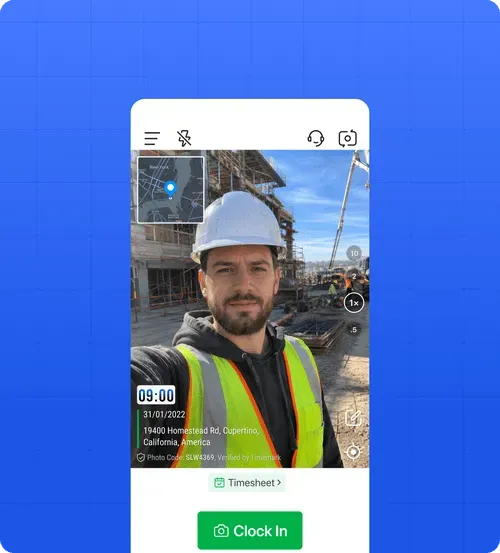
- Clock In Photo: Tap Clock In, then take a photo. The time and location are captured at that moment.
- Break Tracking: Tap Start Break, then tap End Break when the break is over. Repeat this for each break.
- Verification Check: Photo time comes from network time, not the phone clock. If Timemark detects a changed device clock or mock GPS location, it does not issue a Photo Code, so the photo cannot pass verification.
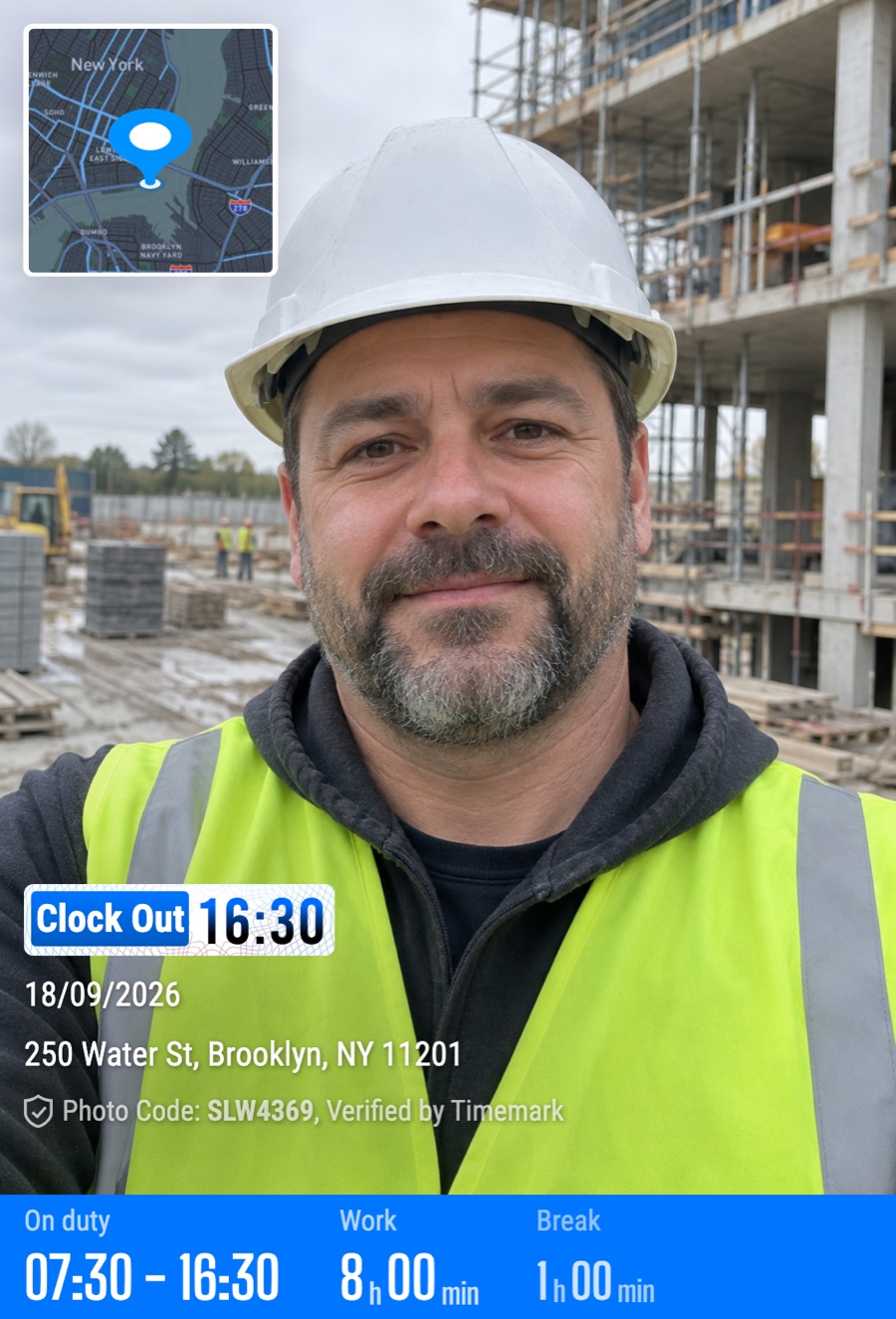
Hours printed on the clock-out photo
- Four Values Printed: The photo shows clock-in time, clock-out time, break time, and work time. Work time already has breaks taken out.
- Calculated Automatically: Work time is calculated, not typed in. Nobody needs to add it by hand, and it cannot be edited.
- Proof Goes With It: Send the photo to whoever needs it. The hours stay printed on the picture outside the app.
See your crew records in Teamspace
- Today’s Clock Records: Teamspace shows the crew’s Time clock activity as a daily photo feed. You can see who has clocked in and the photo taken for that record.
- Hours by Person: Review each member’s clock in, clock out, breaks, and totals for the day or week.
- One Place to Review: Open Teamspace to review synced clock records wherever you need to check the crew.
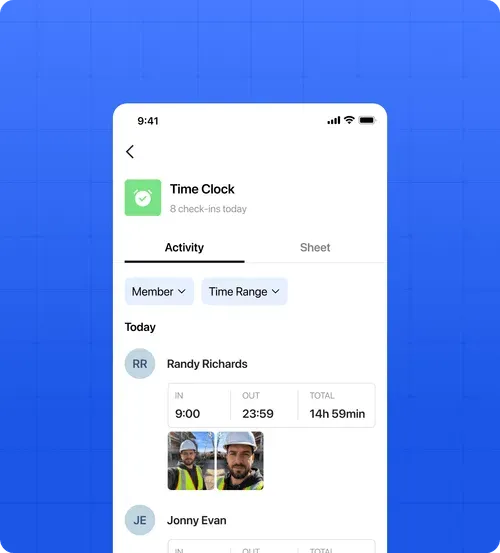
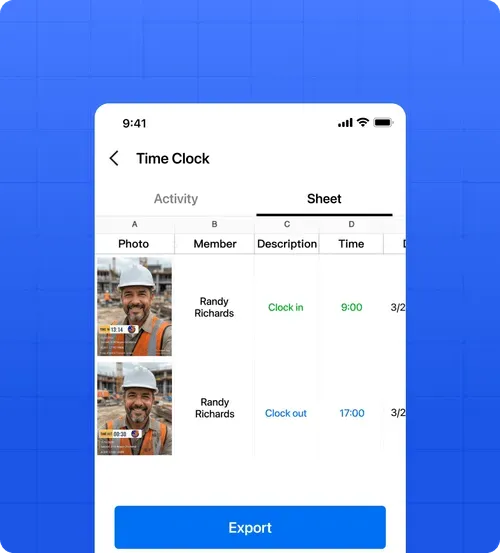
A timesheet builds as your crew clocks
- Records in a Sheet: Every clock in, clock out, and break appears in the Teamspace Sheet by member and date.
- Filter and Export: Filter records by member and date range. Export the timesheet as an Excel .xlsx file.
- Clearer Labor Costs: Accurate work hours give you better information when you work out labor cost.
No extra equipment needed

No Hardware Needed
- You do not need a time clock terminal, kiosk, badge, or fingerprint terminal. Each worker uses their phone.

No Minimum Users
- There is no minimum number of users, and Clock is available on the Free plan.

Use It Solo
- One person with no team can use My Timesheet to review and export their own hours.
What Field Teams Say About Timemark
“Timemark gives us a scalable way to collect tamper-proof, georeferenced field photos, improving transparency, auditability, and operational efficiency across our restoration projects.”

“Timemark streamlines how our field techs collect photos and eliminates the download process and email back-and-forth. And with all the context shown directly on the photos, they become much more usable for project managers and clients.”
“Timemark provides us with a scalable, cost-effective solution for managing photos across 100+ monthly projects and generating over 10 PDF reports each day.”
Frequently Asked Questions

Put photo proof on every shift
Use Clock to record hours with a photo your crew and manager can check.
Start for free