Timemark vs. Email Attachments
No more large email attachments, endless threads, or missing files.
Trusted by 3.7M field pros and teams from






Why Timemark is Better than Sending Job Photos via Email?
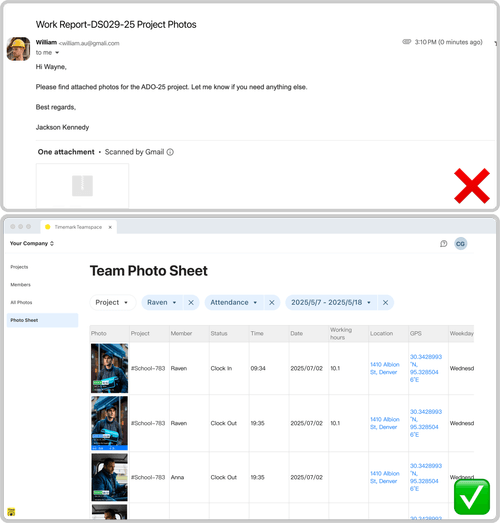
Easy to Find, Easy to Read
Email: Photos are buried in long email threads, hard to filter, and often arrive without notes or context. Timemark: Every photo is auto-stamped with time, GPS, and notes, then organized by project, date, or crew in Teamspace.
Download Timemark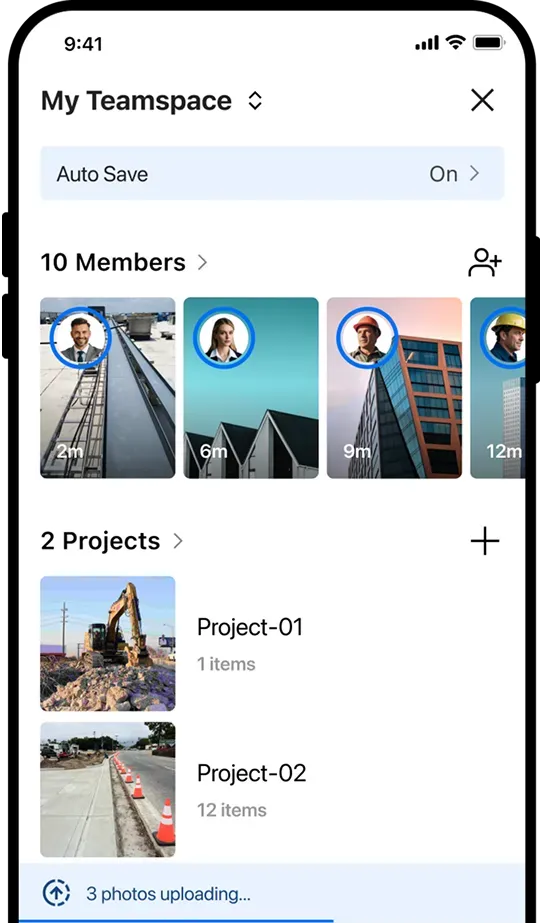
No More Local Burdens
Email: Recipients need to download large attachments and manually sort them into local folders. Timemark: Photos are automatically uploaded to the cloud, instantly organized by project, and accessible without downloads or manual sorting.
Download Timemark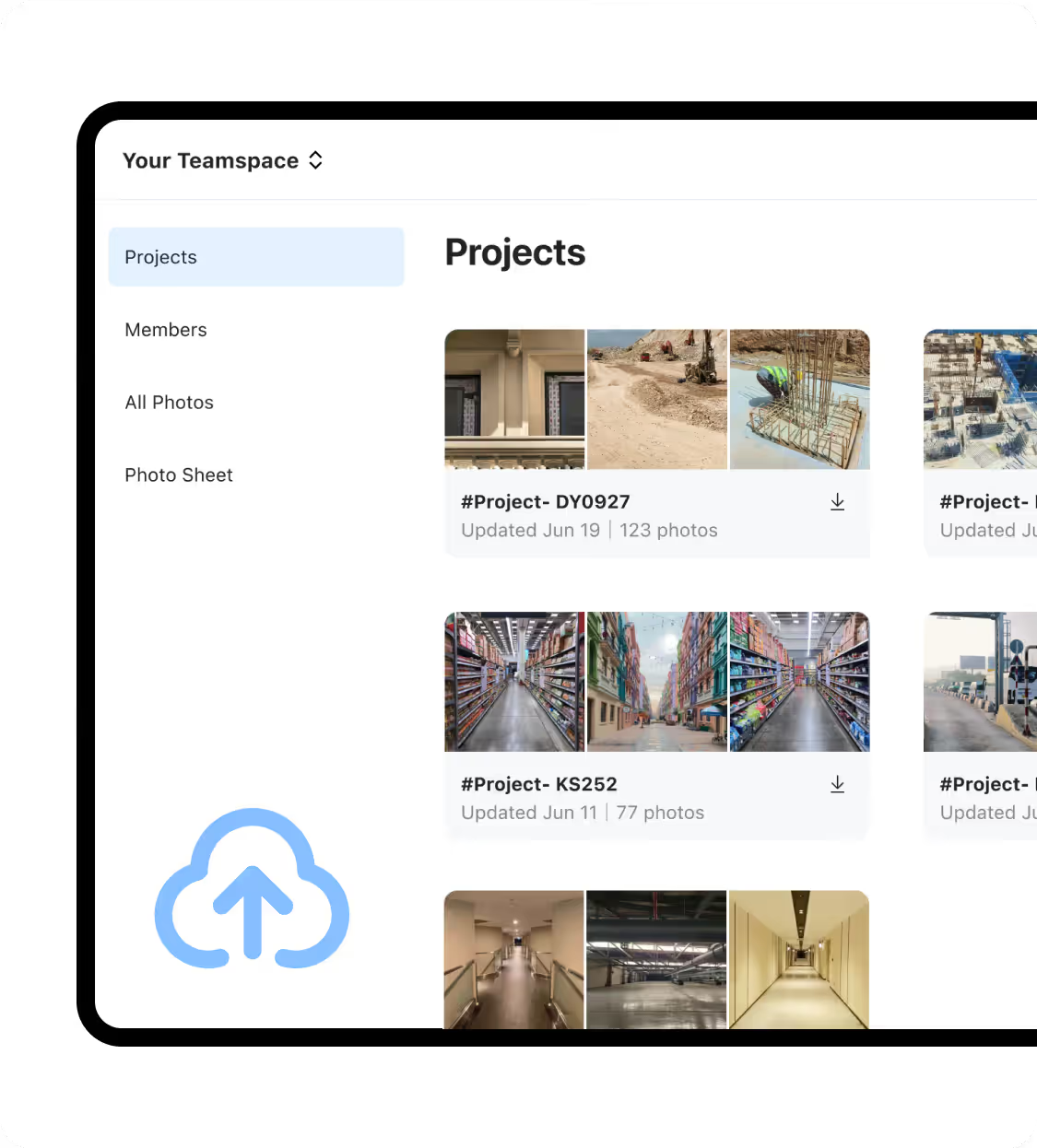
Real-time Updates
Email: Field teams wait for daily or weekly photo dumps and sometimes forget to submit photos, slowing down decision-making. Timemark: Photos upload instantly to Teamspace, keeping team leads and the back office updated in real time.
Download Timemark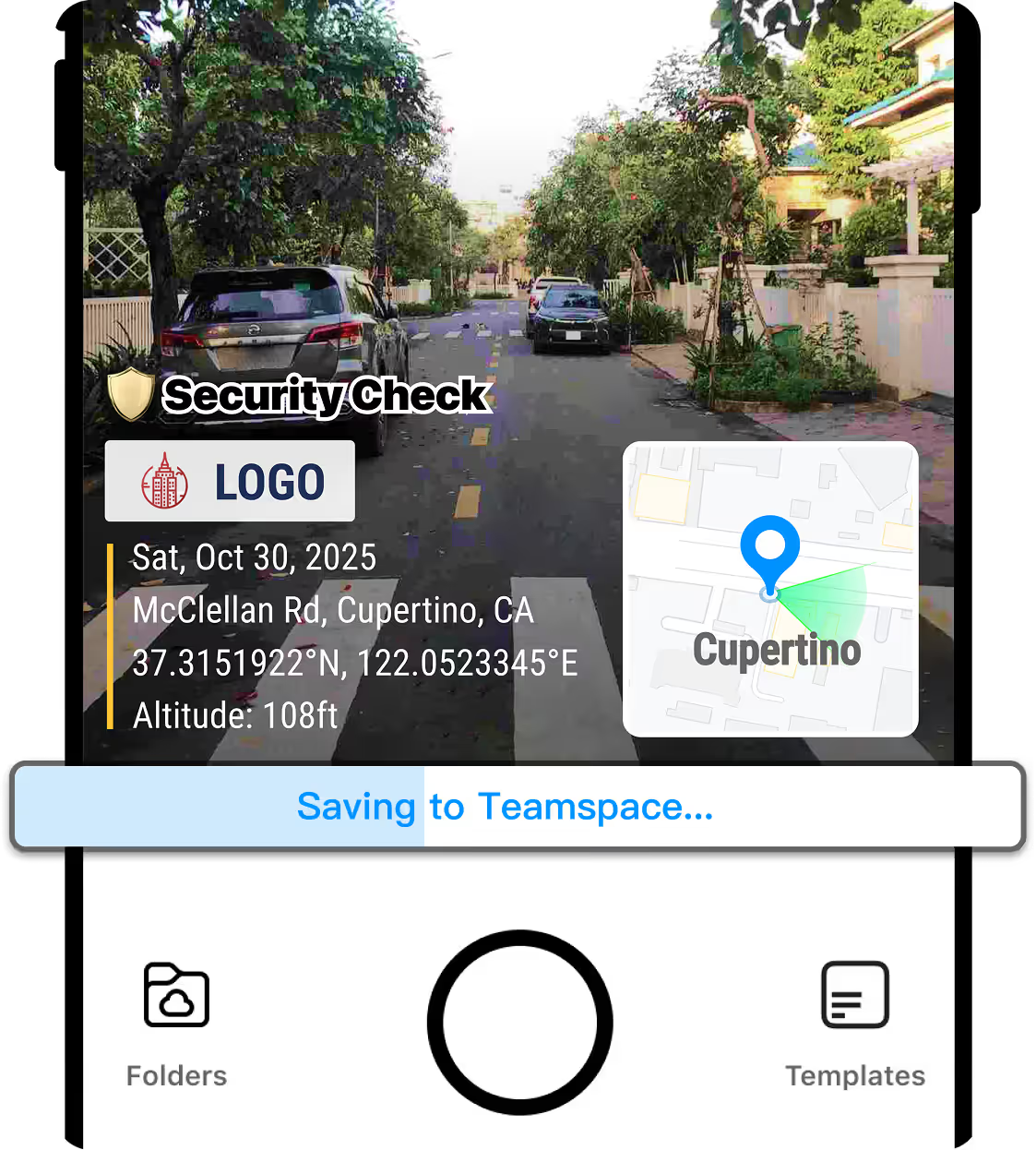
All in 1 Min
Email: Manually selecting, attaching, and embedding notes takes time. Timemark: Capture, auto-upload, and export as PDF, Excel, link, or ZIP instantly with no extra steps.
Download Timemark