
Critical work can disappear from view
Once concrete is poured, walls close, or another trade starts, important work may be impossible to inspect or prove later.
TIMEMARK FOR CONSTRUCTION TEAMS
Capture timestamped, geotagged photos before the next trade covers the work. Keep proof ready for inspectors, clients, and payment or change-order questions.
✓ Use one required photo template across crews and subcontractors.

THE JOB MOVES FASTER THAN THE RECORD
When work is covered, changed, or disputed, a missing photo can leave managers searching phones, emails, and chat history.
Once concrete is poured, walls close, or another trade starts, important work may be impossible to inspect or prove later.
Without a required team template, photos from employees and subcontractors arrive with uneven detail and no common structure.
Supervisors need to compare progress, inspection items, and corrective work by date, location, and work stage.
Completion photos are more useful when the client can see what was done, by whom, and where in the project.
THE MOMENTS THAT CANNOT BE RECREATED
A construction site changes quickly as work progresses. Capture the work area, crew, time, location, and condition while the evidence is still visible.
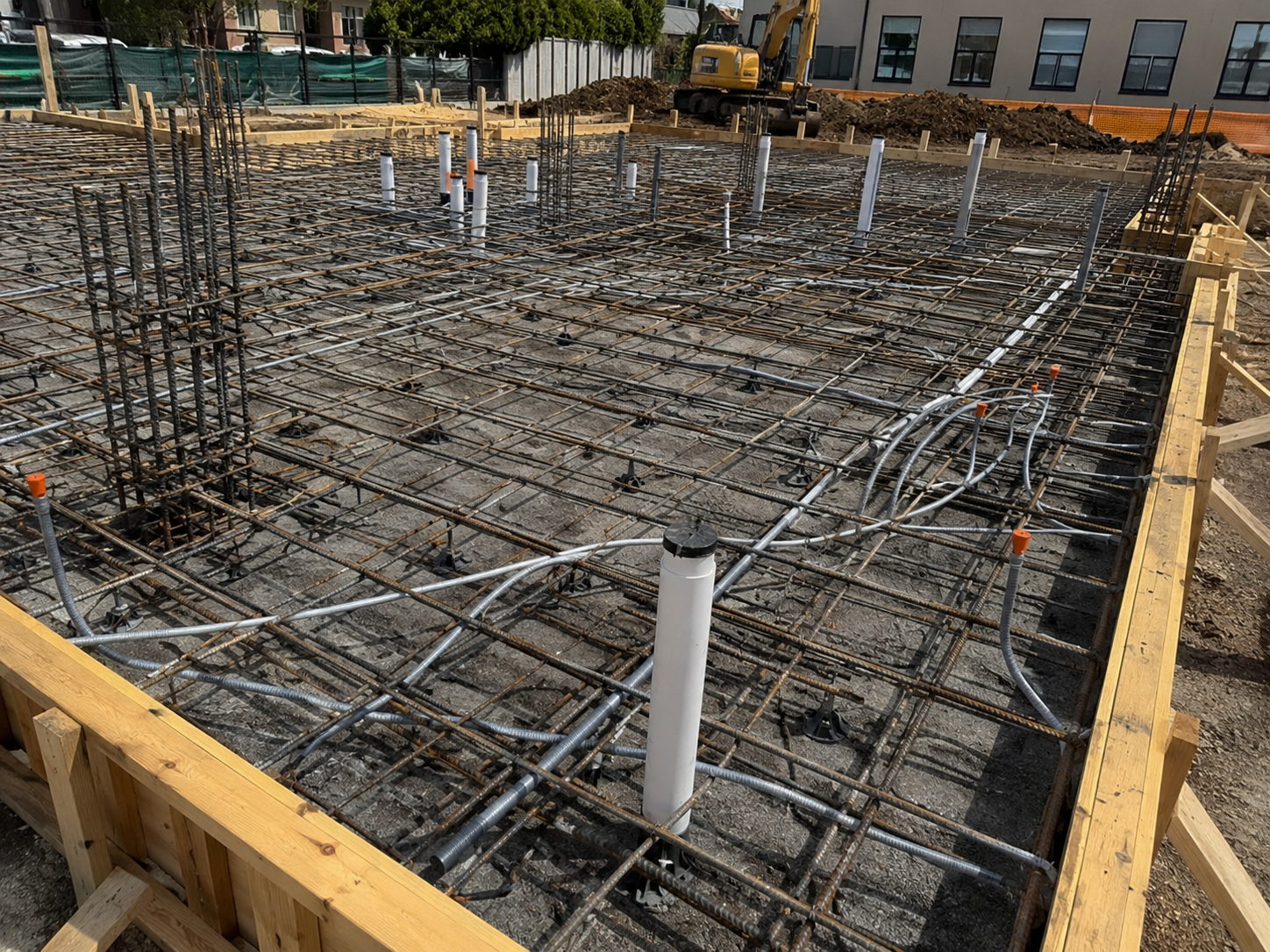
Capture rebar, conduits, sleeves, anchor points, and embedded work before concrete permanently covers the installation.
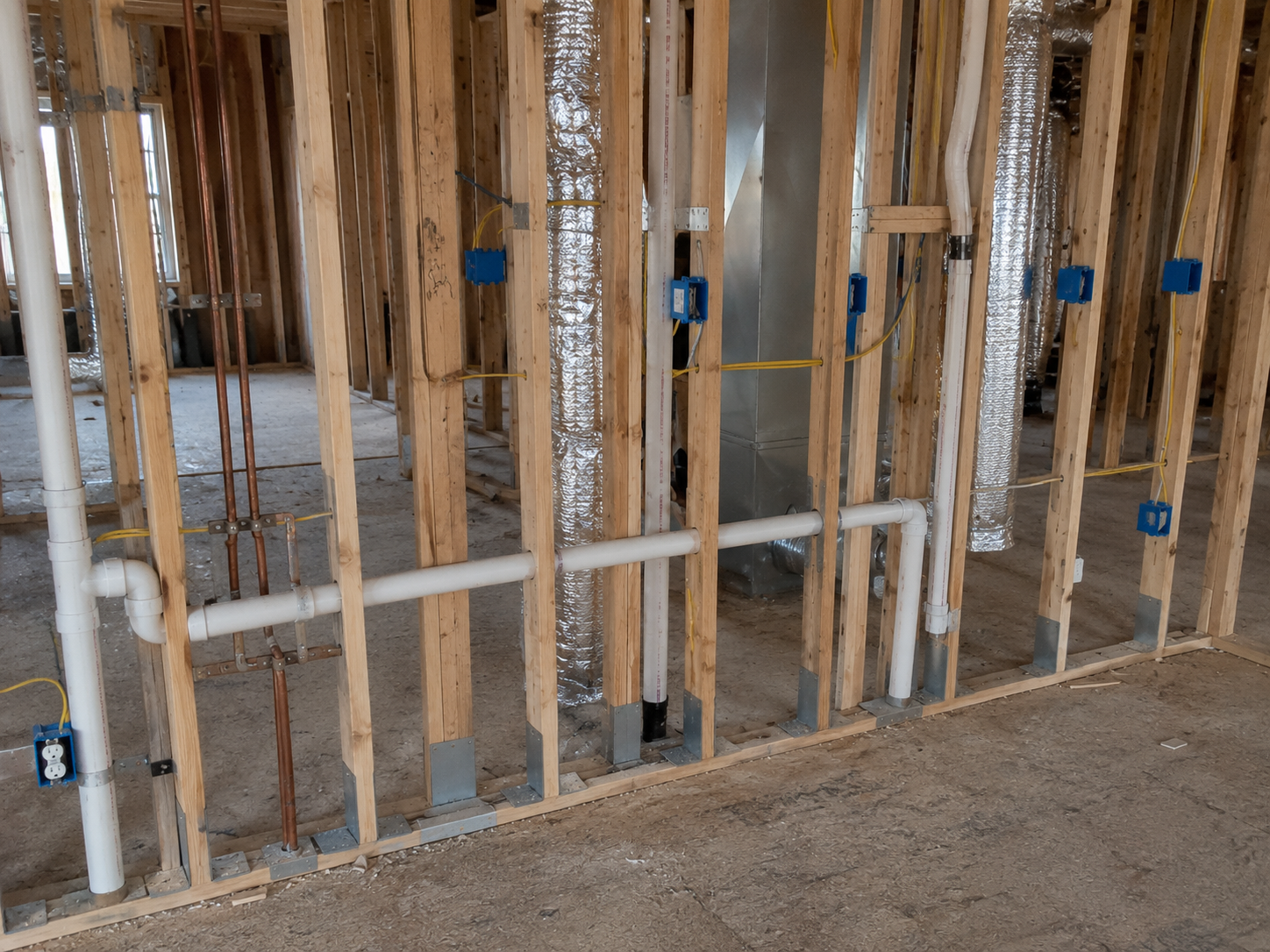
Document plumbing, electrical, HVAC, framing, and other in-wall work before drywall or finishes make it inaccessible.
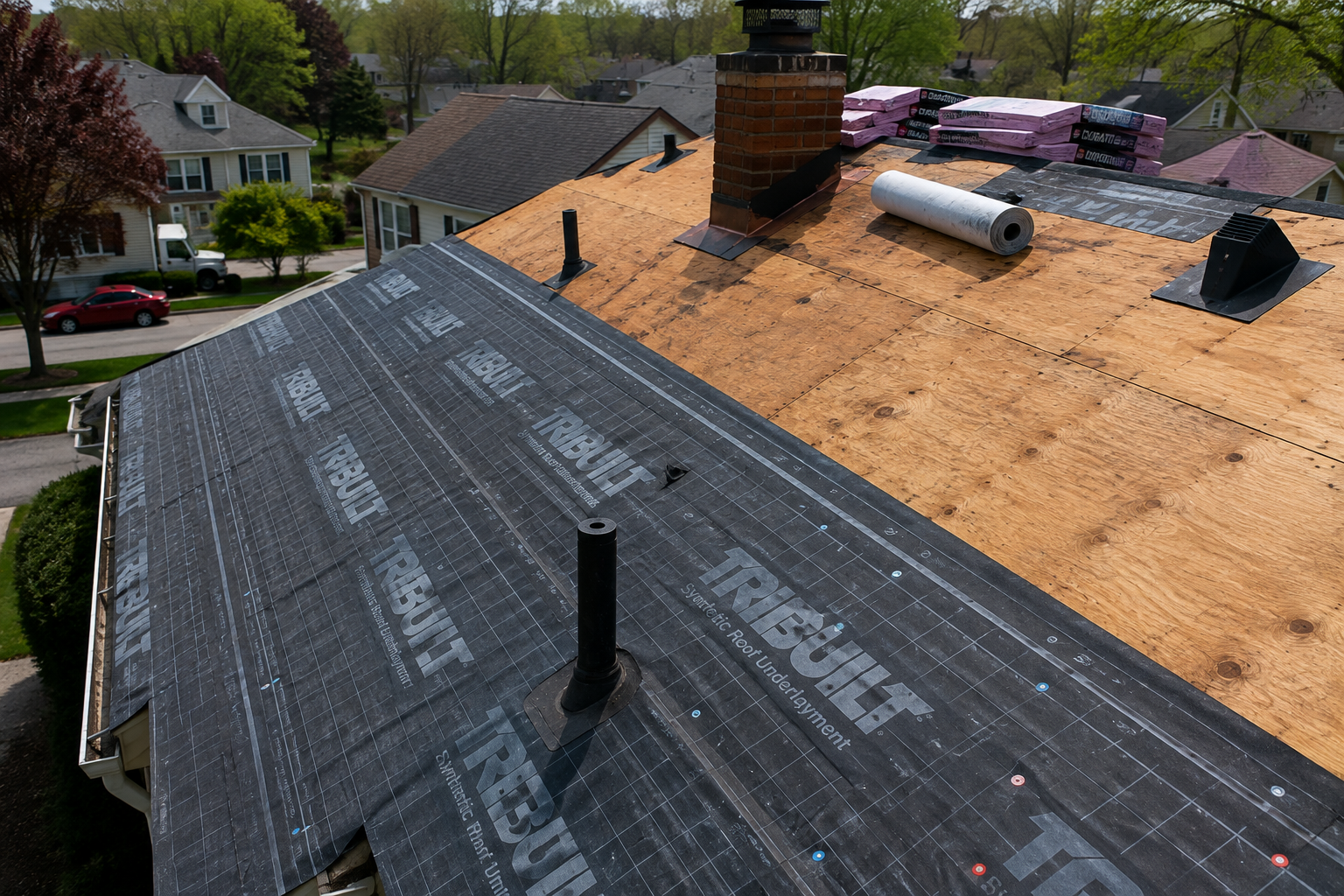
Record roof decking, underlayment, flashing, waterproofing, and repair areas before shingles or final roofing materials conceal the work.
RECORD THE WORK AS IT HAPPENS
Each scenario needs different context. Timemark helps crews capture it consistently while the work is still visible.
Record utilities, reinforcement, drainage, or installation details before the next trade or surface finish hides them.
Show the site condition, responsible crew, issue details, and the completed correction in one work record.
Capture final installation and correction photos before handover, so the client or owner can review the work without searching chat history.
A STAMP FOR EACH SITE TASK
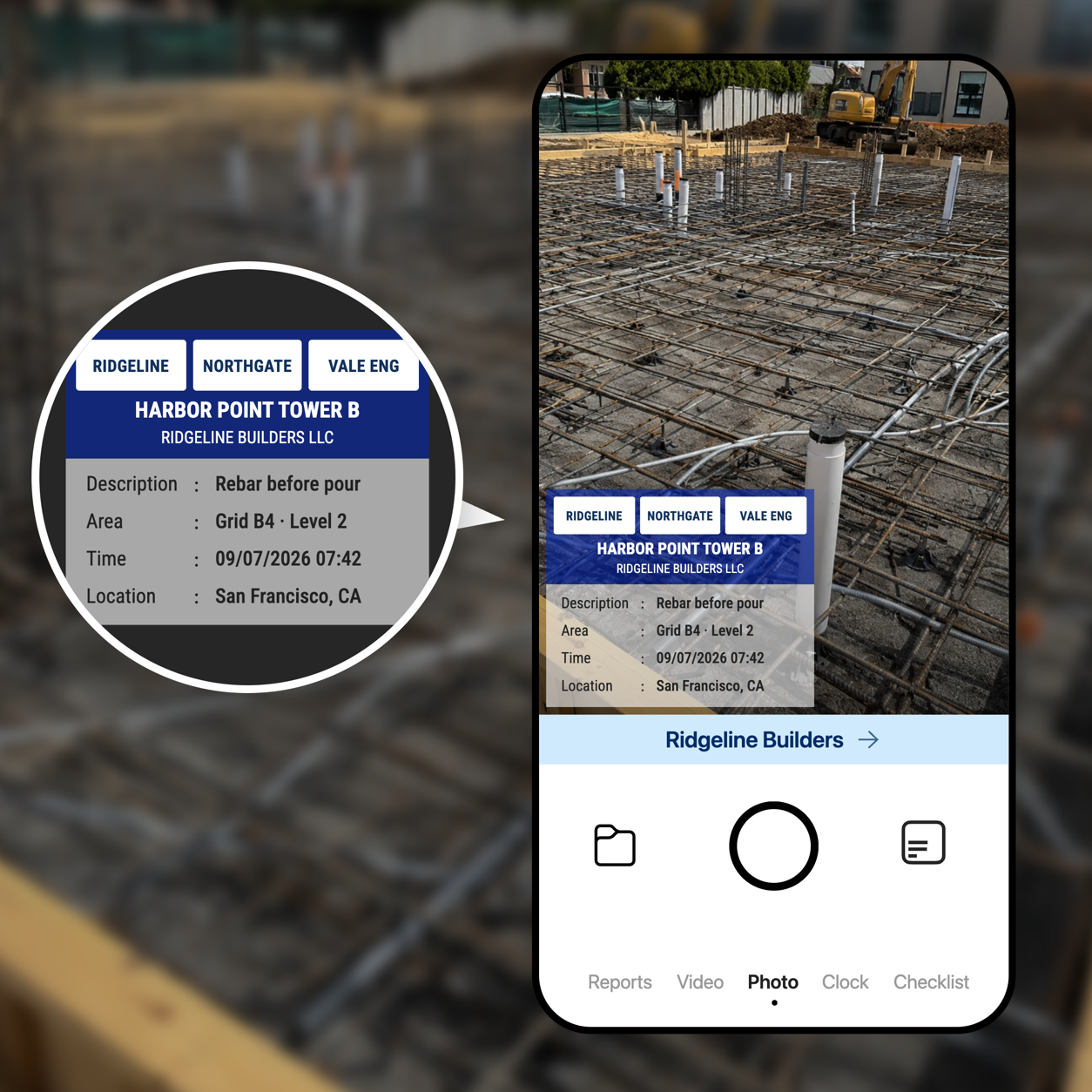
Admins set a repeatable template for progress, inspection, work report, service, and completion photos.
Capture time, location, address, and required task notes with each photo on site.
Collect consistent records by site and work stage so supervisors, clients, and the next crew can understand what happened.
FROM SITE CAPTURE TO TEAM DELIVERY
Photos from the field sync into a shared project record, so supervisors, subcontractors, and clients can review the right evidence without searching through chat threads or personal folders.
Sign up for Teamspace →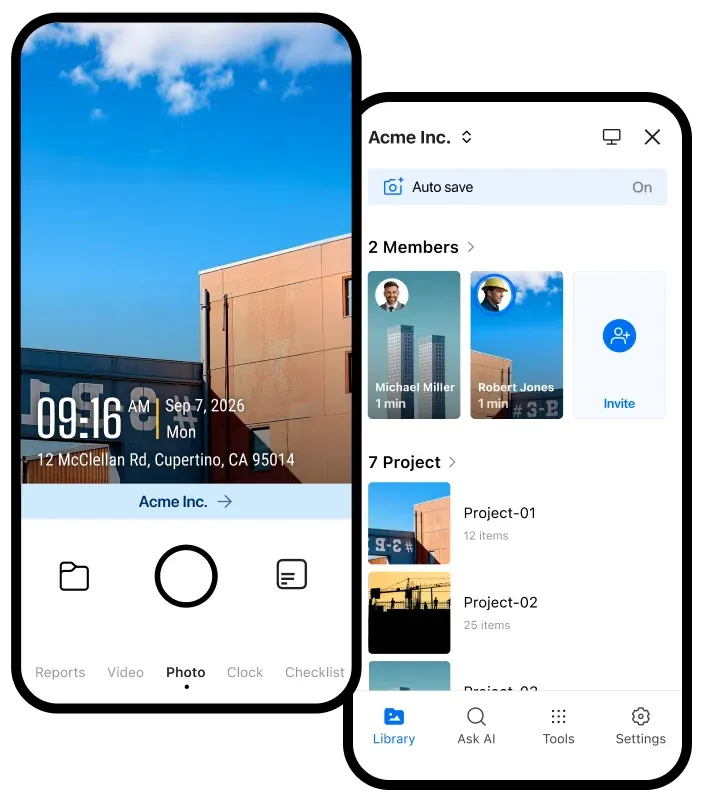
Keep site photos, work stages, and field details together in a shared project space.
Share a link anyone can open, or set project access for your team.
Share a link or export PDF, Excel, ZIP, or KMZ records when needed.
KEEP THE RECORD USEFUL AFTER THE SHIFT
Use these guides to help crews capture, organize, and share construction photo records with the context each project needs.
Share verified field records with the storage and automation tools your team already uses.

Automatically send verified jobsite photos and reports to the Google Drive folders your team already uses.

Keep project evidence available in OneDrive so office teams and field teams work from the same record.

Send job events and verified field records to the internal systems and automation tools your team relies on.

Sync verified job photos and field records with the jobs your team manages in Jobber.
BUILT FOR CONSTRUCTION FIELD WORK
Give supervisors, clients, and inspectors a clear project record before the next trade covers the work.
Get Timemark free →