
Best Free Proof of Delivery Photo Tool
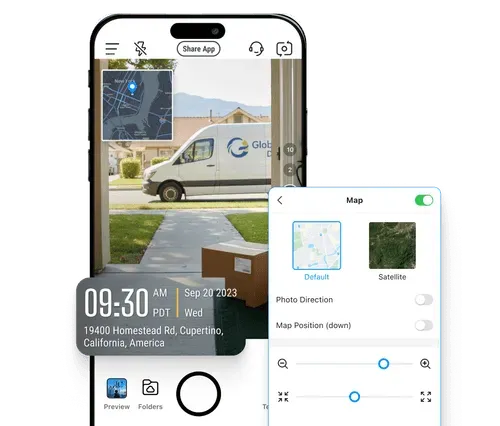
Take time-stamped, geotagged delivery photos via Timemark. Eliminate messy manual tracking and boost customer satisfaction.
Trusted by 3.7M field pros and teams from






Key Features
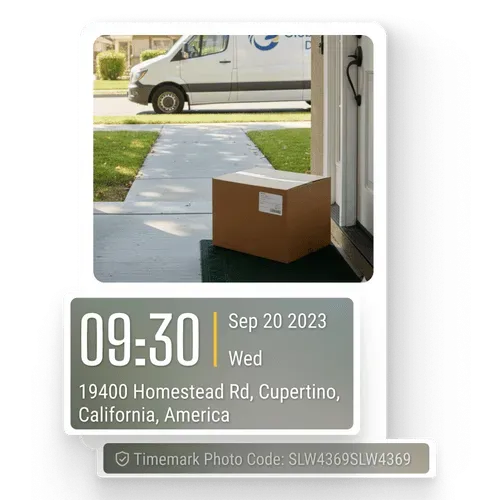
Add Geotags & Timestamps
Every photo carries the capture time, GPS coordinates and street address, printed on the image itself. The time comes from the network, so changing the phone clock does not change it.
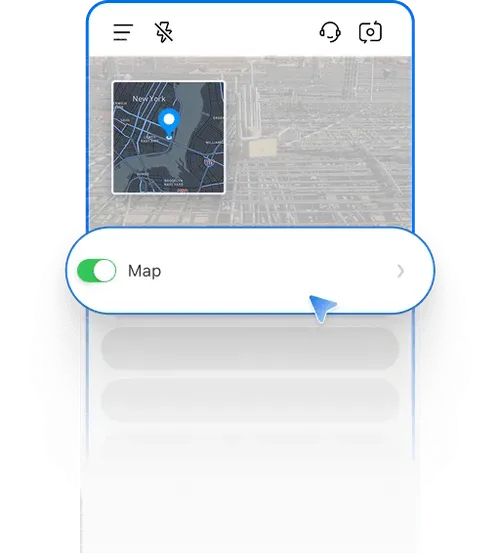
Display Map & Map View
Add a small map overlay that automatically displays exactly where your deliveries happened. Check location of each photo instantly on the web portal.
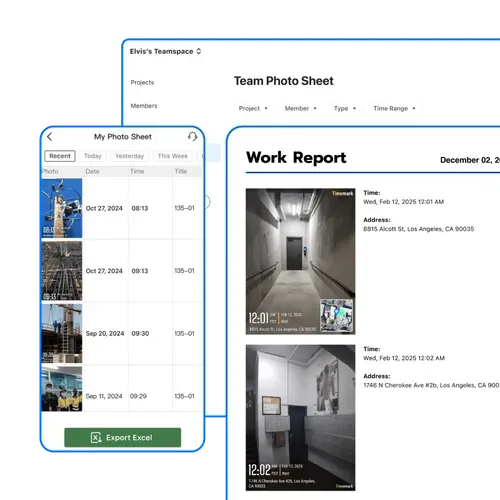
Quick Professional Reports
Turn all your organized proof of delivery photos into professional reports in minutes. Reduce admin stress and spend more time on actual deliveries or logistics management.
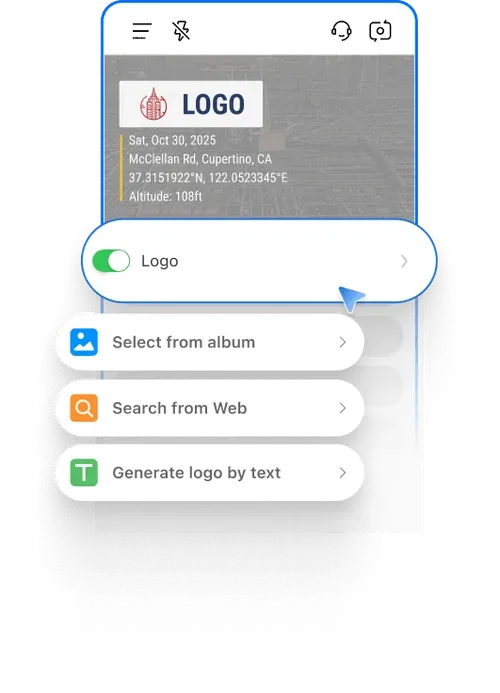
Stamp Logo
Show professionalism and secure proof with every image. Stamp your company logo on proof of delivery photos, whether for mail, Doordash, Amazon, or freight deliveries, turning them into branded, verifiable evidence.
How to Capture a Proof of Delivery Photo?
Three steps, and the record is on the photo before the driver leaves the stop.
- Get the app: Download Timemark from the App Store or Google Play, then allow camera and location access. That is the whole setup.
- Take the photo: Tap the camera button in Timemark. The time, GPS coordinates and address go on the photo as you shoot, and you can add the order number or a note.
- Send the proof: Photos sync to Teamspace, where the office can find them by driver, date or project and export a PDF or Excel report.

Use Cases Beyond Delivery
The same record settles questions well beyond the last mile.
- Warehouse and inventory: Photograph stock moving in or out, with the time and place on every shot, so counts and item condition are settled before an audit.
- Job sites: Keep a dated record of progress and site conditions, so a question about what was done and when has an answer.
- Insurance and claims: Document property condition, damage or a delivery with the time and GPS location on the photo, to support a claim.

Anyone Can Check Timemark Photos
Timemark uses network time, so the photo shows the real time even if the phone clock was changed. A Photo Code links the photo to the original time, location, and picture features stored on Timemark's servers. Anyone can check a photo with a code free at verify.timemark.com or with "Verify Photos" in the app.
- The photo shows real time even if the phone clock was changed.
- Fake GPS locations are labeled "Virtual location detected".
- Editing the photo file or metadata does not change the stored record.

What Delivery Teams Say
Frequently Asked Questions
Get Reliable Proof of Delivery Photos Now
Download to get time-stamped delivery photos, cut chargebacks, and make your workflow smoother. Start right away!
Start For Free