
Simple Jobsite Photo App to Save Time & Money
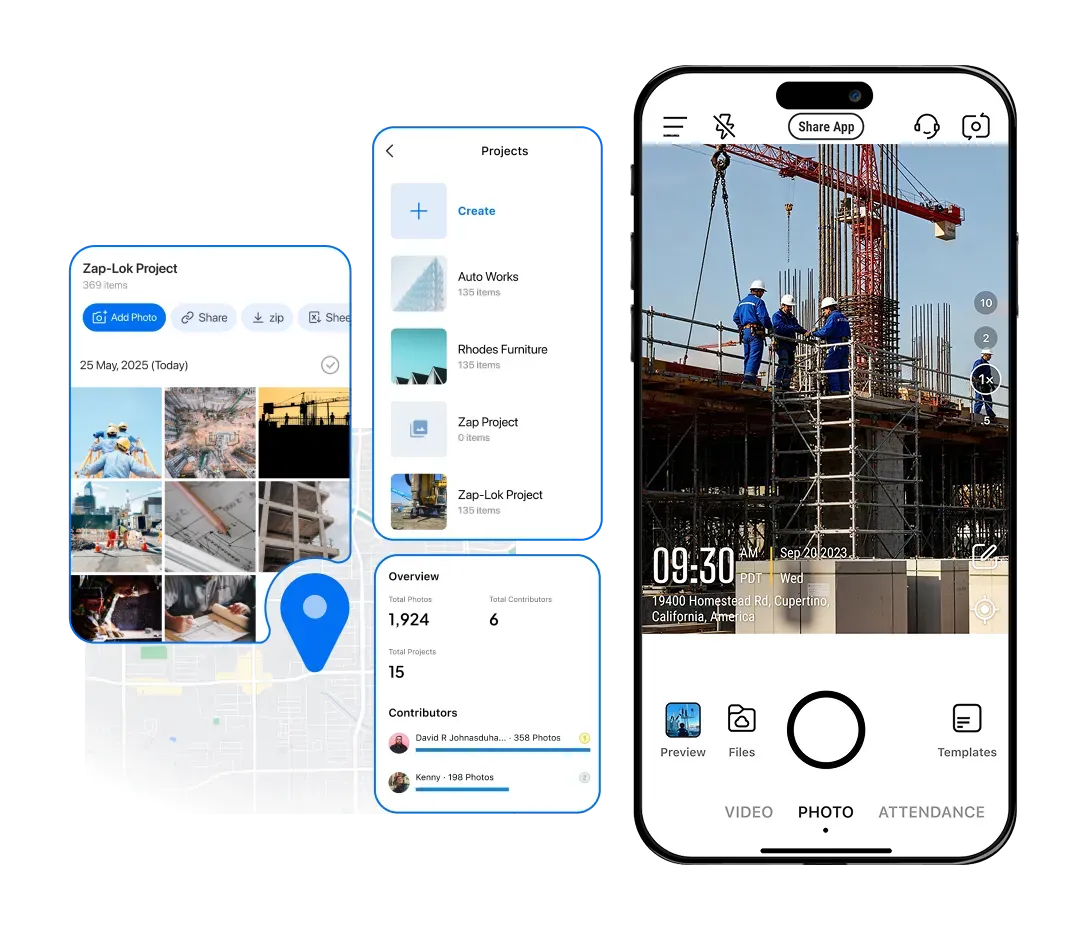
Jobsite Photo App Timemark auto-tags construction photos with Timestamp & GPS, organizes by Project/Team/Crew for easy photo management, and cuts rework costs, helping you avoid disputes and get paid faster.
Trusted by 3.7M field pros and teams from










Timemark's Best Solutions To Your Pain Points

Paper Forms
Pain Point: Paper forms are frustrating. It's hard to use on rough jobsites, easy to misplace, slowing workflows. Timemark's Solution: Record job details fast. Add timestamp, GPS, notes, and weather directly to photos. No more manual paper logging.
Scattered Photos
Pain Point: Jobsite photos scattered in phones/emails, hard to find when you need them. Timemark's Solution: Snap photos on-site, Timemark auto-syncs and organizes by Project / Crew / Team. Find photos in seconds.
Poor Communication
Pain Point: Bad team communication delays from missed updates, no clear task tracking. Timemark's Solution: Your team stays on the same page with the real-time photo uploads, jobs move faster.
Lost Proof
Pain Point: Losing photos/docs means no Proof for disputes, costing money. Timemark's Solution: All your jobsite data is backed up, secure, and always accessible.
Key Features
Mobile Inspection & Offline Sync
Jobsite Photo App lets you complete inspections on your mobile anywhere. No paper and pen needed. Work seamlessly offline: save notes, capture GPS, and select the destination project. Reconnect to Wi-Fi or data later, and watch all offline work auto-sync to the cloud for instant photo documentation and team updates.
Get Started Free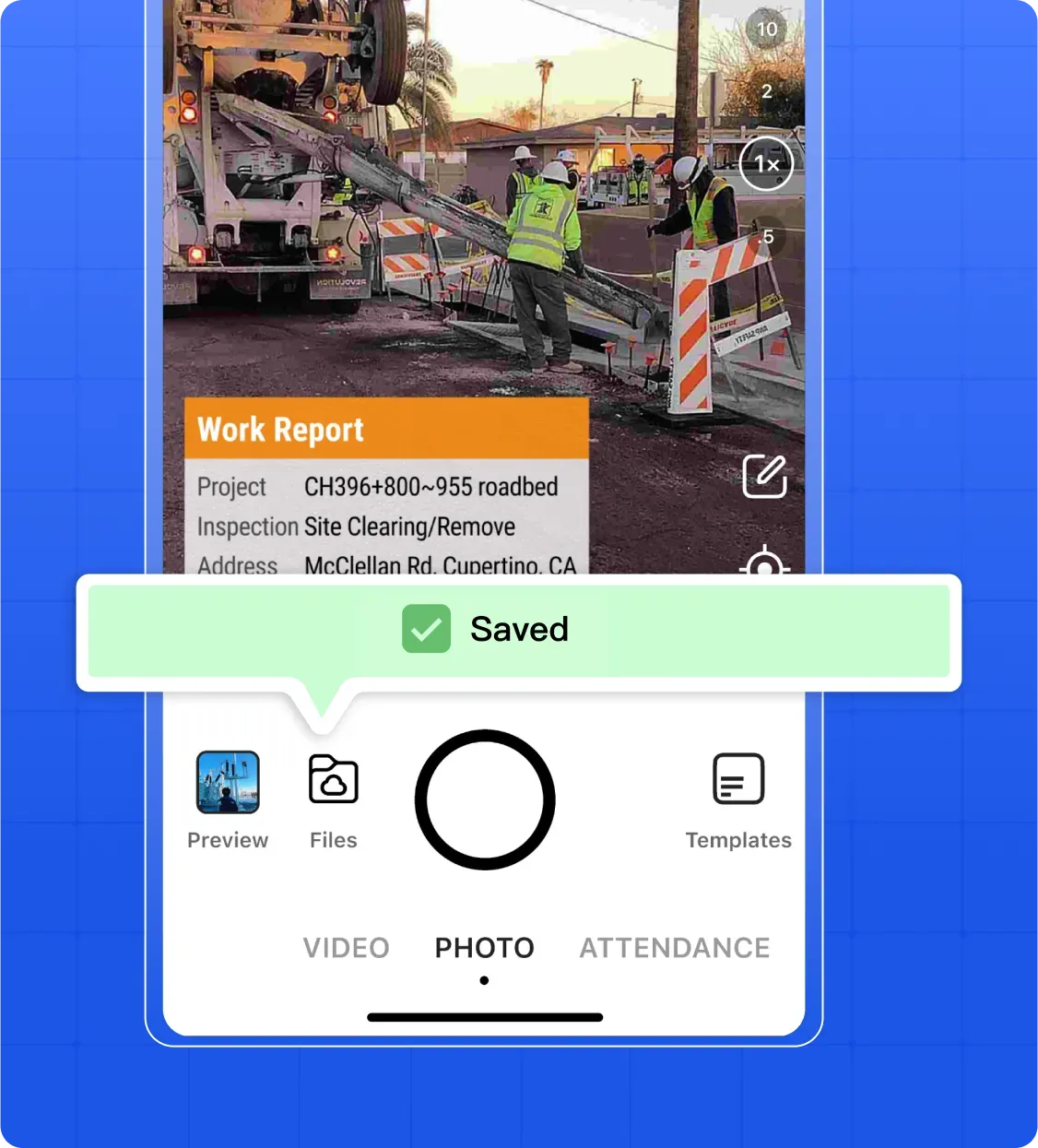
Photo & Video Annotation
Snap jobsite photos or videos, and let Timemark auto-add timestamp and GPS. Type notes or log weather directly on photos or videos, so key details never get forgotten.
Get Started Free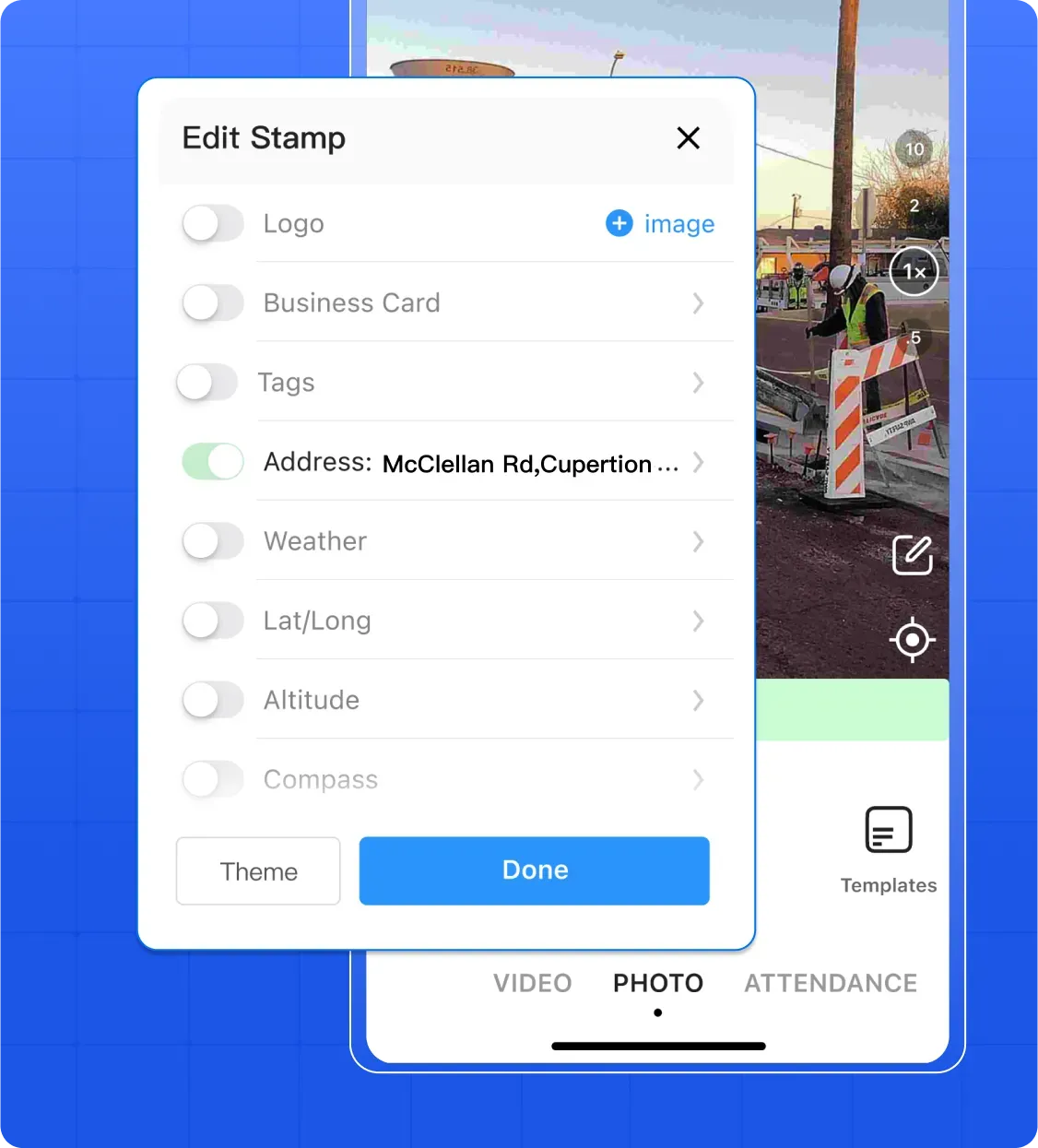
Automated Report Generation
With Timemark, the best Jobsite Photo App, click once to turn your organized photos, notes, and inspection data into professional PDF or Excel reports. Skip hours of manual compiling, add your company logo for a professional touch, and share reports via email or a live project link to clients, team leads, or subcontractors—so updates go out effortlessly.
Get Started Free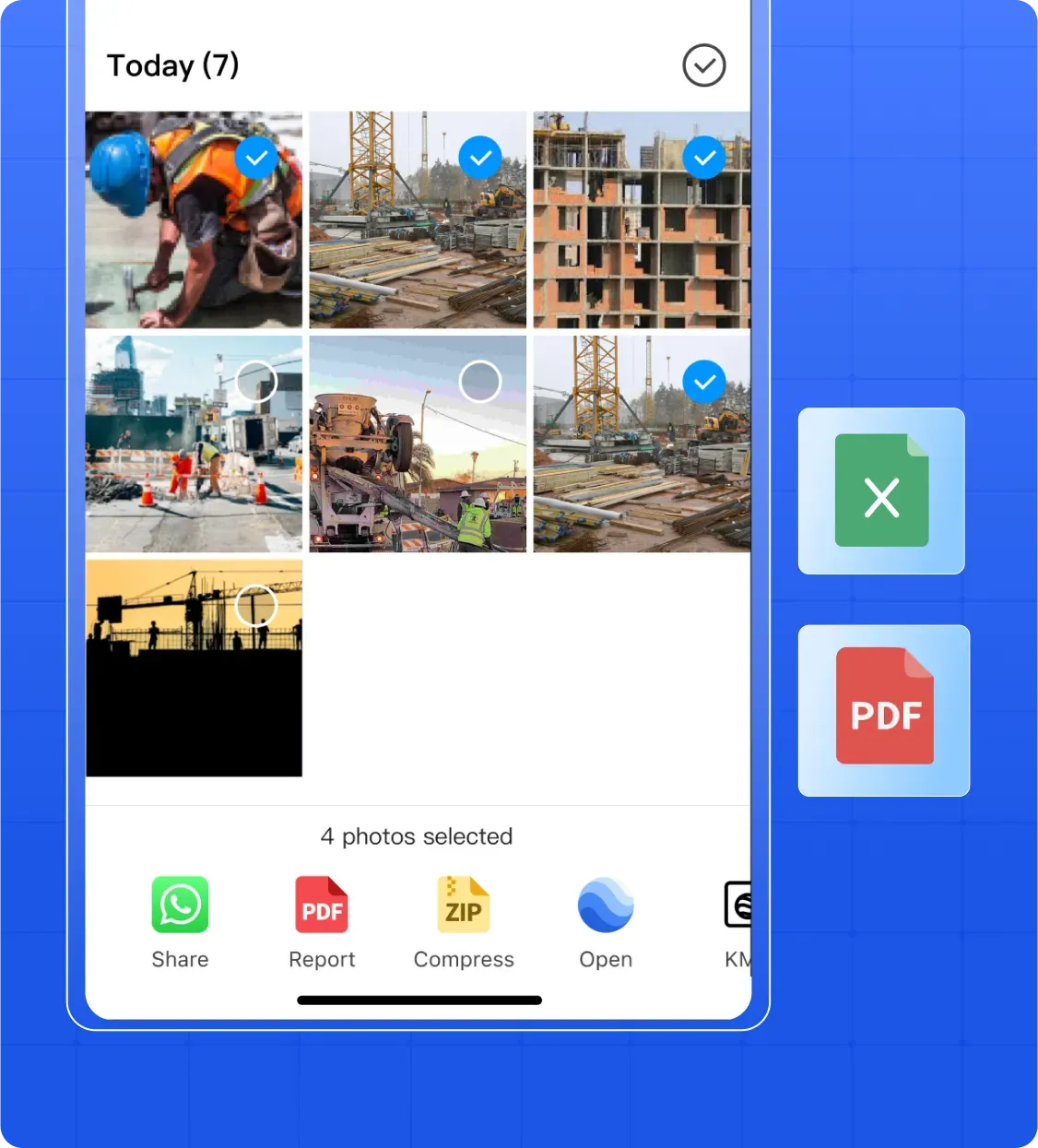
Real Jobsite Use Cases
Construction
Construction Quality & Safety Audits: Contractors use Timemark, the best Jobsite Photo App, to snap timestamped/GPS-tagged construction photos of sites (e.g., foundations pre-concrete). Supervisors review quickly on the web to check standards, and store safety audit photos for easy photo documentation and compliance management.
Explore Construction Photo Documentation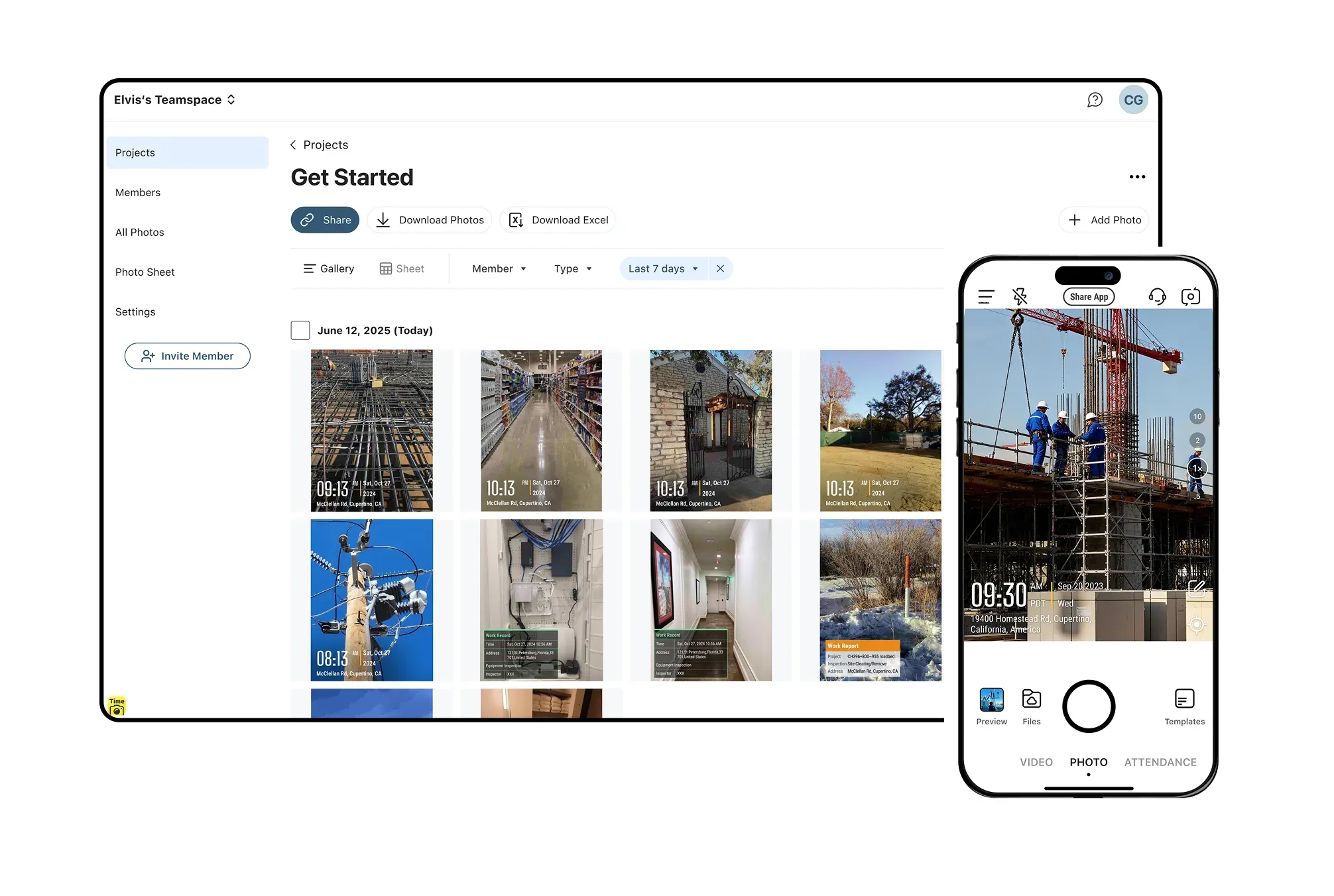
Field Service
Field Service Task Tracking: Telecom contractors use Timemark, the best Jobsite Photo App, to capture photos of damaged equipment and add problem notes directly. Photos auto-organize by project for easy management, so leaders can view real-time job progress and ensure on-time service delivery.
Get Started Free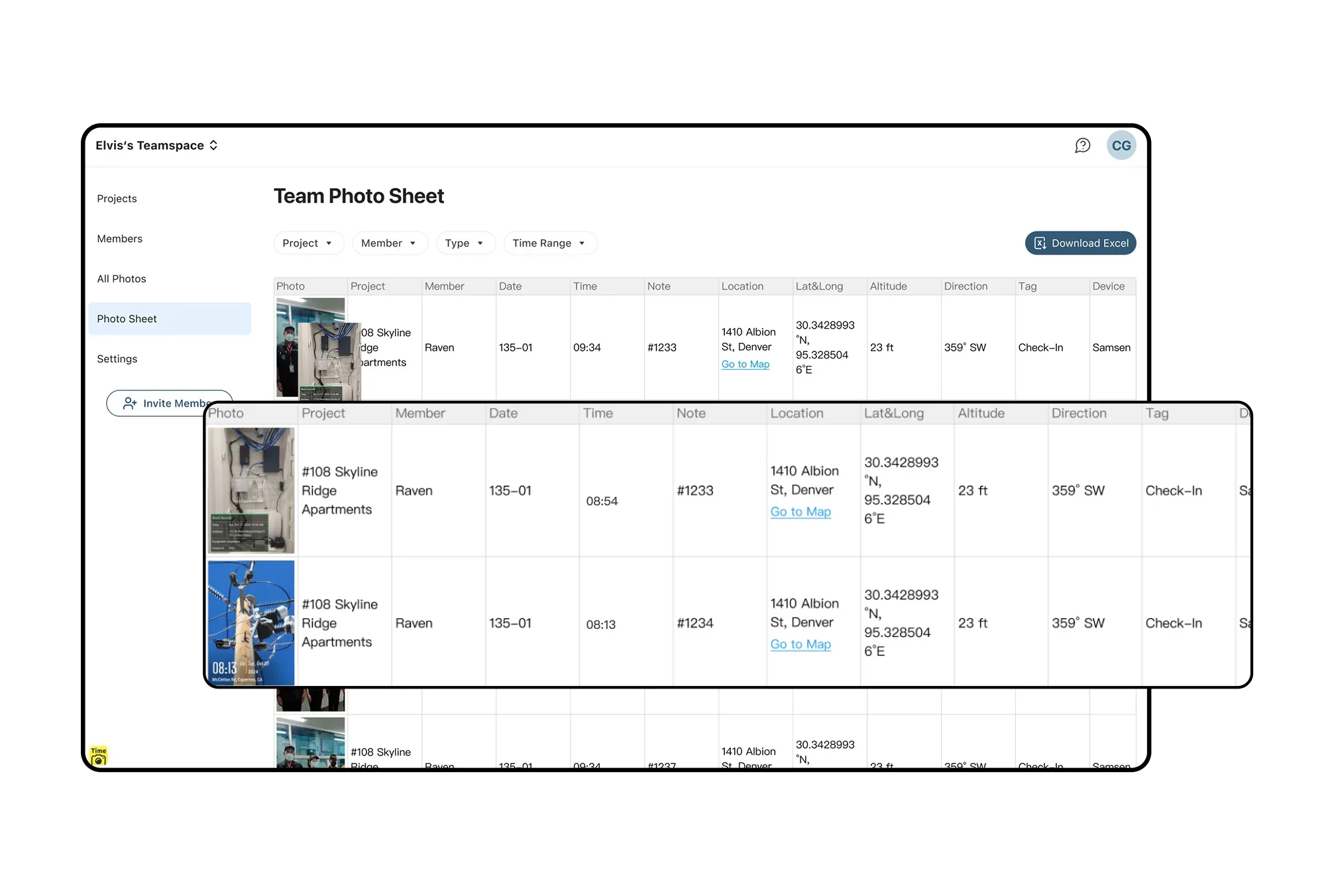
Real Estate
Remote Property Inspections: Property managers have tenants/staff snap rental property photos (e.g., leaky faucets) via Timemark. They view photos online, group by property, and generate 1-click PDF reports for maintenance or renters.
Get Started Free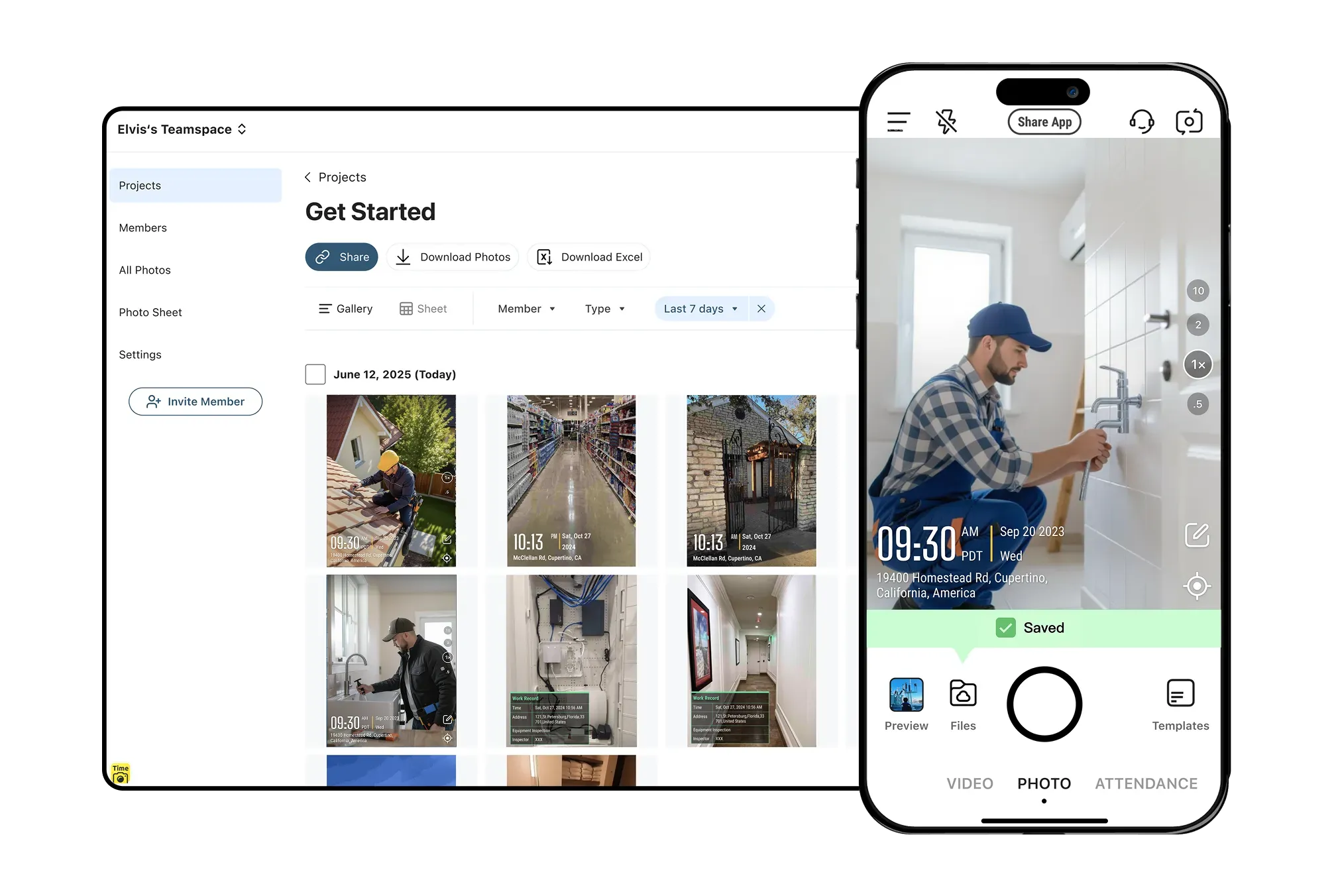
Land Surveying
Survey Data Documentation: Land surveyors rely on Timemark, a Jobsite Photo App built for surveying, to capture GPS- and timestamp-tagged photos of landmarks and boundaries. Back in the office, photos are organized by project for seamless documentation and quick retrieval for boundary dispute evidence.
Get Started Free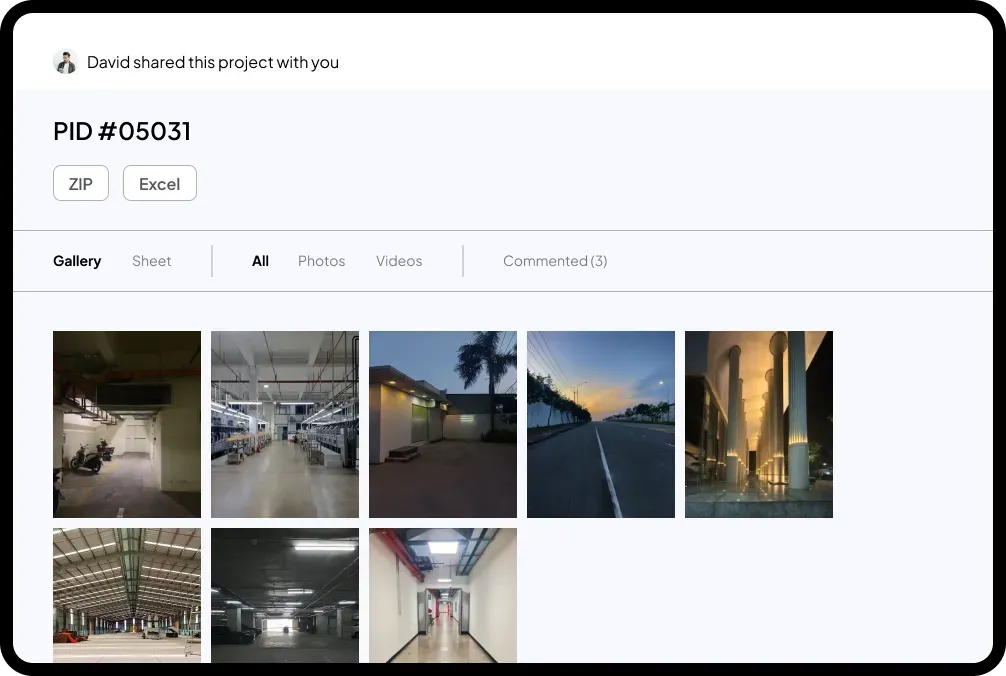
Why Timemark Stands Out for Jobsite Documentation?
Efficiency
Say goodbye to inefficient paper checklists and time-consuming photo hunts. Timemark turns messy jobsite info into clear insights and generates reports in one click. Save hours of admin work every week.

Collaboration
End the frustration of disconnected teams. Timemark's real-time notifications and shared project folders let field and office staff share jobsite updates instantly. No more delayed messages—teamwork is seamless and visible to everyone.

Risk Control
Minimize legal and financial risks with reliable documentation using Timemark, a jobsite photo app for secure site capture. Its tamper-proof photos, cloud storage, and clear audit trails help you avoid costly disputes, rework, and unpaid invoices.
Anyone Can Check Timemark Photos
Timemark uses network time, so the photo shows the real time even if the phone clock was changed. A Photo Code links the photo to the original time, location, and picture features stored on Timemark's servers. Anyone can check a photo with a code free at verify.timemark.com or with "Verify Photos" in the app.
- The photo shows real time even if the phone clock was changed.
- Fake GPS locations are labeled "Virtual location detected".
- Editing the photo file or metadata does not change the stored record.

Frequently Asked Questions

Create A Team For Free On The Best Jobsite Photo App
No more lost photos or unproven claims. Sign up for free to get timestamped/GPS-tagged photos, automated reports, and easy team collaboration for your jobsite.
Start For Free