
Required photos get missed
A location can need photos of pedestals, splice trays, vaults, labels, footage marks and coils. Without a clear list, crews can miss a photo before the work is covered.
TIMEMARK FOR TELECOM CREWS
For contractors who build for carriers such as Spectrum, AT&T, Frontier and Cox, capture fiber construction photos with time, GPS location and street address for approval, closeout and invoicing.
✓ Time and location cannot be edited and can be verified.
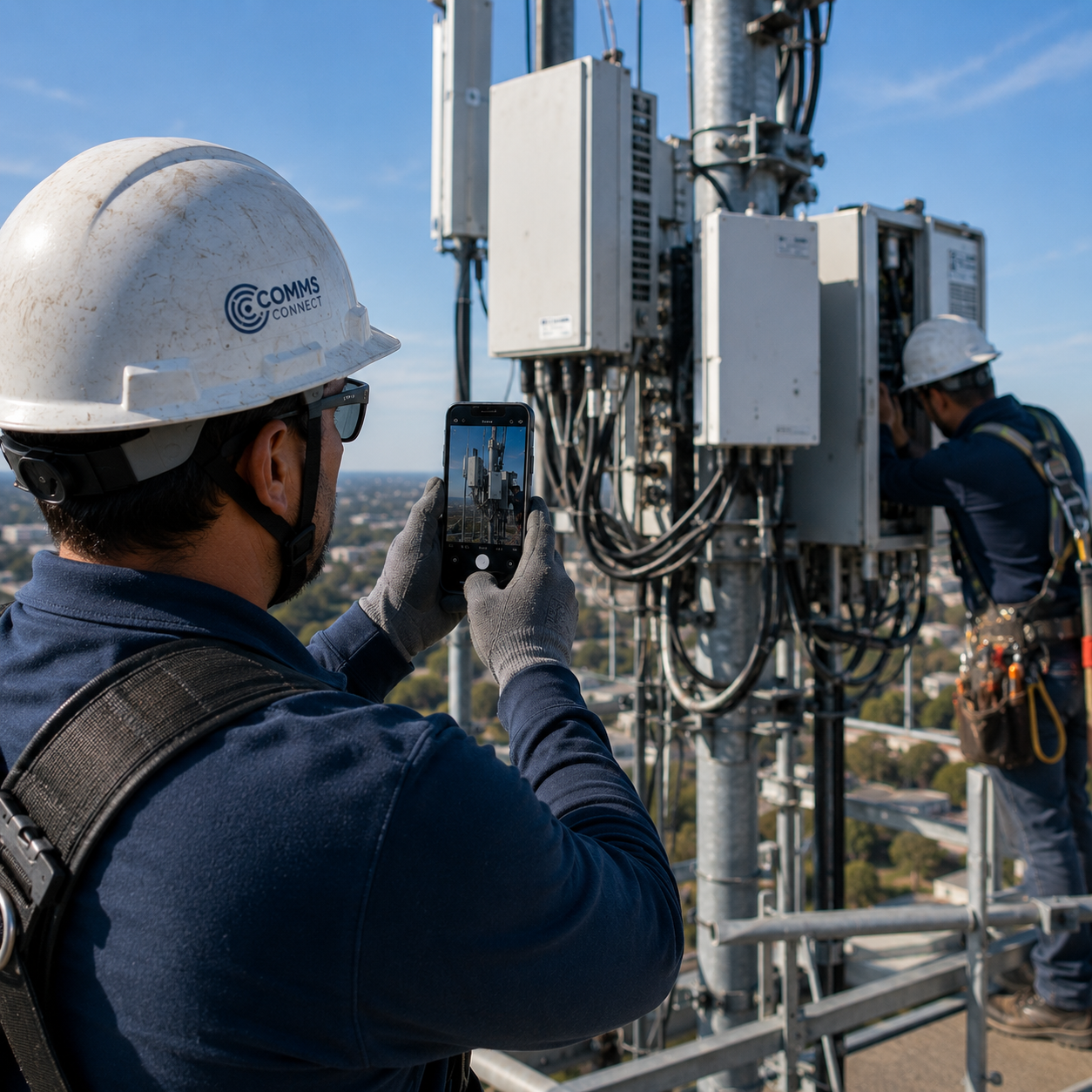
WHEN A PHOTO IS MISSING, BILLING STOPS
Carriers rely on contractor photos to review work at each location. If a required photo is missing or cannot be matched to an address, your team may need to return before closeout or invoicing can move forward.
A location can need photos of pedestals, splice trays, vaults, labels, footage marks and coils. Without a clear list, crews can miss a photo before the work is covered.
Generic camera photos may not show the full street address, GPS coordinates, project or work details the person reviewing the work needs.
Crews often work where signal is weak. Photos sent by text or email may not arrive, leaving the office waiting for records needed for review.
Office teams sort photos into location folders, build reports and chase missing files. That manual work can delay carrier portal submissions and invoices.
CAPTURE THE WORK BEFORE IT DISAPPEARS
Fiber work changes fast. After a trench is backfilled, equipment is closed or a site is restored, the reviewer cannot see what was done. Capture each required record at the location, before the crew moves on.
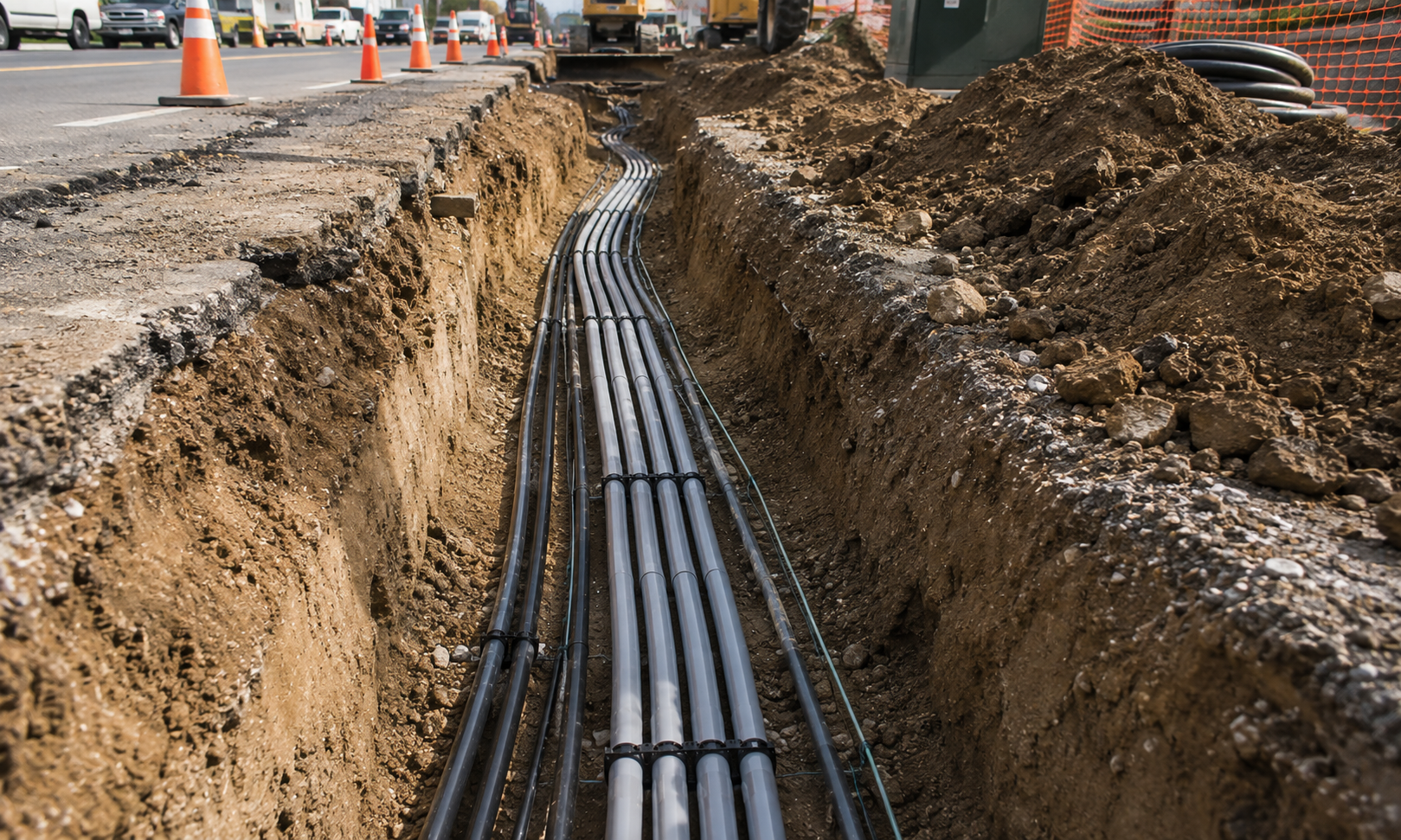
Record conduit, fiber route, depth context, footage marks, handholes and 811 locate conditions while the underground work is still visible.
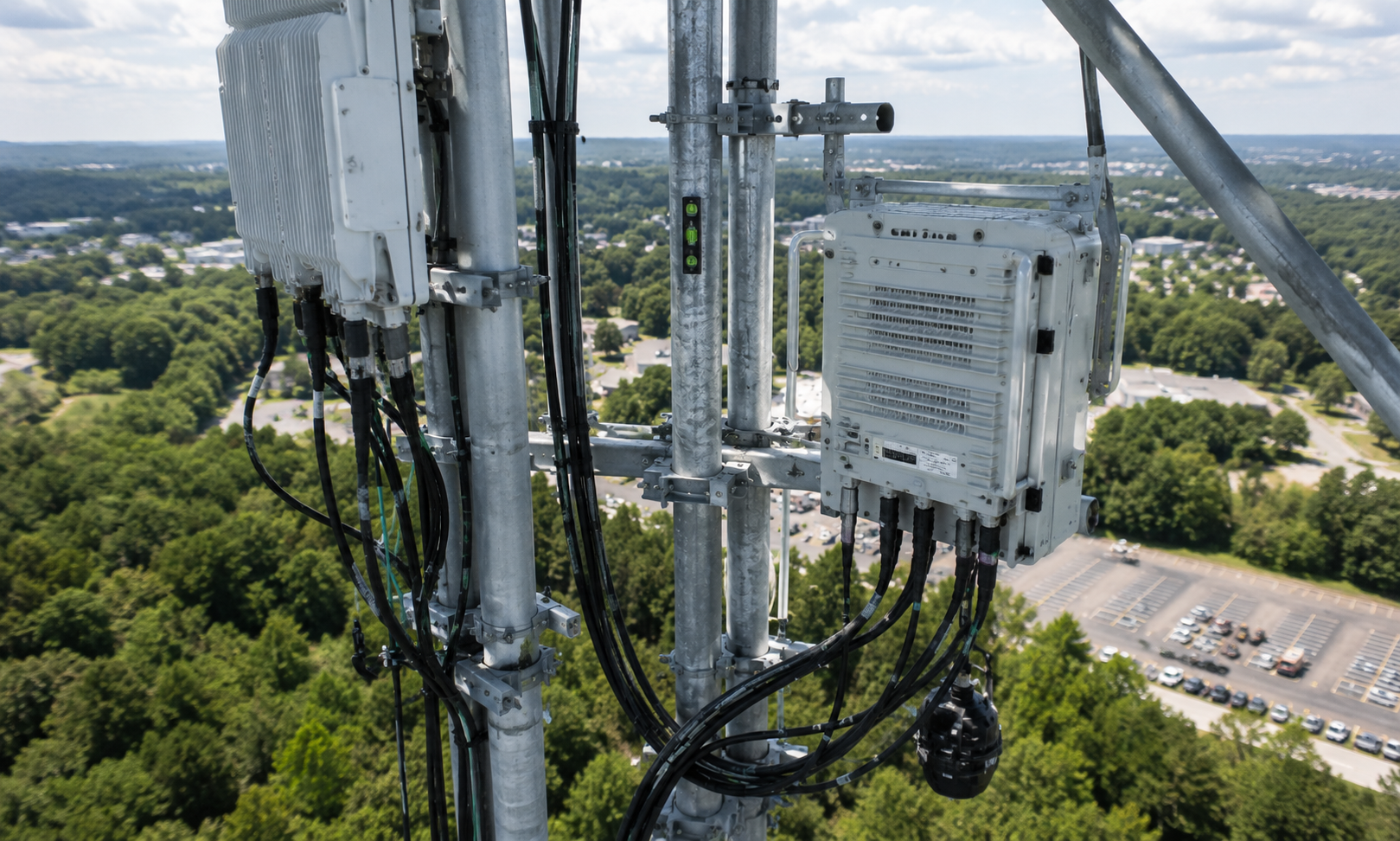
Capture cabinets, pedestals, splice cases, trays and fiber labels so the person inspecting the work can see the installed details.
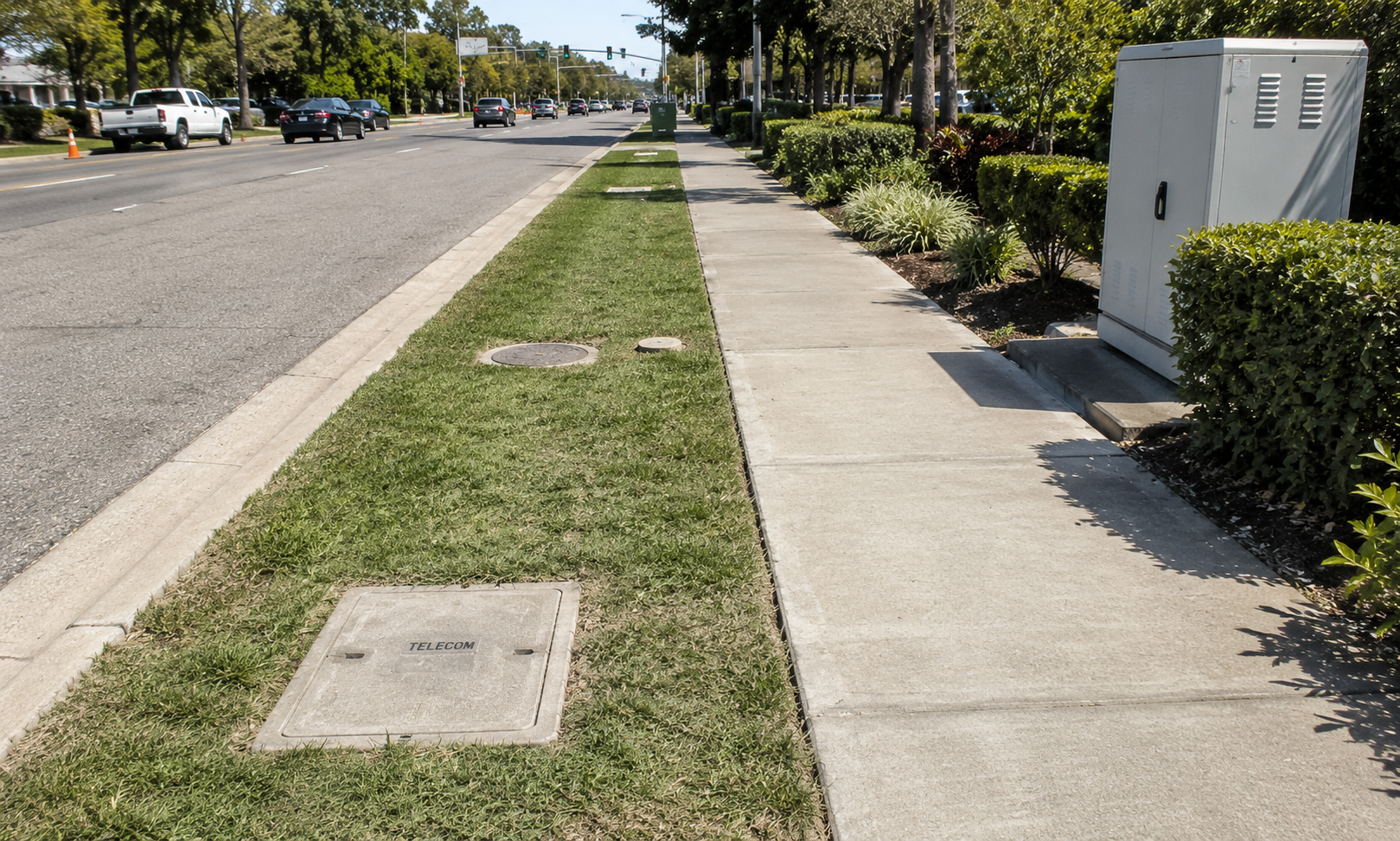
Document restored pavement, landscaping, access points and final site condition before closeout is sent for approval.
COLLECT & ORGANIZE
Photos sync to Teamspace by project, member and date. If a crew is offline, photos wait in the app and upload when the phone is back online.
Explore Teamspace →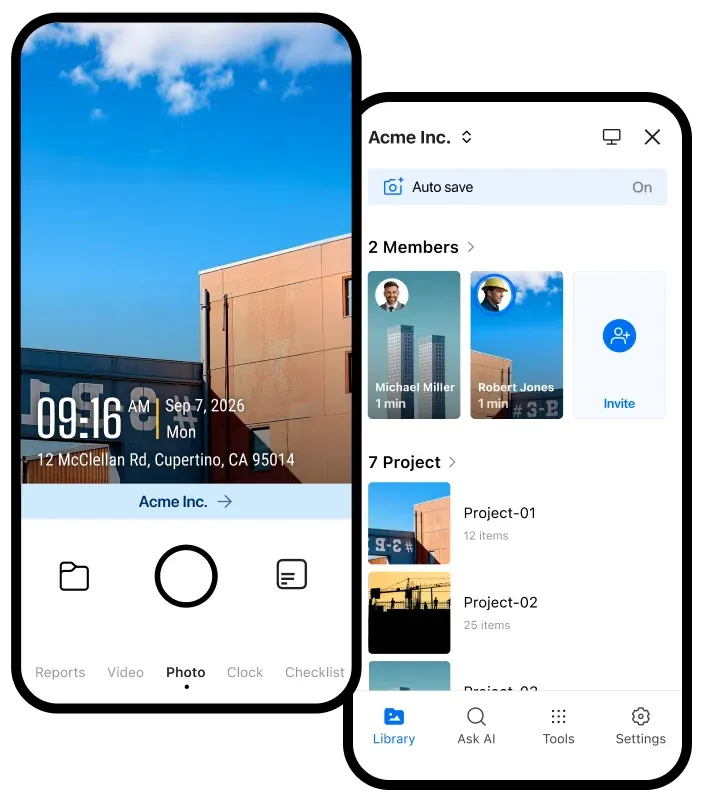
Review field photos in one shared project record instead of checking texts, emails and personal folders.
Check photos while crews are still on or near the location, before a missing closeout photo becomes a return visit.
Limit crew access to their own projects or photos, and turn off delete permission when needed.
BUILD CLOSEOUT PACKAGES
Use photo templates and checklists to collect required records, then export the files your office needs for carrier portals, review and billing.
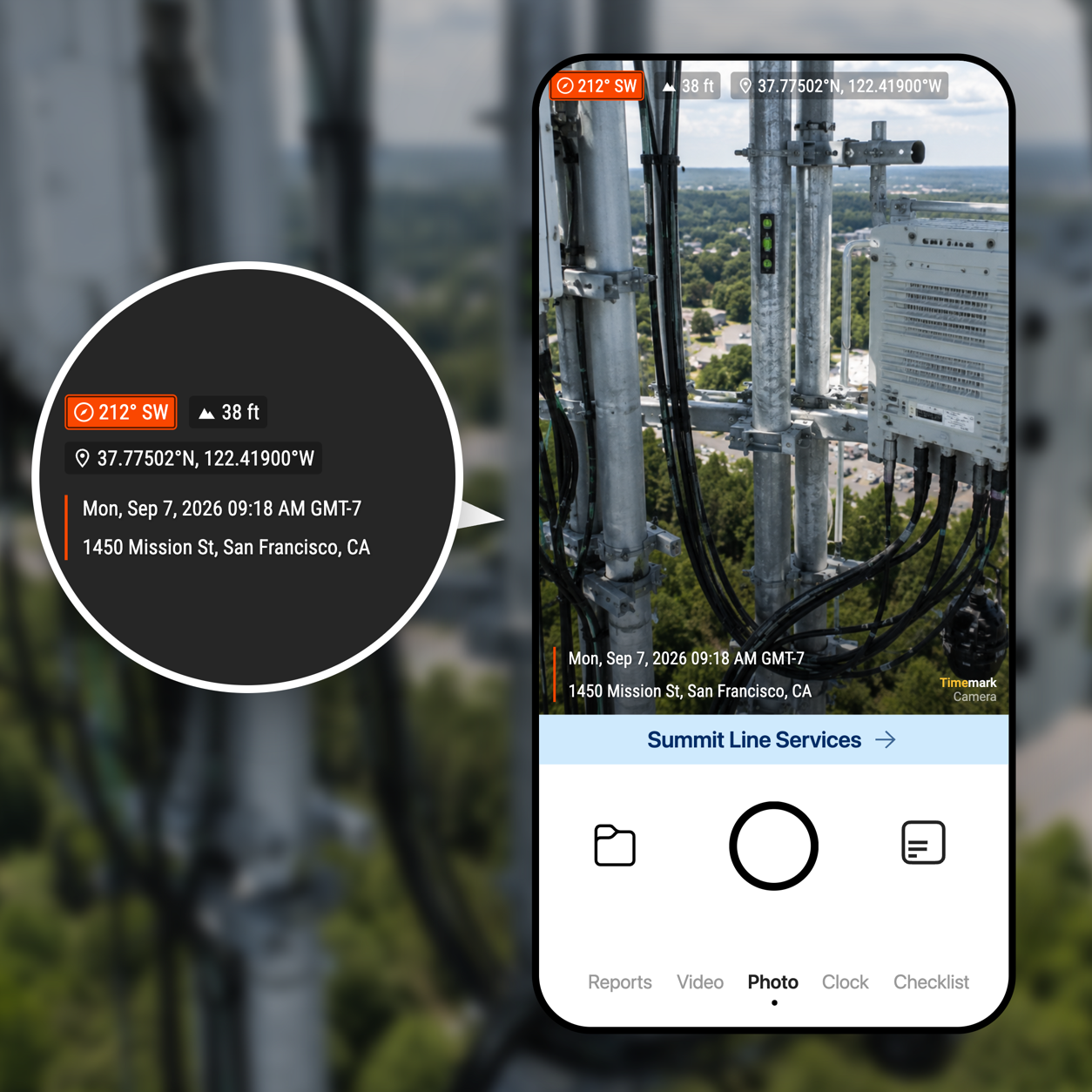
Build a checklist for each location, such as pedestal views, splice details, footage marks, restoration and other required photos.
Use a team template to show the project, time, GPS location, street address and the job details your reviewer needs.
Create PDF, Excel, ZIP or KMZ exports. Use KMZ files to review photo locations in Google Earth.
KEEP TELECOM PROJECTS MOVING
Learn how to standardize fiber construction photos, manage photo requirements and prepare clear closeout records for approval and billing.
Share verified field records with the storage and automation tools your team already uses.

Automatically send verified jobsite photos and reports to the Google Drive folders your team already uses.

Keep project evidence available in OneDrive so office teams and field teams work from the same record.

Send job events and verified field records to the internal systems and automation tools your team relies on.

Sync verified job photos and field records with the jobs your team manages in Jobber.
BUILT FOR TELECOM CONTRACTORS
Give reviewers the photo records they need to approve closeout and payment.
Get Timemark free →