
Features
Everything you need to document field work
From verified timestamps to one-click reports — explore what Timemark can do.
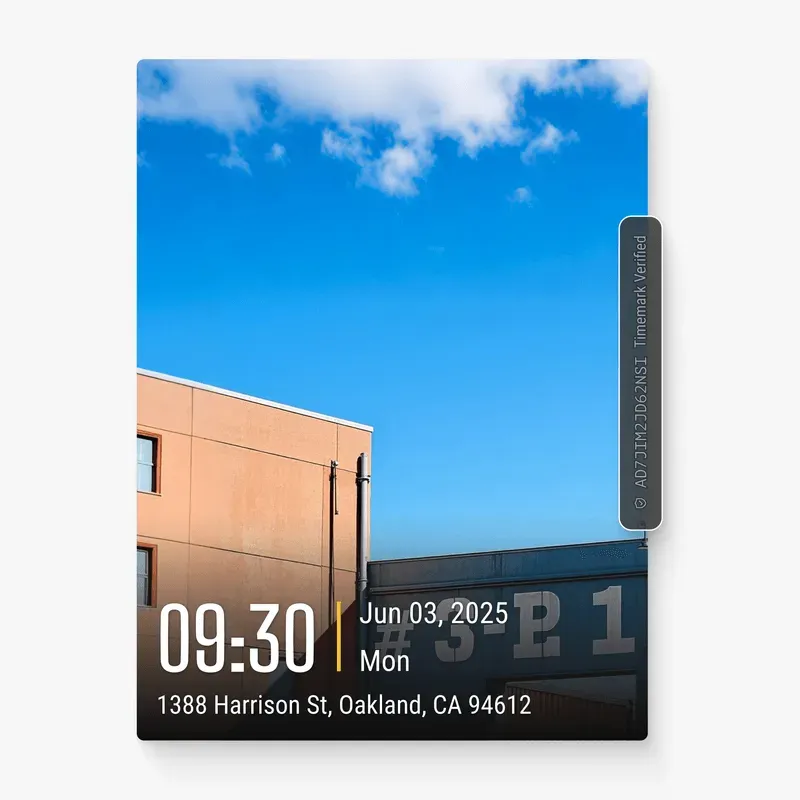
Timemark auto adds geotags, timestamps, and other info to capture trusted proof or progress photos for construction, inspection, field services, and more.

Collect job photos from your crew automatically in Teamspace. See work as it happens, with time, location, address, and project details intact.
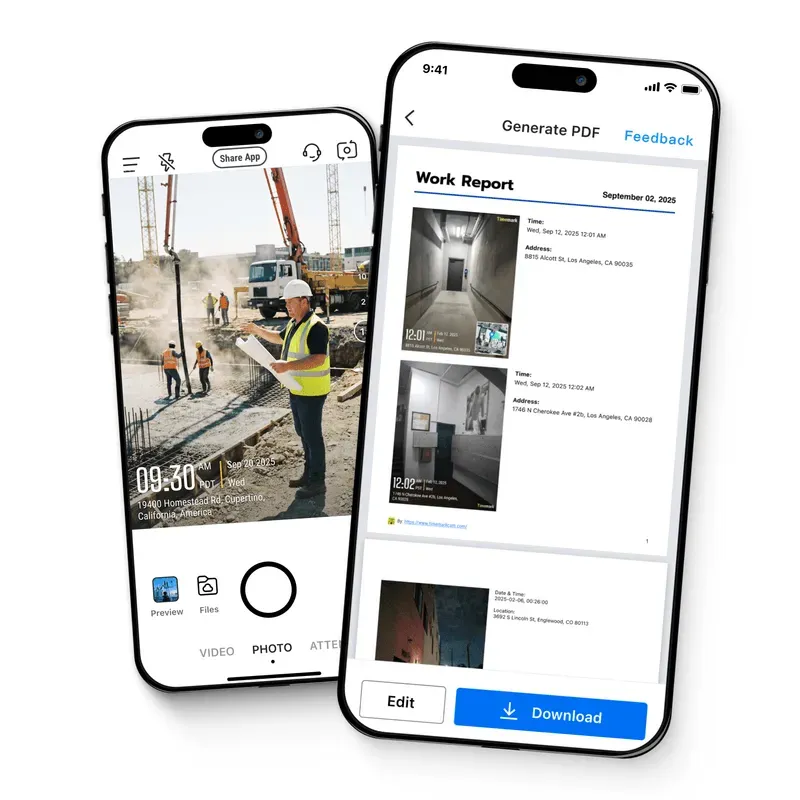
Create field reports right from the job site or in the office. Simplify documentation for construction, home service, inspection, security, and more.
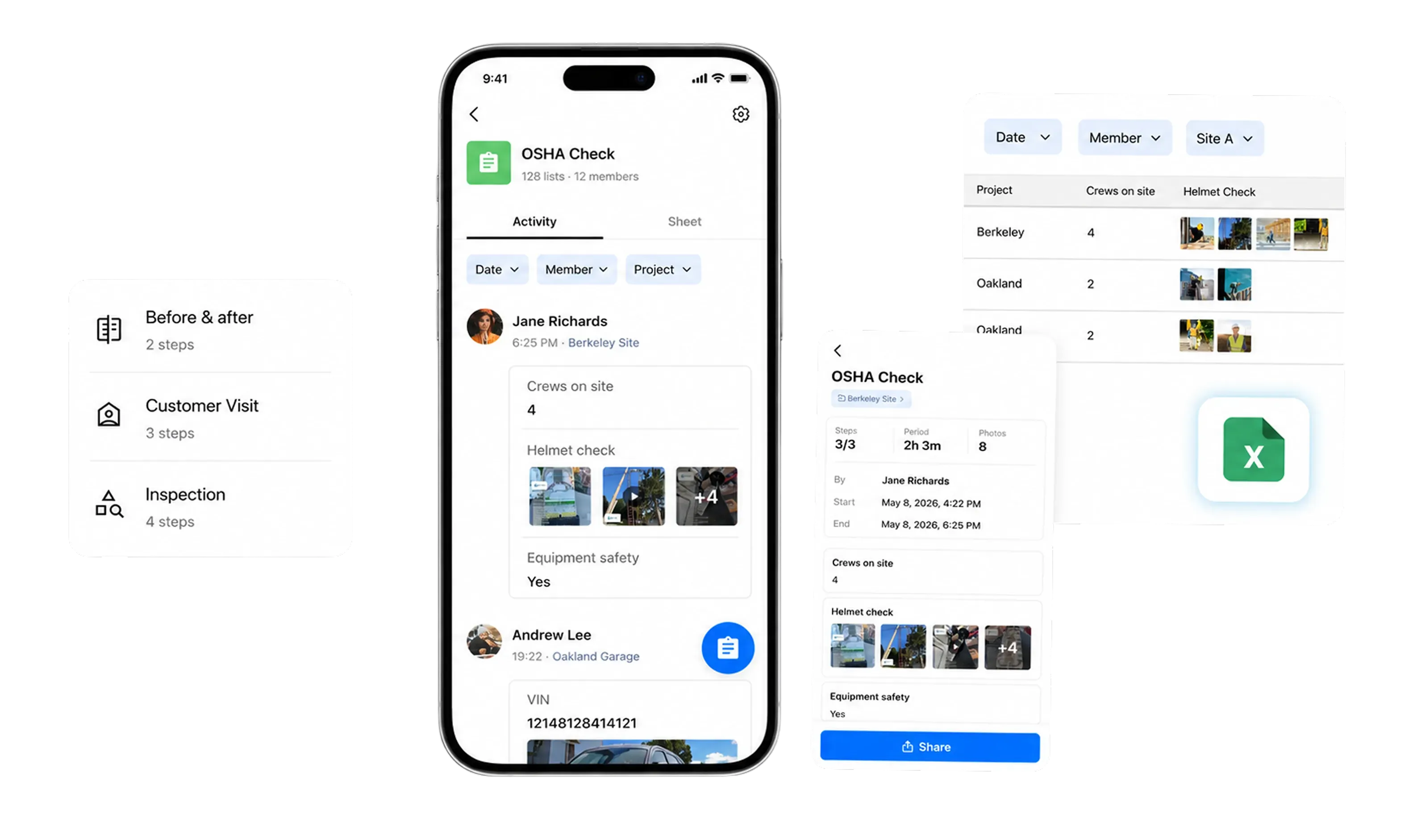
A photo proves one moment; a checklist proves the whole job. Standardize field inspections, capture signatures on site, and export a finished PDF report for your client.
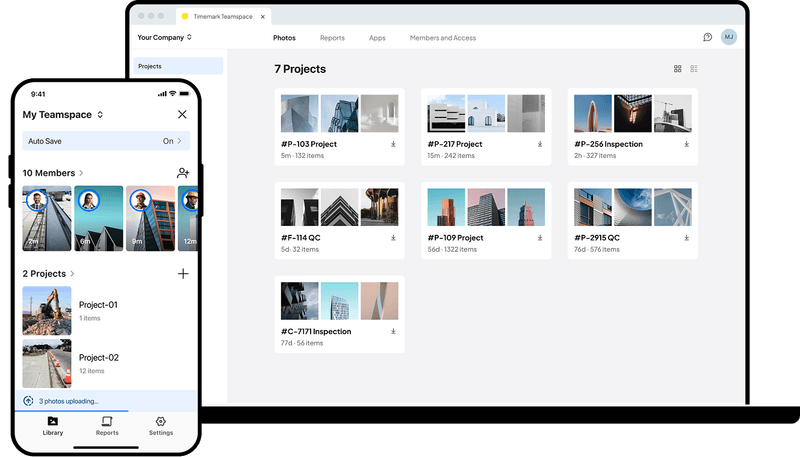
Organize job photos in Teamspace by project, crew member, and date. Search addresses, work order numbers, and watermark details when needed.
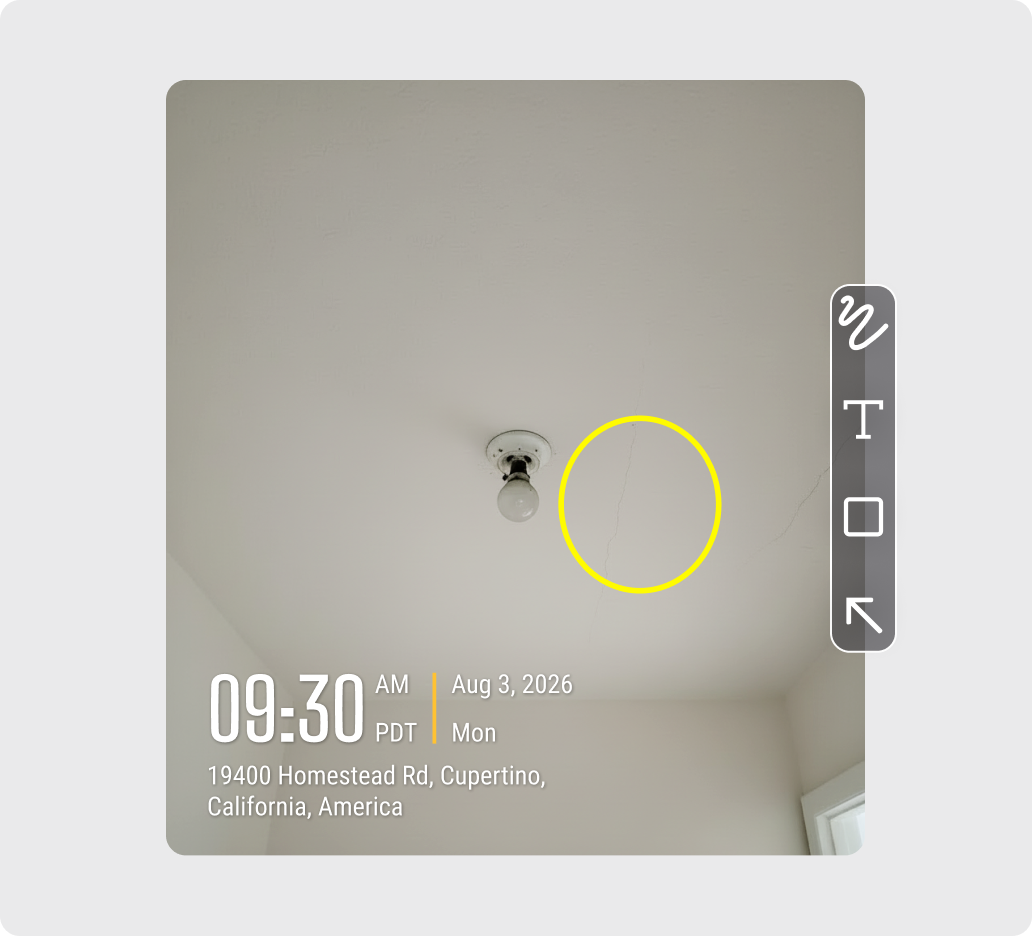
Annotate jobsite photos with arrows, text, circles, rectangles, and freehand markup. Save marked-up photos directly with your project records in Timemark.
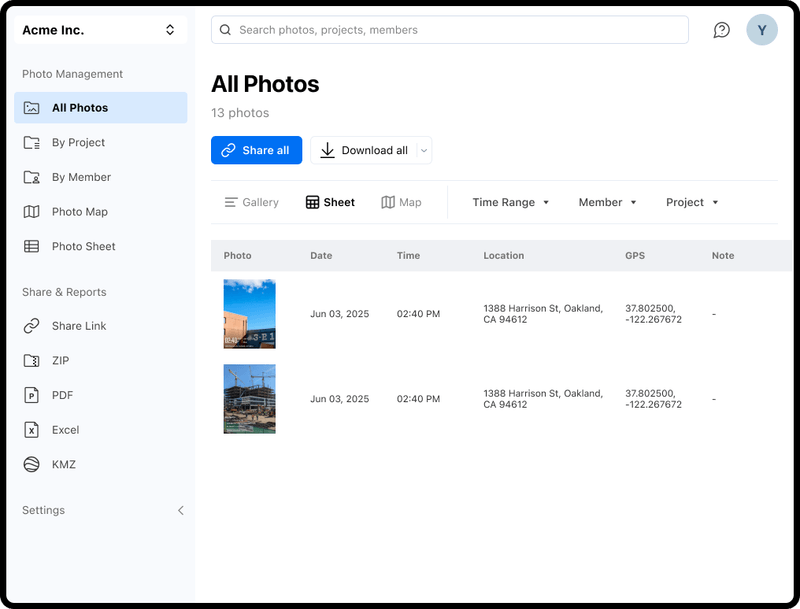
Review jobsite photos in a sortable table. Photo Sheet by Timemark lets contractors filter, export, and share field photos with full project and location data.
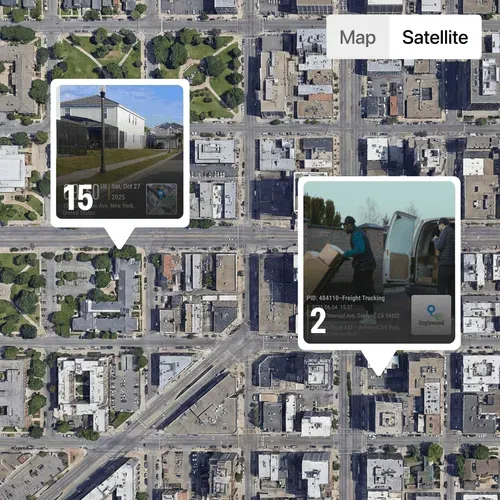
View jobsite photos directly on a map with Timemark. Switch between map, terrain, and satellite views to find site photos by location, fast and accurate.

Use a time clock app that stamps each clock-out photo with work hours, then sends records to your timesheet for Excel export when you need it.
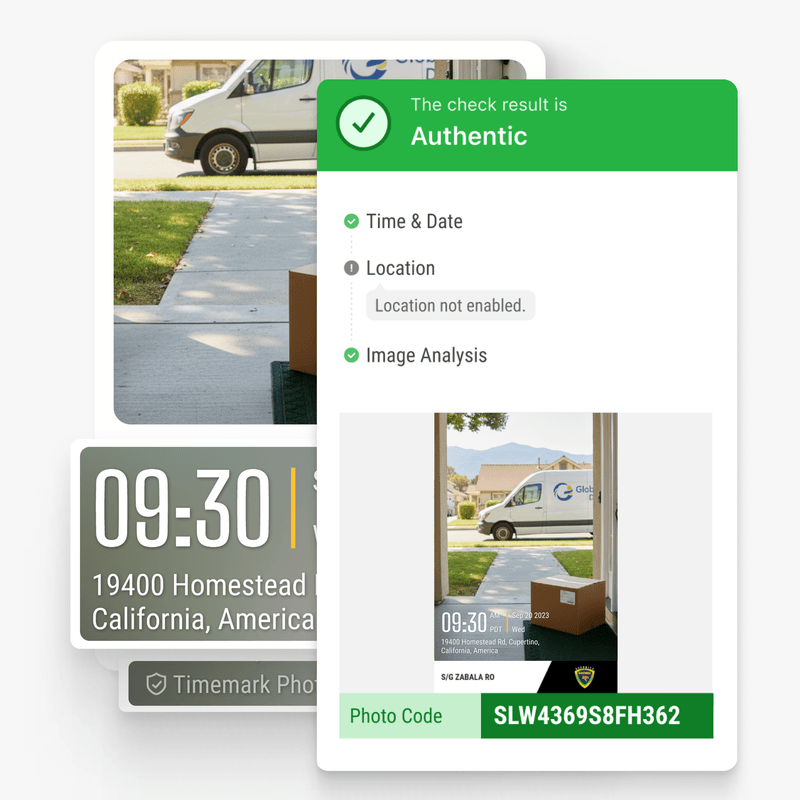
Ensure every jobsite photo is real and tamper proof with Timemark’s Photo Verification. Verify time, location, and image integrity for trusted field evidence.