
AB 747 Photo Requirements for California Process Servers
Elvis · Sep 11, 2026
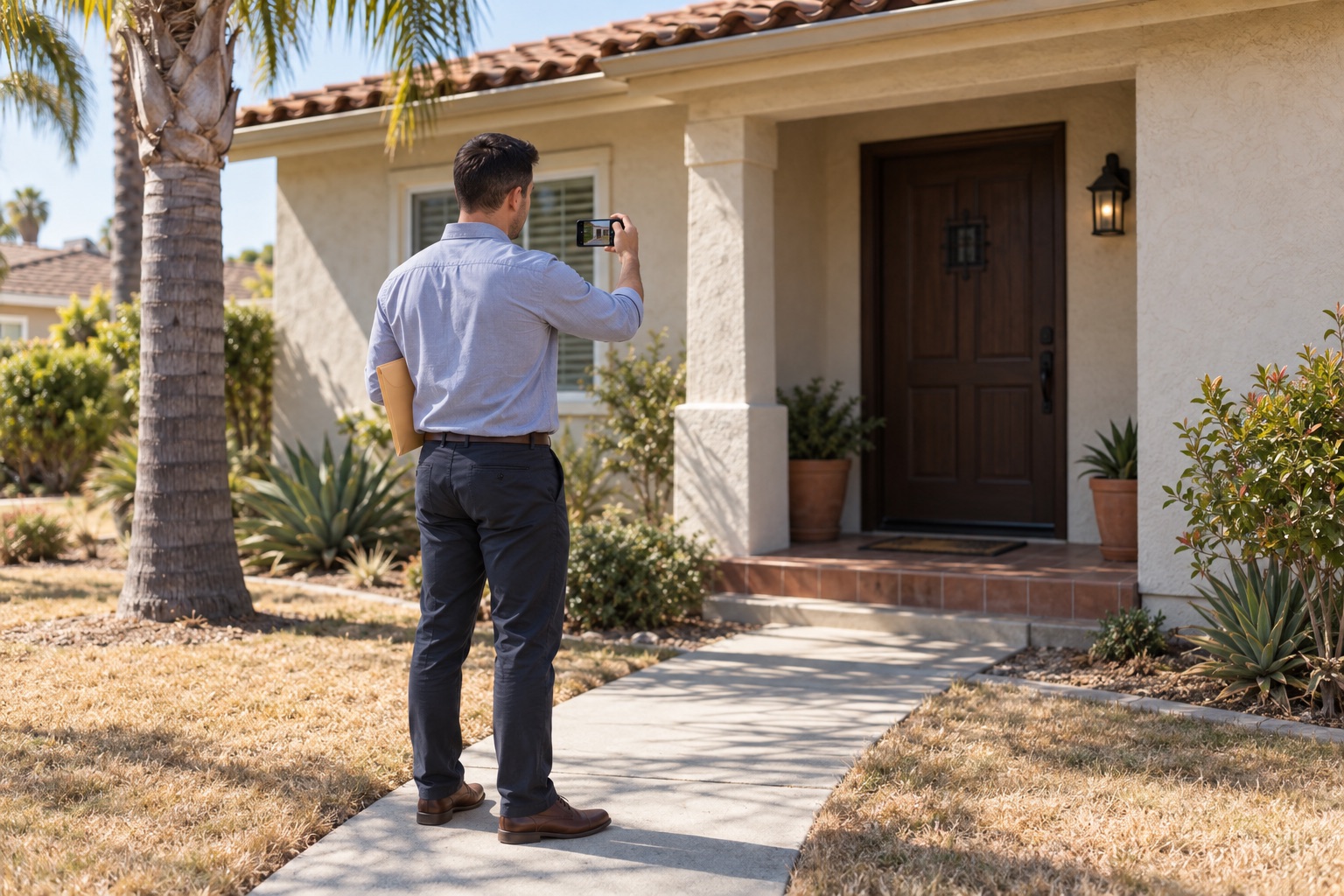
Beginning January 1, 2027, AB 747 requires a proof of service to include one or more photographs of the site of each effected or attempted service, with each photo carrying a readable stamp that automatically records the date, time, and GPS or equivalent coordinates. The law applies to completed service and unsuccessful attempts.
The SPARE Act: What California Process Servers Need to Know
AB 747, California's SPARE Act, is the Service of Process Accountability, Reform and Equity Act. It was approved by the Governor on October 10, 2025, amends Code of Civil Procedure section 417.10 among other provisions, and becomes operative on January 1, 2027. Read the full bill text on the California Legislative Information website.
For process servers, the key operational change is photo documentation at the service location. The photo requirement is tied to the proof of service, so teams need a reliable field workflow before the new rule takes effect.
AB 747 process server requirements, explained line by line
The photo portion of AB 747 can be broken into five practical requirements.
- Photograph each effected or attempted service.
The proof of service must include one or more photographs of the site of each effected or attempted service. That means photo documentation is required for an unsuccessful attempt as well as a completed service. AB 747 - Photograph the service site.
The photo is intended to document the location, such as the door or entrance of the home or business, rather than the person being served. One Legal's AB 747 summary explains this distinction. - Use a readable stamp with date, time, and GPS.
Each photograph must contain a readable stamp that establishes and automatically records the date, time, and GPS or equivalent coordinates. AB 747 - Follow the safety exception when needed.
A photo is not required when, in the reasonable judgment of the process server, taking one would compromise the server's safety. In that situation, the process server provides a written explanation. AB 747 - Document locations without GPS or cellular signal.
If there is no GPS or cellular signal at the location, the process server provides a written statement explaining that circumstance. AB 747
What a field-ready proof of service photo should show
A useful service-site photo makes it easy for a reviewer to understand where the attempt or service occurred. It should focus on the location, not on the individual being served.
- Service site: Front door, gate, building entrance, office suite entrance, or other identifiable point of entry
- Address detail, when visible: House number, unit number, suite number, building signage, or street-facing identifier
- Readable stamped information: Date, time, and GPS or equivalent coordinates visible on the image
- Matter context: Case number, attempt number, or a short service-status note, where your workflow uses notes
Do not rely solely on a photo of a person. The purpose of the image is to document the service location. One Legal's summary of the law notes that the photo documents the door or entrance of the home or business.
Why a normal phone photo can create review problems
A standard phone camera photo may contain date, time, or location information in hidden file metadata. That can be difficult for an attorney, paralegal, landlord, or court staff member to see when reviewing a photo.
There are several practical issues:
- A phone's clock may be changed, affecting the time shown by some camera workflows.
- Messaging apps and upload tools often remove hidden photo metadata, including GPS data.
- A reviewer may receive only the image itself, with no visible date, time, or coordinates.
- The law uses the phrase “readable stamp,” while it does not expressly state whether hidden metadata alone meets that wording.
Many practitioners expect the date, time, and GPS information to be visible on the image itself. The Judicial Council is updating proof of service forms, so check current forms and your court's instructions. See One Legal's discussion of this open question.
A GPS photo app workflow for process servers with Timemark
Timemark is a free camera app for iPhone and Android that prints information directly on each photo as it is taken. The photo can display the date, time, address, GPS coordinates, and optional notes.
How to take AB 747 photos with Timemark
- Download Timemark on your iPhone or Android device.
- At the service location, frame the entrance, door, gate, or other site identifier. Include a visible house, unit, or suite number when available.
- Add a concise note if useful for your records, such as:
Case 24-CV-12345 | Attempt 2 | Not served
orCase 24-CV-12345 | Attempt 1 | Served - Make sure Photo Code is turned on.
- Take the photo in Timemark.
- Confirm the printed stamp is readable and includes the date, time, address, and GPS coordinates.
- Take additional site photos when needed to make the location clear.
- For a safety situation or a location without GPS or cellular signal, follow the written-explanation or written-statement requirement in AB 747.
Timemark uses network time rather than the phone's clock, so changing the phone clock does not change the time printed on the photo.
Organizing attempts across a field team
A single case can involve multiple attempts, multiple addresses, and more than one server. A photo workflow needs to preserve the connection between each image, the person who took it, the matter, and the date.
With Timemark Teamspace, photos from every server on a team are collected automatically and organized by person, project, such as a case, and date. This can help legal support companies review location photos before assembling paperwork.
For sharing, teams can create PDF photo reports to attach to paperwork. Photos taken with Photo Code turned on include a Photo Code printed on the image. An attorney, paralegal, or court staff member can enter that code at Timemark Photo Verification to check that the photo is genuine.
Pre-January 2027 checklist for process servers
Use this checklist to prepare your individual or team workflow before AB 747 becomes operative.
- Review AB 747's photo language and discuss it with your legal support company or counsel.
- Train servers to photograph the service site for every effected and attempted service.
- Establish a standard framing practice for entrances, doors, gates, and visible address details.
- Make sure the date, time, and GPS or equivalent coordinates are readable on the photo.
- Confirm Photo Code is turned on and visible on the photo.
- Create a consistent note format for case number, attempt number, and service status.
- Decide how servers will document safety exceptions and locations without GPS or cellular signal.
- Test how photos move from the field to your case file, team manager, attorney, or client.
- Review the current Judicial Council proof of service forms and applicable local court instructions.
- Consider a Timemark Teamspace workflow for cases with multiple servers or repeated attempts.
For another example of California photo documentation rules, see Timemark's guide to California AB 2801 move-in and move-out photos.
Frequently asked questions
What is AB 747?
AB 747 is California's SPARE Act, the Service of Process Accountability, Reform and Equity Act. It amends Code of Civil Procedure section 417.10 among other provisions and becomes operative on January 1, 2027.
When do the AB 747 photo requirements start?
AB 747 becomes operative on January 1, 2027. The bill text is available through California Legislative Information.
Do unsuccessful service attempts need photos?
Yes. The law requires one or more photographs of the site of each effected or attempted service, so the requirement covers unsuccessful attempts as well as completed service. AB 747
Does the photo need to show the person being served?
The photo is intended to document the service location, such as the entrance of a home or business, not the person being served. One Legal's summary explains this point.
Is hidden GPS metadata enough for the readable stamp requirement?
The law does not expressly answer whether hidden metadata alone satisfies the “readable stamp” wording. Many practitioners expect the date, time, and GPS information to be visible on the photo, so review current Judicial Council forms and local court instructions. See the One Legal summary.
What if it is unsafe to take a photo or there is no signal?
AB 747 provides a safety exception when taking a photo would compromise the process server's safety, with a written explanation required. If there is no GPS or cellular signal at the location, the process server provides a written statement explaining that circumstance. AB 747
This article is general information only. Check the current Judicial Council forms and local court rules.