
Best GPS Camera Apps to Get Photo Location (2025)
Gloria · Nov 22, 2025
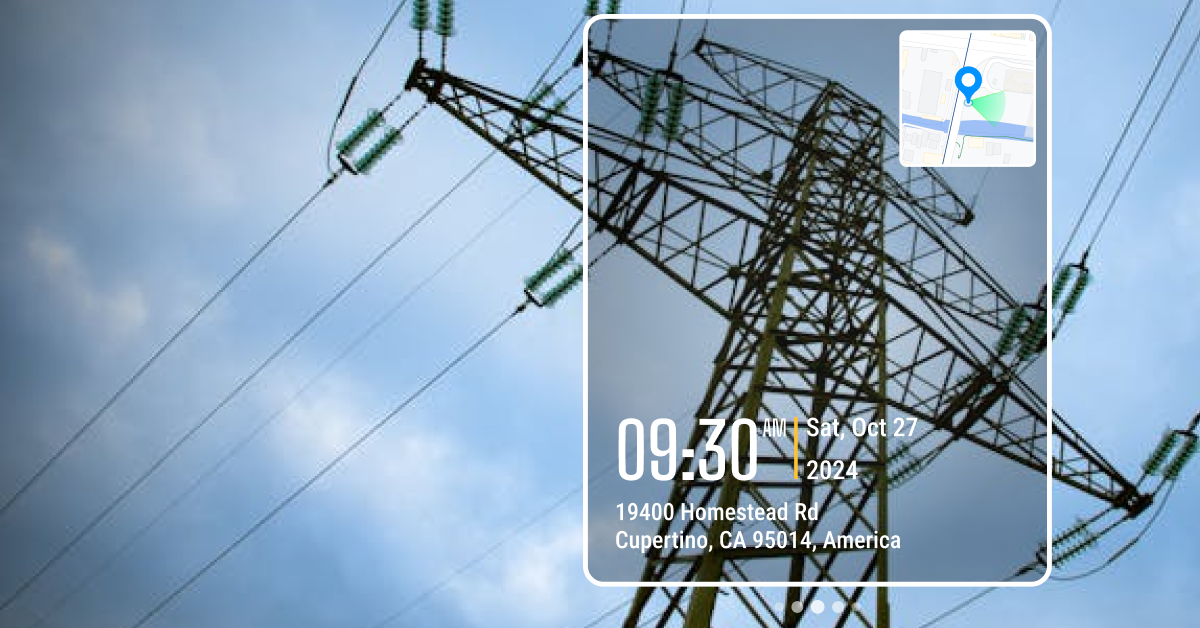
If you work in the field and need to prove exactly where a photo was taken, you’ve probably noticed your phone’s default camera isn’t reliable for documentation.
I learned this firsthand as an office coordinator working with field teams. We took tons of jobsite photos. Every week I had to build reports and manually label each one with its location. Pictures came from everywhere: messages, WhatsApp, emails, Google Drive. Every week I had to build reports and manually label each photo. Half the time the GPS metadata was missing or stripped, and matching photos to the correct site was slow and frustrating.
Best GPS Camera Apps
- Timemark Camera: Best for Verifiable Photo Documentation
- Solocator: Popular Choice for Surveying and Engineering
- GPS Map Camera: Good for Casual Use and Non-Strict Field Documentation
- Timestamp Camera: Fast, Simple Time & Location Stamps
- Conota (Formerly SpotLens): Professional Surveying Camera
1. Timemark Camera: Best for Verifiable Photo Documentation
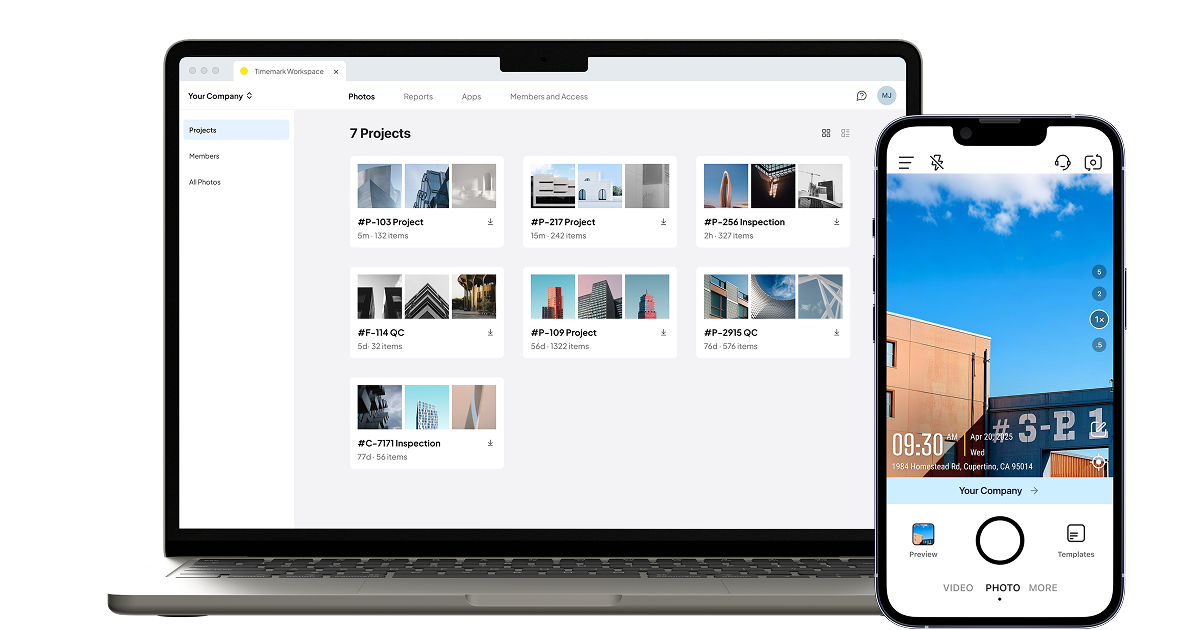
Timemark also makes reporting much easier. You can turn your photos into clean reports in just a few clicks. It supports PDF, Excel, shareable links, ZIP folders, and KMZ files. This means you can send updates to clients fast without switching to another platform.
Features
- Tamper-proof date, time, and GPS stamps
- Additional stamp options: notes, logo, weather, altitude, and more
- Customizable watermark templates
- Automatic photo syncing
- Photos organized by project, member, and date in the cloud workspace
- Export reports as PDF, Excel, KMZ, ZIP, or shareable link
- View photos on an interactive map, online photo sheet, or gallery
- Custom file naming options
- Photo verification to verify authenticity and retrieve metadata
Pros
- Creates trusted, tamper-proof photo records
- Saves time by automatic photo collection
- Keeps team documentation clear, consistent, and organized
- Helps separate work photos from personal camera roll
Cons
- Paid subscription required for larger cloud storage
- Might feel feature-heavy for casual, non-work users
Download:
- Timemark Camera on Google Play
- Timemark Camera on iOS App Store
2. Solocator: Popular Choice for Surveying and Engineering
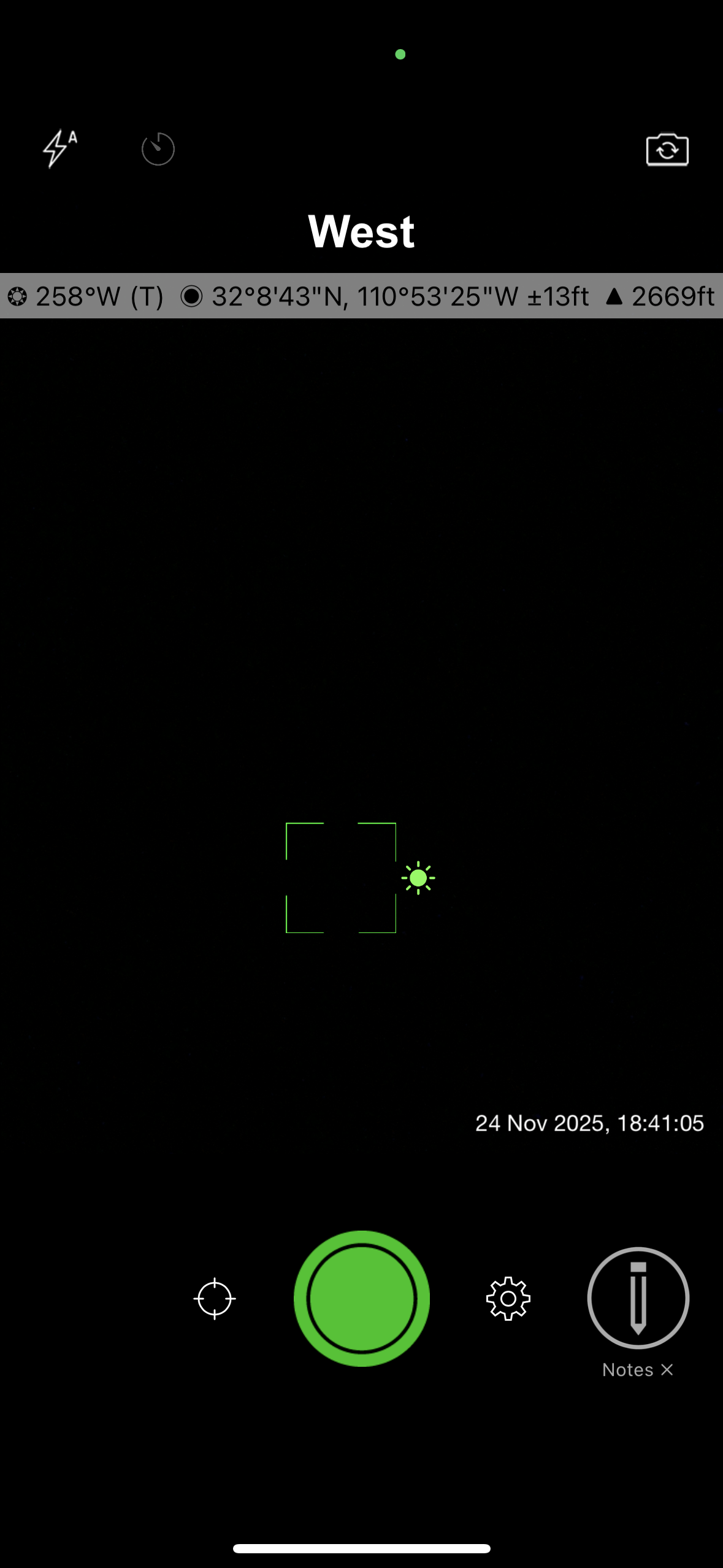
When I tested it, I liked how fast I could start taking usable photos. No long setup. The camera loads quickly, and the stamps look clean. The photo library is also easy to use. You can sort images by location, by distance from your current position, or by project name. This makes it simple to find the right photos, even when you’re working across multiple sites.
Features
- GPS coordinates stamped on photos
- Compass direction and altitude stamps
- Date and time overlay
- Lock GPS Location for consistent coordinates
- Save two versions of each photo (stamped and clean)
- Sort photos by location, distance, or project name
- Add project name, notes, and user details (paid)
- Multiple coordinate formats (paid)
- Street name display (paid)
- Enhanced export options (paid)
Pros
- Very accurate GPS, compass, and elevation data
- Industry Pack adds robust professional features (project fields, user fields, export options)
- Supports multiple coordinate formats used in surveying and engineering
Cons
- Many advanced features require the Industry Pack upgrade (iOS)
- Paid app on Android
- No built-in cloud storage or real-time collaboration
Download:
- Solocator on Google Play
- Solocator on iOS App Store
3. GPS Map Camera: Good for Casual Use and Non-Strict Field Documentation
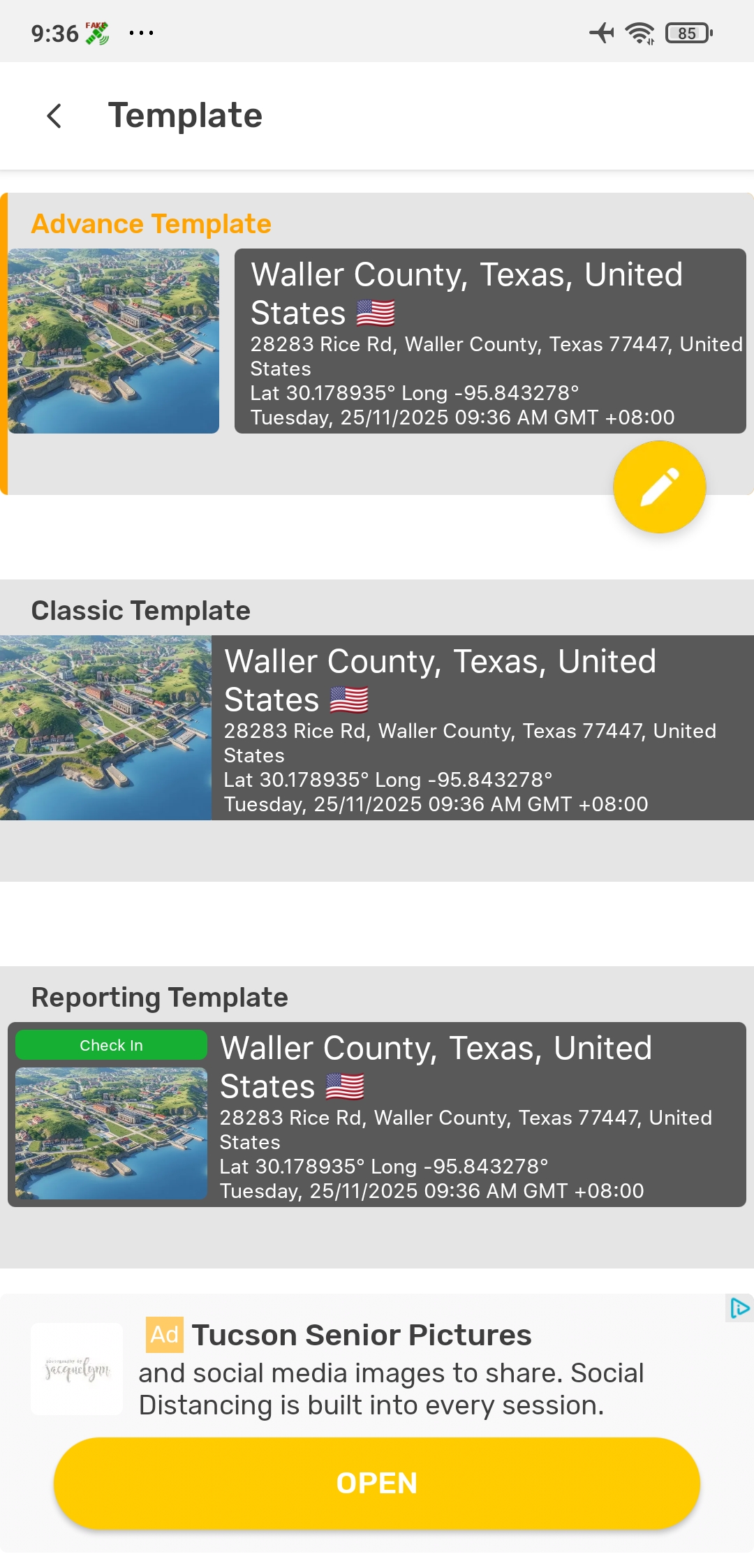
When I tested the app, I was able to start using it right away. The interface is simple, and the pre-set templates make it easy to take your first photo without any setup. The map stamp is clear, and you can switch between standard roadmaps, satellite views, or terrain maps. I also liked the control you get over the file name format. If you need to find photos quickly later, this makes a big difference.
Features
- Map stamped on photos (roadmap, satellite, terrain)
- GPS coordinates and address info on photos
- Date and time overlay
- Adjustable stamp size and placement
- Multiple stamp templates
- Customizable file name formats
- Basic GPS tagging tools (free)
- Advanced layouts and map styles (may require upgrade)
- Create simplePDF reports
- Save photos to different folders
Pros
- Multiple preset stamp layouts available
- Email integration available
- Basic photo organization
Cons
- Very intrusive ads in the free version
- No team management or cloud workspace
- Location and time stamps are not tamper-proof
- Email integration only supports sending one image at a time
Download:
- GPS MapCamera on Google Play
- GPS Map Camera on iOS App Store
4. Timestamp Camera: Fast, Simple Time & Location Stamps
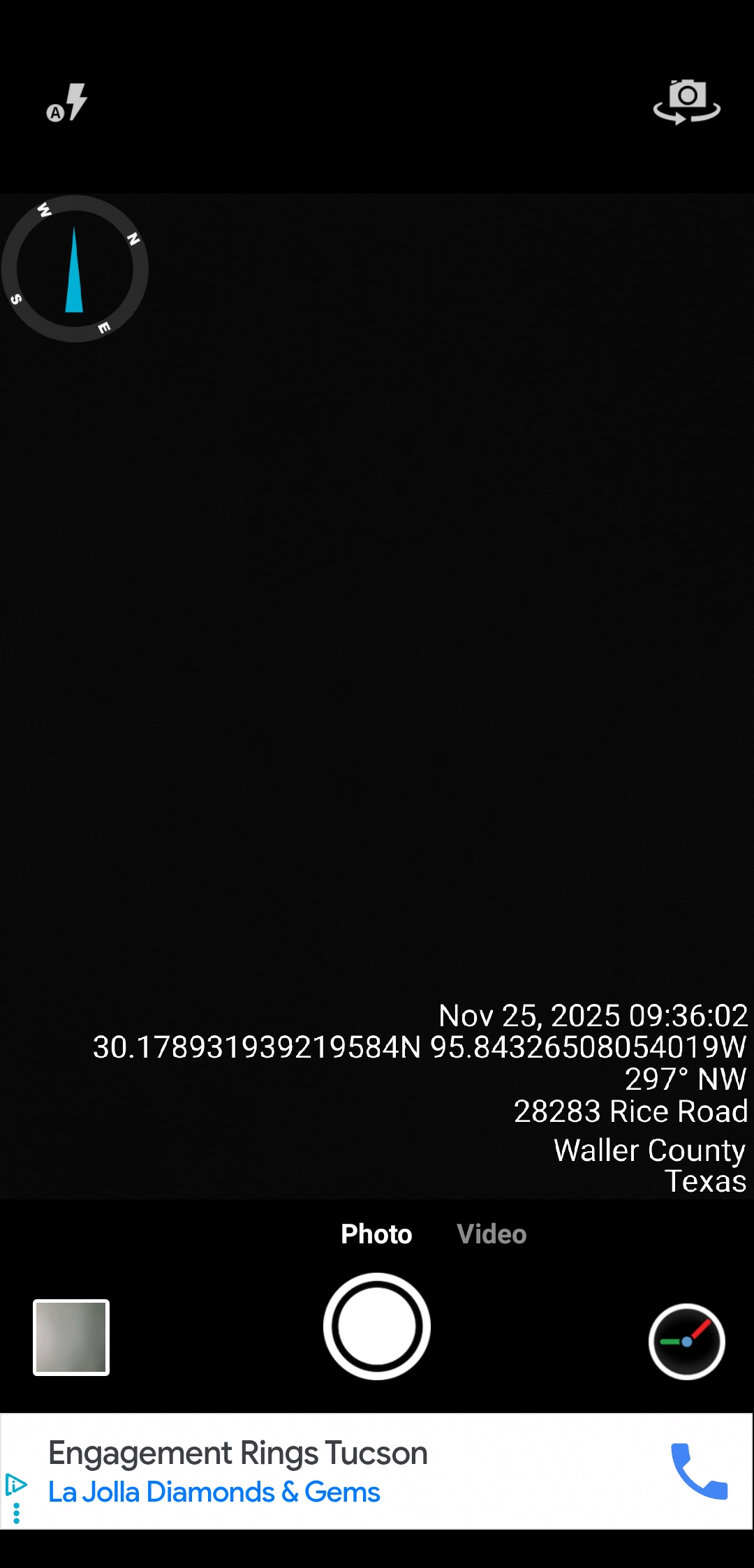
When I tested the app, I noticed the free version has ads, but they aren’t too interruptive. What stood out most is how much customization you get. You can adjust formats, colors, positions, and extra info. It’s a lot of control for a free app, though it can feel a little overwhelming at first as you scroll through all the settings.
Features
- Real-time date and time stamps on photos and videos
- GPS location stamping
- Optional compass and weather info
- Multiple date/time format options
- Adjustable text order, font, text color, and stamp background color
- Customizable file naming
- Export photos to CSV
- Core tools available for free
Pros
- Highly customizable
- Lightweight
- Email integration available
Cons
- Limited photo export and reporting options
- No cloud storage or photo organization
- Location and time stamps are not tamper-proof
- Email integration only supports sending one image at a time
Download:
- Timestamp Camera on Google Play
- Timestamp Camera on iOS App Store
5. Conota (Formerly SpotLens): Professional Surveying Camera
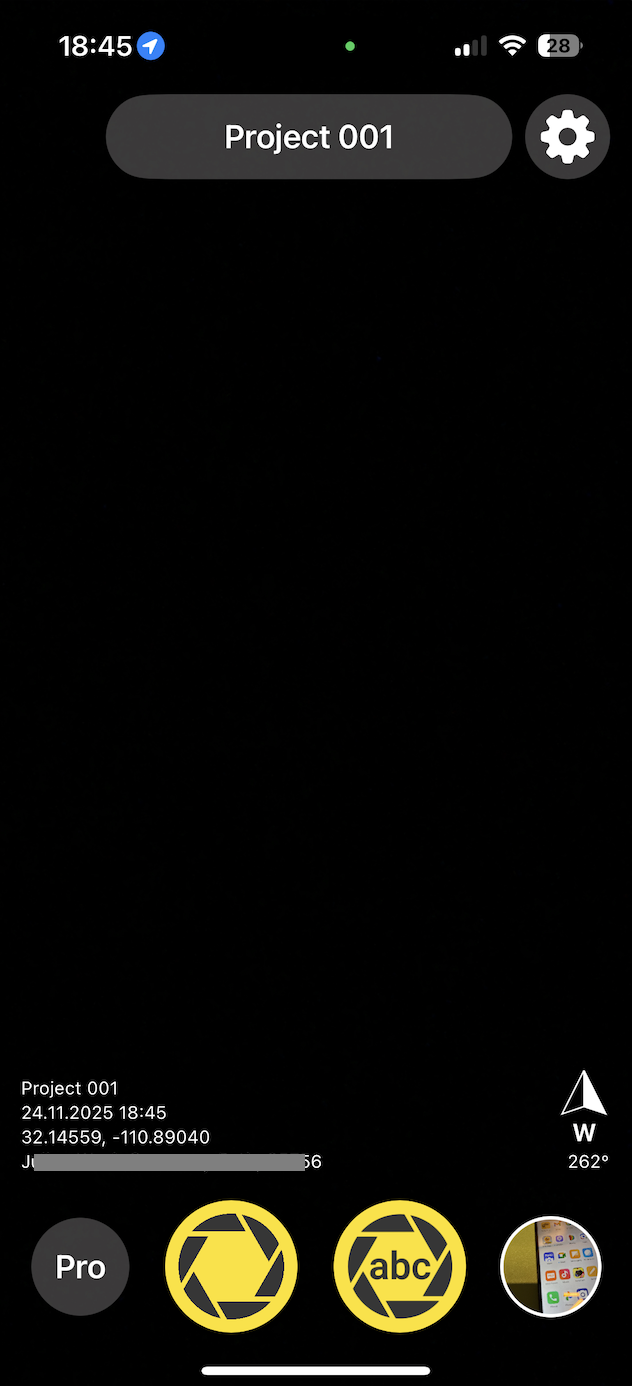
When I tested Conota, I noticed right away that it feels more technical than the average GPS camera app. The camera is simple to use, and the stamps are clear, but the real value comes from the extra tools. It can measure distances and areas using the GPS points from your photos. If you take pictures from different positions, the app can estimate the distance between them or even calculate the area of a polygon formed by multiple shots. This is helpful on large sites or environmental surveys where you want quick, approximate measurements without doing a full survey.
Features
- GPS coordinates, altitude, address, date, and time on photos
- Distance measurement using GPS points from photos
- Area calculation using multiple geotagged shots
- Save GPS coordinates into project-based lists for GIS workflows
- Basic tagging tools available for free
Pros
- Helpful for quick, on-site measurements without extra equipment
- Good for large areas where formal surveying isn’t practical
- For more technical users who want precision and extra analysis tools
Cons
- Limited features available in the free version
- Interface is more technical. Steeper learning curve
- No cloud workspace or team workflow
Download:
- Conota on Google Play
- Conota on iOS App Store
Final thoughts
Frequently Asked Questions
- What is a GPS camera?
- How to use GPS camera in mobile?
- Open a GPS camera app. Apps like Timemark, Solocator, or GPS Map Camera work right away.
- Turn on location services. Your phone needs GPS to add the location.
- Pick a stamp or template. Most apps let you choose how the location and time will look on the photo.
- Take the photo. The app will stamp the location, date, and time automatically.
- Save or share it. You can store it on your phone or send it to your team or client.
- Do GPS cameras require a subscription?
- Is a GPS camera app necessary if my team members already use a separate GPS logger?
- Does a GPS camera app like Timemark work without internet?
About Timemark
Timemark is a jobsite photo documentation app with timestamp, GPS geotag, and on-site notes. With Teamspace, field teams can automatically collect, organize, search, and export job photos across projects.
Timemark empowers construction, field service, telecom, and transportation teams to capture verifiable job photos to prevent disputes, support claims, and ensure project transparency. Timemark makes job photos trusted, organized, report-ready, and searchable. For setup instructions and product guidance, visit the Timemark Help Center.