Timemark logoTimemark
All Comparisons

Timemark vs GPS Map Camera: Which One Actually Verifies Your Photos?

Best Raken Competitor: Timemark’s Construction Photo Tool hero image

Trusted by 3.7M field pros and teams from

SpectrumCoca-ColaUnileverWalmartMasTecG4S

Why Timemark Does More Than GPS Map Camera Ever Could

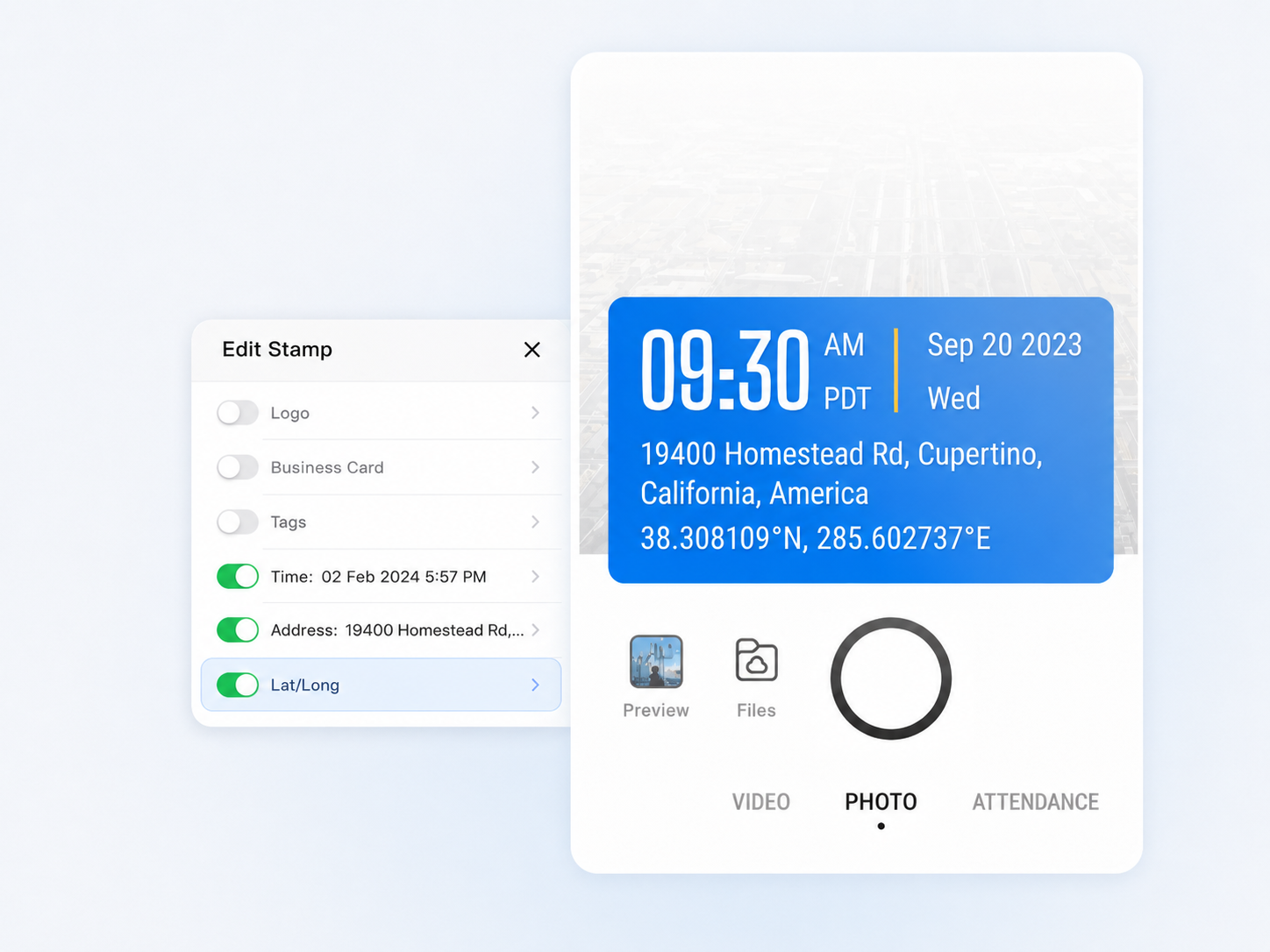
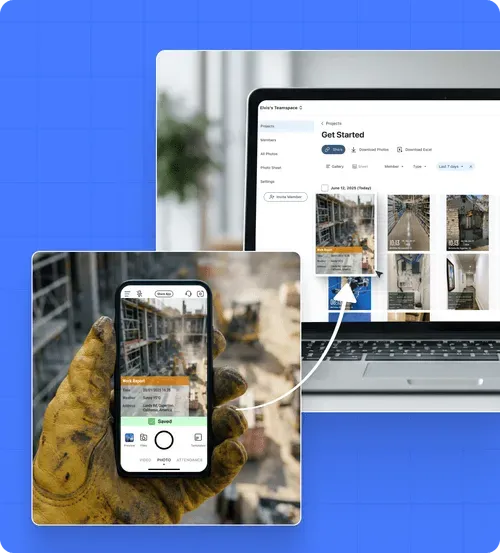
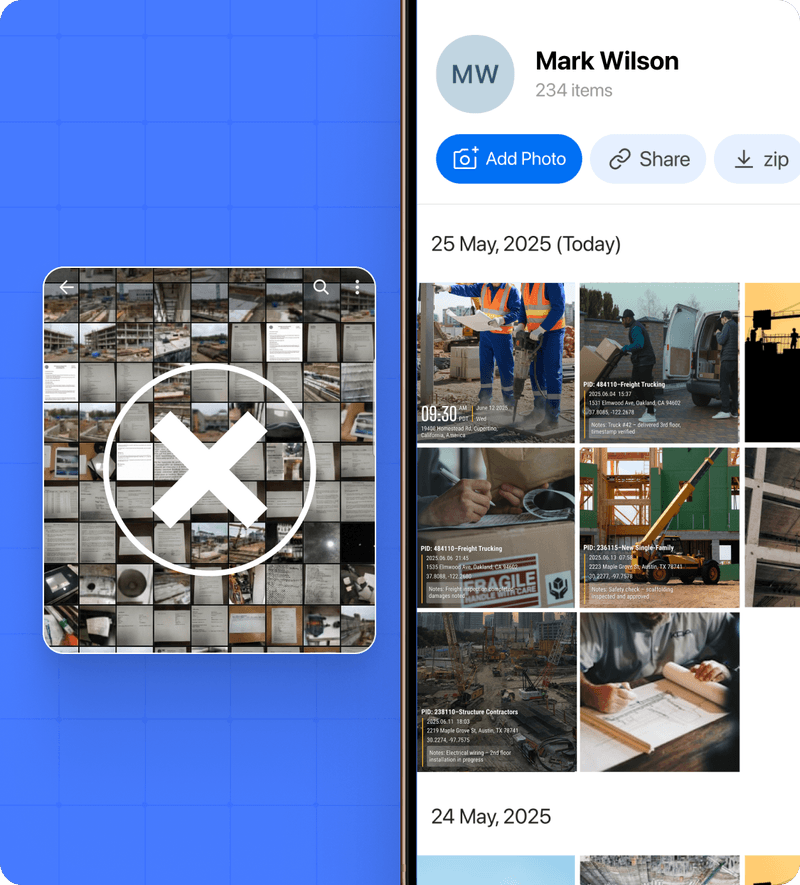
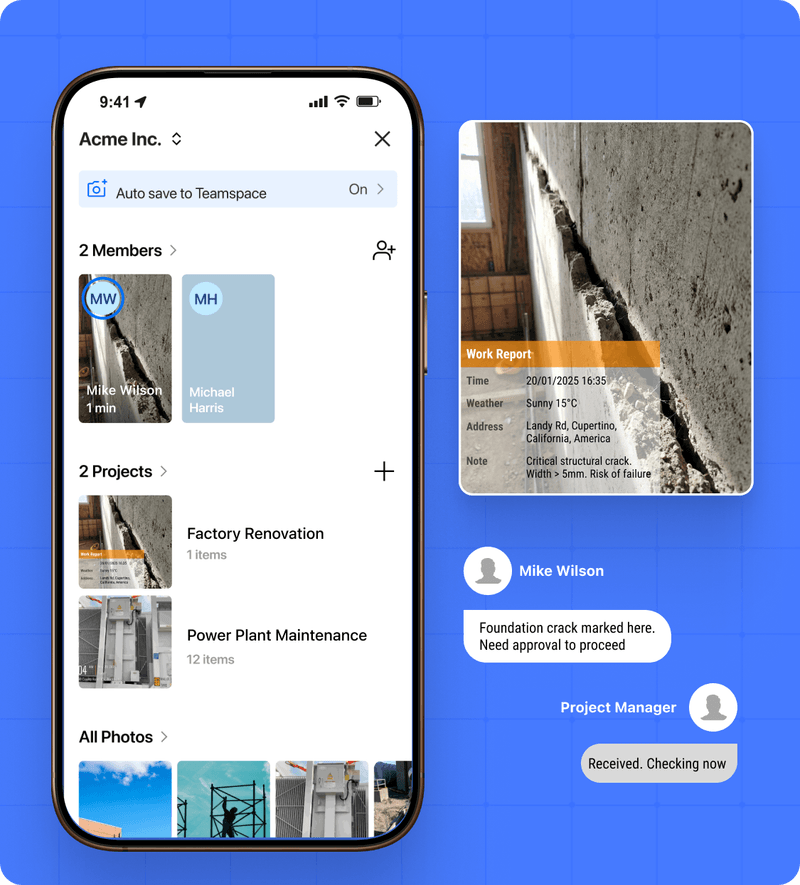
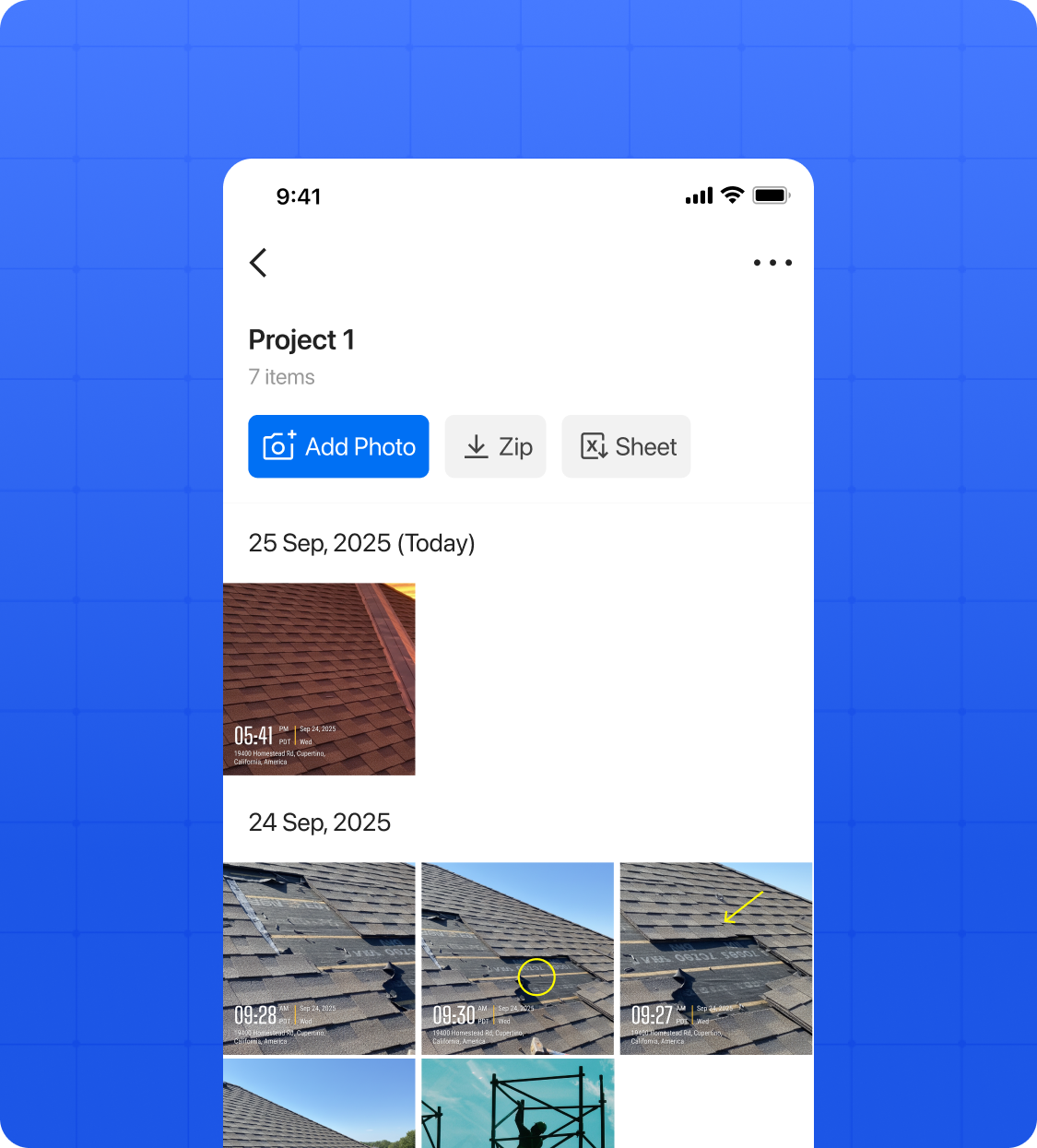
With GPS Map Camera, anyone can fake a timestamp by changing their phone clock. Timemark locks the timestamp against NTP servers at capture. What the photo says is what happened. Timemark uploads work photos directly to a shared cloud workspace, keeping your job documentation separate from your personal photos and accessible to the whole team. Centralized Team Photo With Timemark, leaders get every crew photo in one place without asking. No more collecting from Whats App, email, or One Drive. Export photos as PDF, Excel, or KMZ reports for clients or internal use. Share a live project link directly to clients. Super Easy to Get Started No training required. Start saving time today. Start for free /01 Take photos on-site, and Timemark automatically adds time, location, notes, and other context, then categorizes them by project. /02 Organize in Office View and manage team photos by project or crew in gallery, map, or sheet view from the app or web portal. /03 Share with One Click Send photo updates to clients instantly in Excel, PDF, KMZ, ZIP, or links not hours later like Company Cam.

Why Timemark Does More Than
GPS Map Camera Ever Could

Key Features That Make Timemark a Top Company Cam Alternative

Verified and Trustworthy Job Photos

Verified and Trustworthy Job Photos

Auto-Organization

Auto-Organization

Team Collaboration

Team Collaboration

Why Users Switch to Timemark

On-site work needs verified photo management. Many teams switching from Company Cam rely on Timemark to automatically gather and share immutable field photos, enabling faster and more reliable client delivery. Quality control and daily reports need clear, verified photos. Unlike Company Cam, Timemark automatically adds time and location, sorts photos by project and team member, and keeps everything organized. Save hours, reduce errors, and lower legal risks. Network installation, maintenance, and troubleshooting require reliable photos. Teams switching from Company Cam choose Timemark because it works offline, automatically syncs when online, and ensures no key site photos are ever missed, keeping projects on track and reducing risk.

Why Users Switch to Timemark

Choosing the Right Tool for Job Documentation

How-to resource icon

Timemark

How-to resource icon

Free plan

How-to resource icon

$5 / seat / month

How-to resource icon

Billing

See Why Users Love Timemark

"Company Cam forced 3 seats on us, even though it’s just me and my helper. Timemark lets us pay per user and saves us $120/month. Plus, photos go straight to the right project folder. No extra work!" "A client said we damaged their wall. But Timemark’s photos had geotags and timestamps showing the damage was there before. We avoided a $2k claim. This tool protects our business!" "We spent 3 hours a day organizing photos from texts. Timemark auto-collects and sorts by member/project. Now we have

Timemark vs GPS Map Camera: Frequently Asked Questions

Try Timemark Free: The Smarter Alternative to Company Cam

Enjoy easy photo management, offline access, and verified, immutable photos with Timemark. Sign up now and discover a smarter alternative to Company Cam without paying for unused features!

Start For Free
Timemark vs GPS Map Camera: Which One Actually Verifies Your Photos?