
Timemark vs GPS Map Camera for Field Teams
Compare GPS-stamped photo capture with a field documentation workflow built for team projects, access control, and client delivery.
Trusted by 3.7M field pros and teams from






Why Field Teams Choose Timemark Over GPS Map Camera

Capture a record at the moment of work
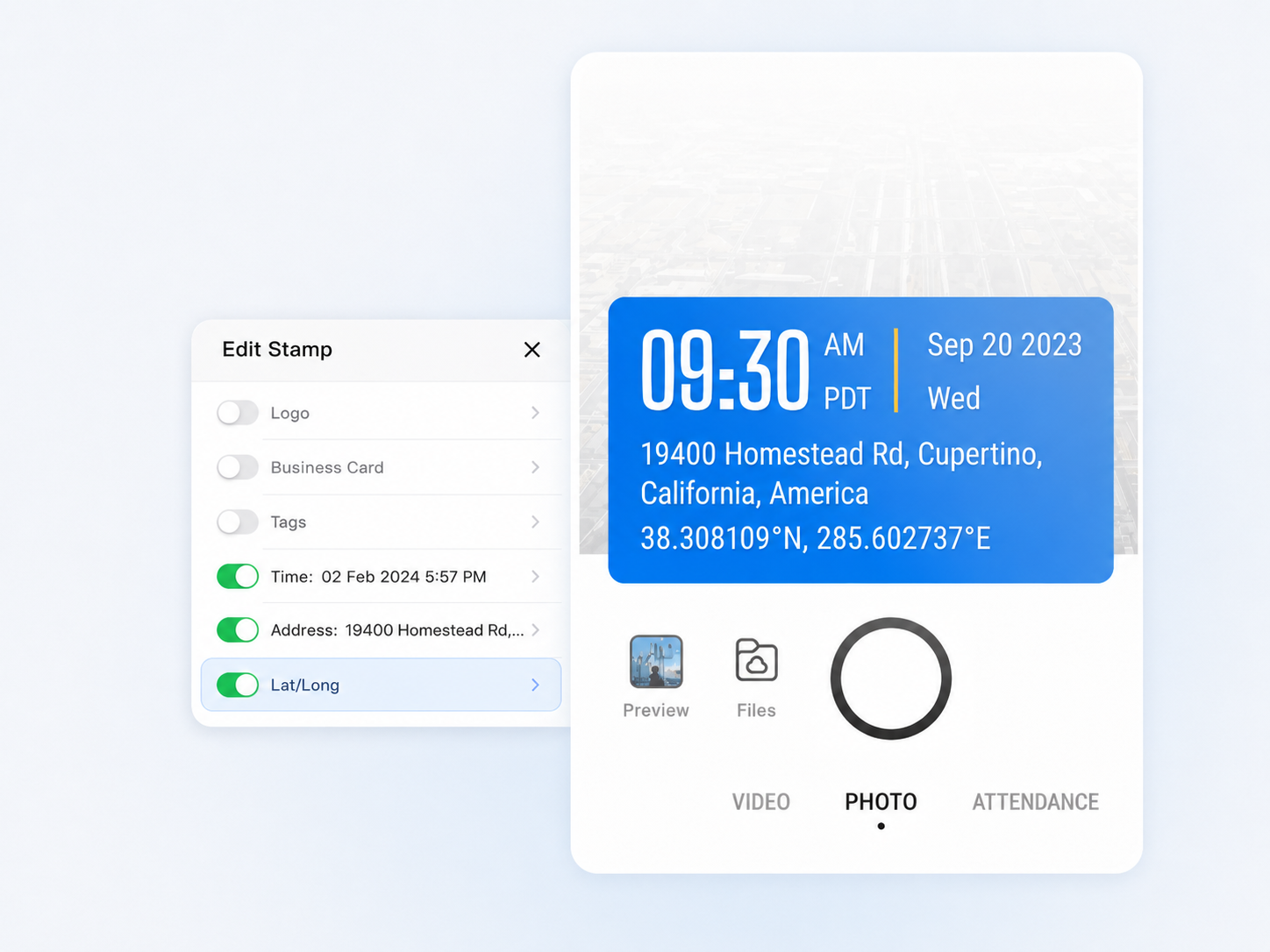
Timemark records the real time, address, and GPS when the photo is captured. Team members cannot manually enter or edit that location afterward.

Keep work photos in Teamspace
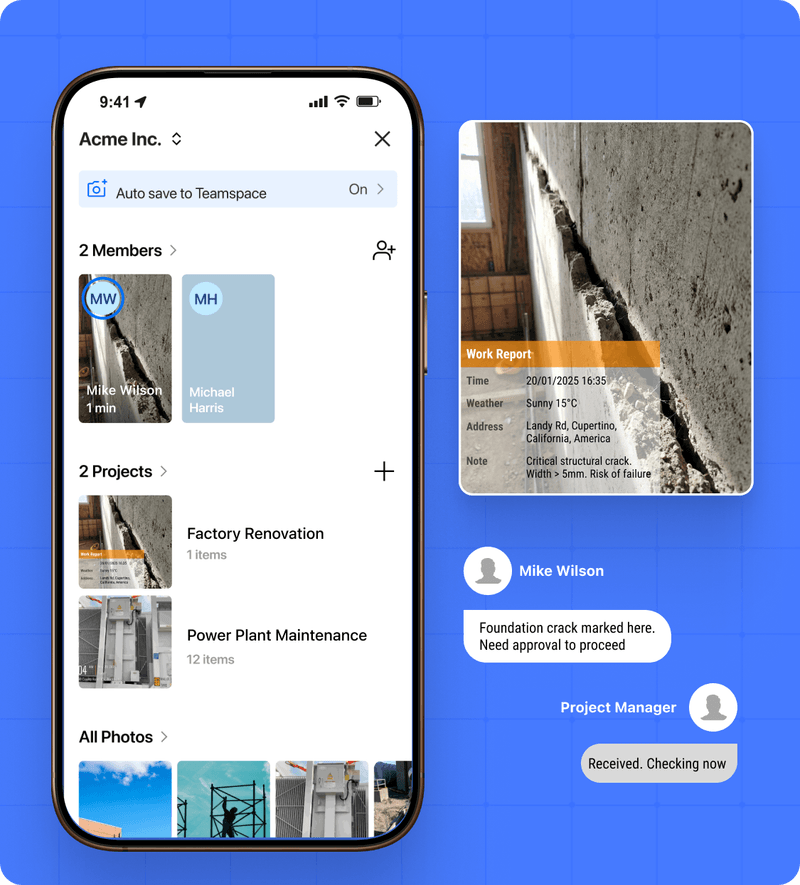
Photos go to a shared workspace instead of remaining in a personal camera roll. Teams can review work by project, member, time, and location.
Manage project access
Give each project the right Read, Upload, Move, Delete, and Share permissions, so the team can work without losing control of the record.
Deliver a complete record
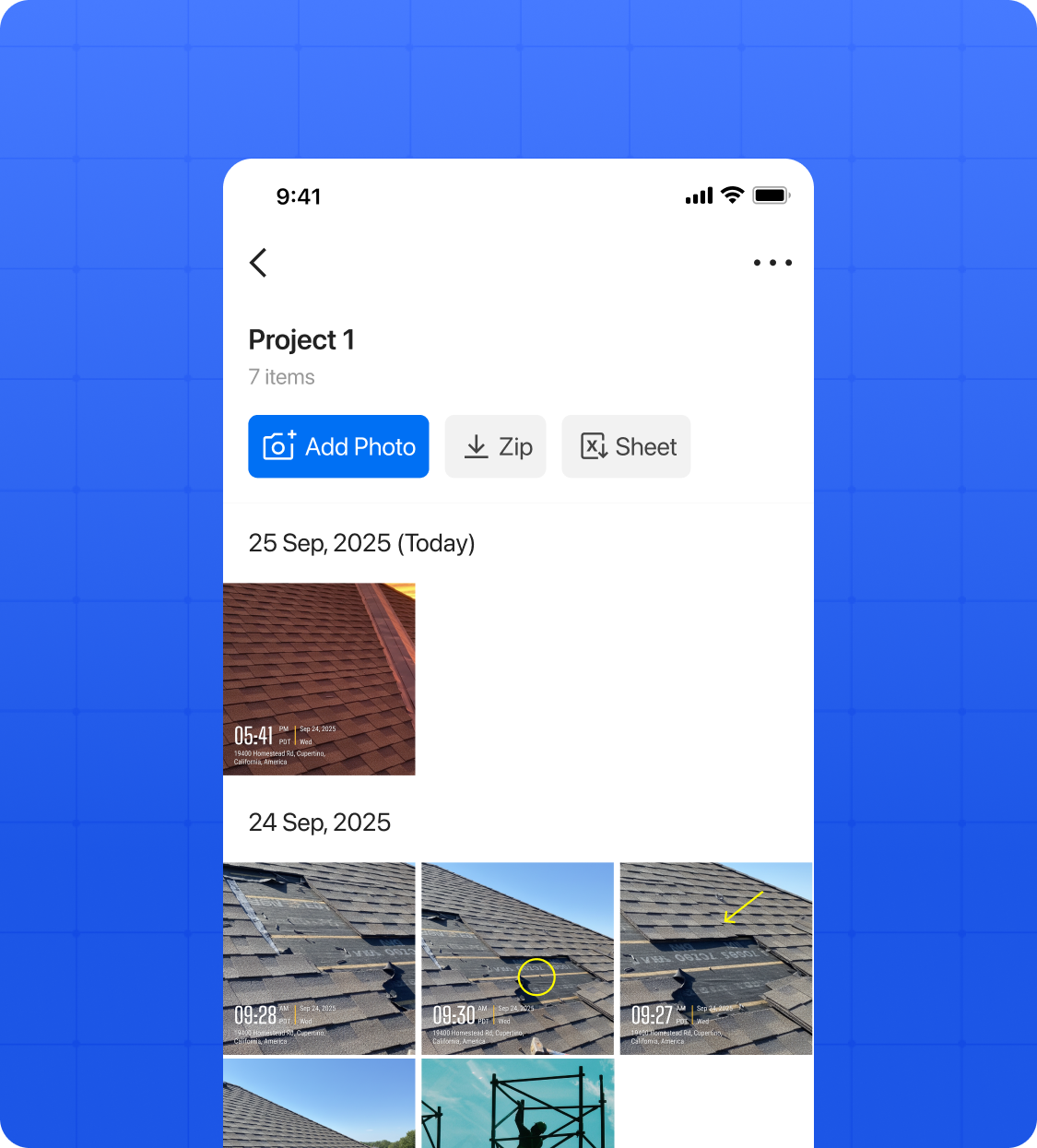
Export PDF, Excel, ZIP, or KMZ files, or share a controlled project link when clients or managers need a clear record of the work.
A team workflow beyond the camera
More than a GPS stamp
A GPS stamp shows where a photo was taken. Timemark goes further: it records the real time, address, and GPS at capture, then keeps the record from being manually changed afterward. The photo then enters Teamspace, where the right people can review it by project, team member, time, and location — and turn it into a client-ready record.
Get Started Free
From field capture to team delivery
A location-stamped photo is useful at capture. Field teams also need the record to move through the work: into the right project, to the right people, and out to clients or managers when a handover, report, or question arrives. Timemark connects those steps. Photos sync to Teamspace, stay organized by project and team member, and can be shared or exported without collecting files from personal albums, chat threads, or separate folders.

Timemark vs GPS Map Camera for Field Teams
TimemarkFrom $5 / seat / month | GPS Map CameraEnterprise plans from ₹2,999/year for 2 seats | |
|---|---|---|
| Field‑team decision points | ||
| Location record at capture | Records real time, address, and GPS at capture; the location cannot be manually entered or edited afterward. | The official site says users can choose automatic or manual location input. |
| Time and location review | Photos sync to Teamspace and can be reviewed by project, member, time, and location. | The public site describes automatic photo naming and enterprise folders; compare the review workflow during evaluation. |
| Team project workspace and access | Project-level permissions control who can Read, Upload, Move, Delete, and Share photos. | Project-level photo permissions are not publicly documented. |
| Client delivery and exports | Export PDF, Excel, ZIP, or KMZ files, or share a controlled project link. | Specific PDF, Excel, ZIP, KMZ, and controlled-link delivery features are not publicly documented. |
Timemark vs GPS Map Camera: FAQs for Field Teams
A GPS Map Camera Alternative for Field Teams
Capture a reliable record at the moment of work, organize it in Teamspace, and share project-ready photo evidence with the people who need it.
Start for free