Timemark vs. Google Drive
Google Drive is for general file storage, while Timemark is built for capturing and organizing job photos with all the context embedded.
Trusted by 3.7M field pros and teams from


Why Timemark is the Best Alternative to Google Drive?
No More Lost Metadata
Google Drive: Metadata like time and location often gets lost when photos are moved, shared, or downloaded. Timemark: Automatically embeds time, date, GPS, notes, and other details directly into each photo.
Download Timemark
No More Manual Organization
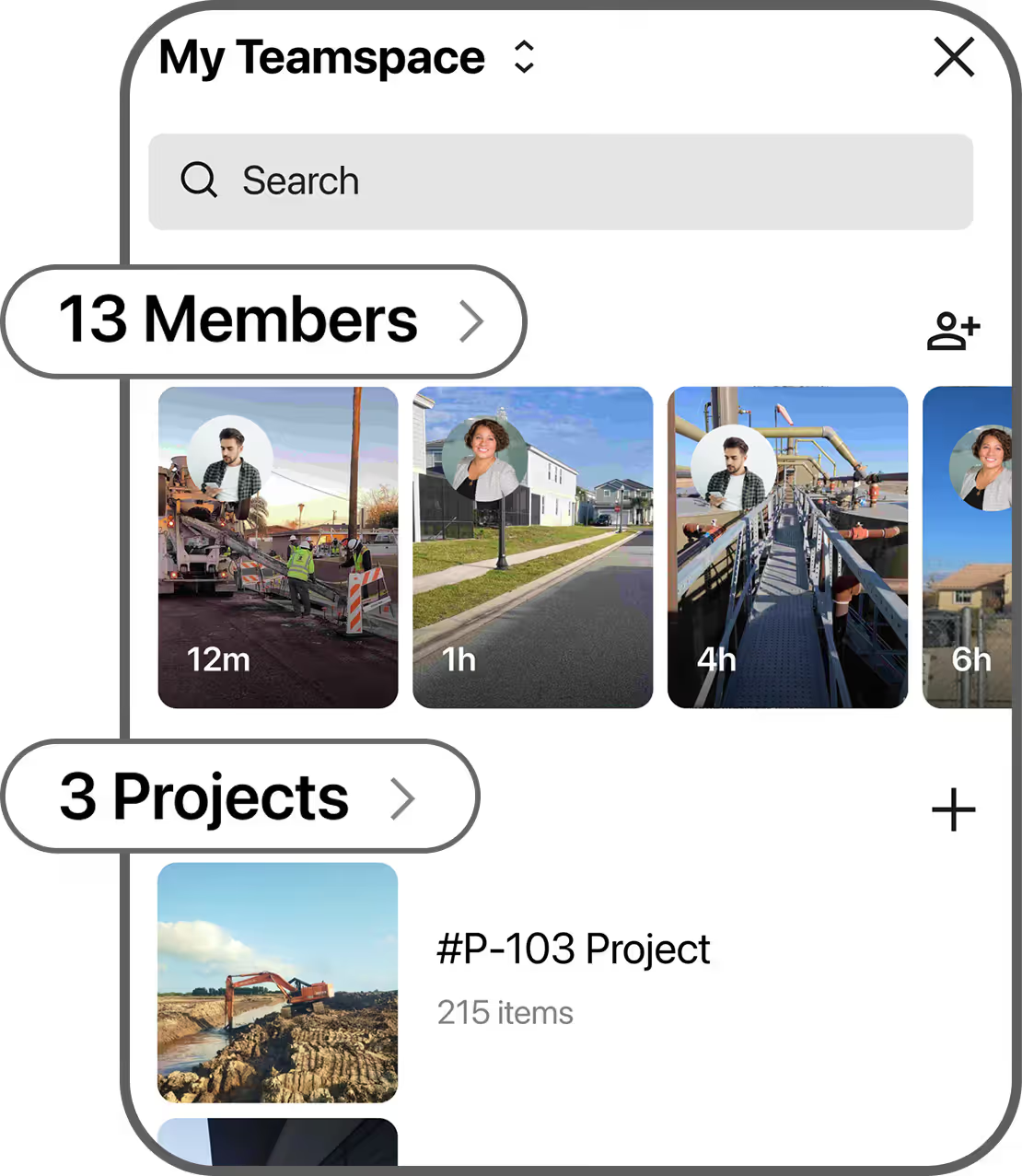
Google Drive: Folders can easily get chaotic due to uploads in the wrong folders or inconsistent naming, especially across multiple team members. Timemark: Teamspace organizes photos by project, crew, and date and applies uniform naming, keeping everything accessible and searchable.
Download Timemark
Instant Reporting
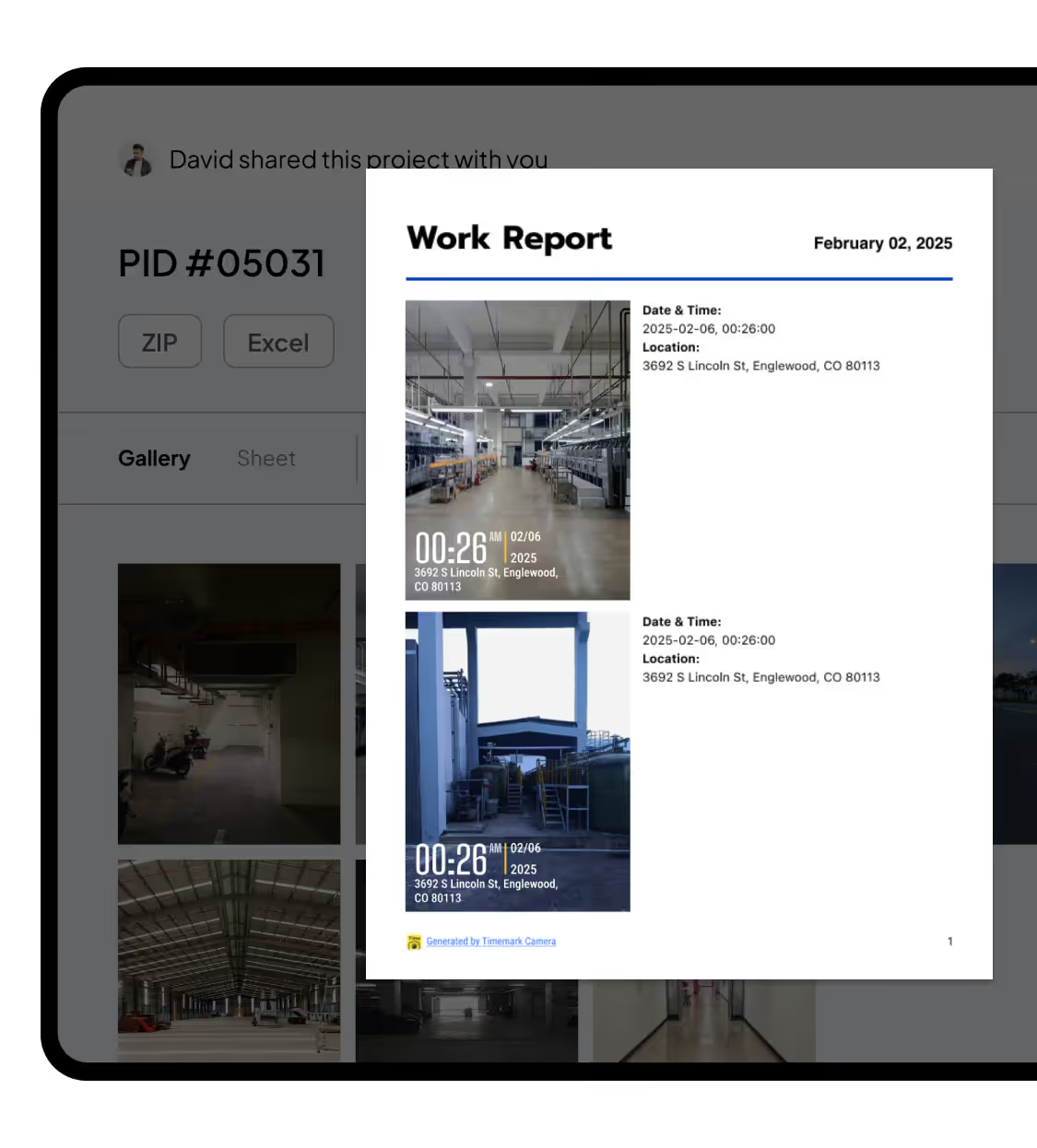
Google Drive: No reporting features. Project managers or team leads waste hours preparing reports. Timemark: Export photos into PDF, Excel, ZIP, or shareable links without leaving the app.
Download Timemark