
What's New in Timemark - June 2026
Gloria · Jun 23, 2026
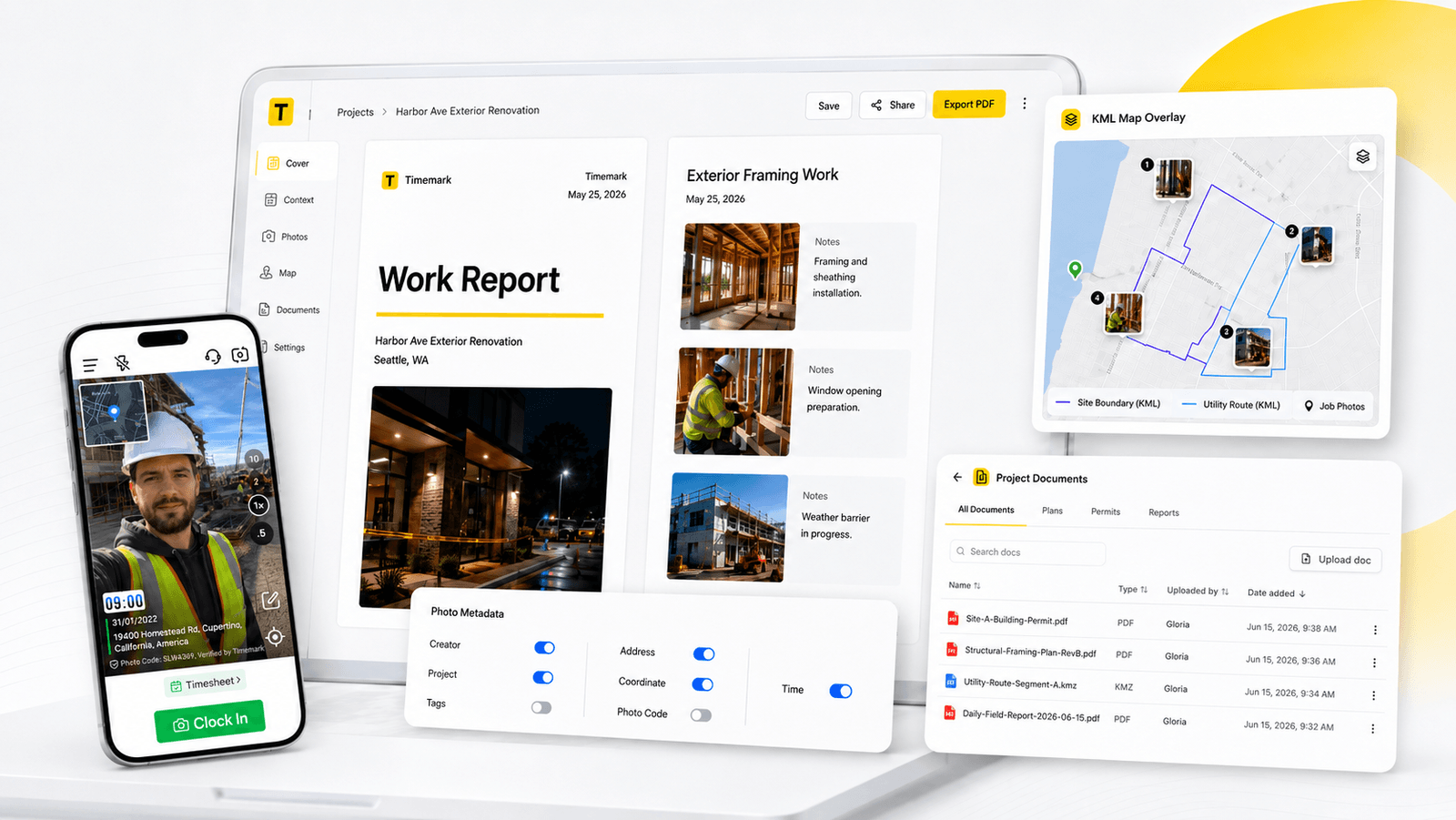
PDF Editor: More Customization and Context
Timemark's new PDF Editor in Teamspace gives teams more control over photo reports before sharing with clients, inspectors, or adjusters. Add a cover page, rearrange photos, add notes, and control which metadata appears in the final report.
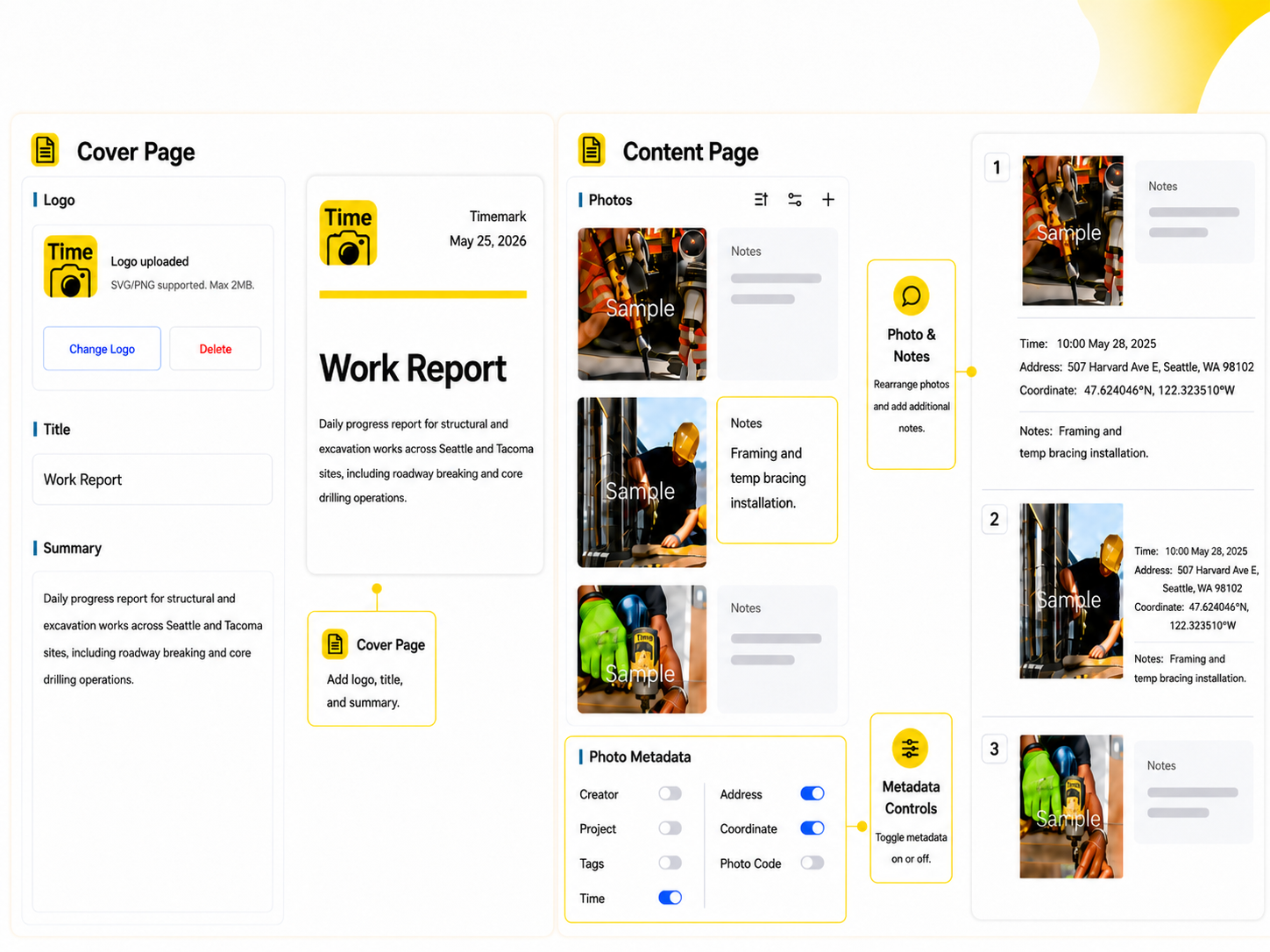
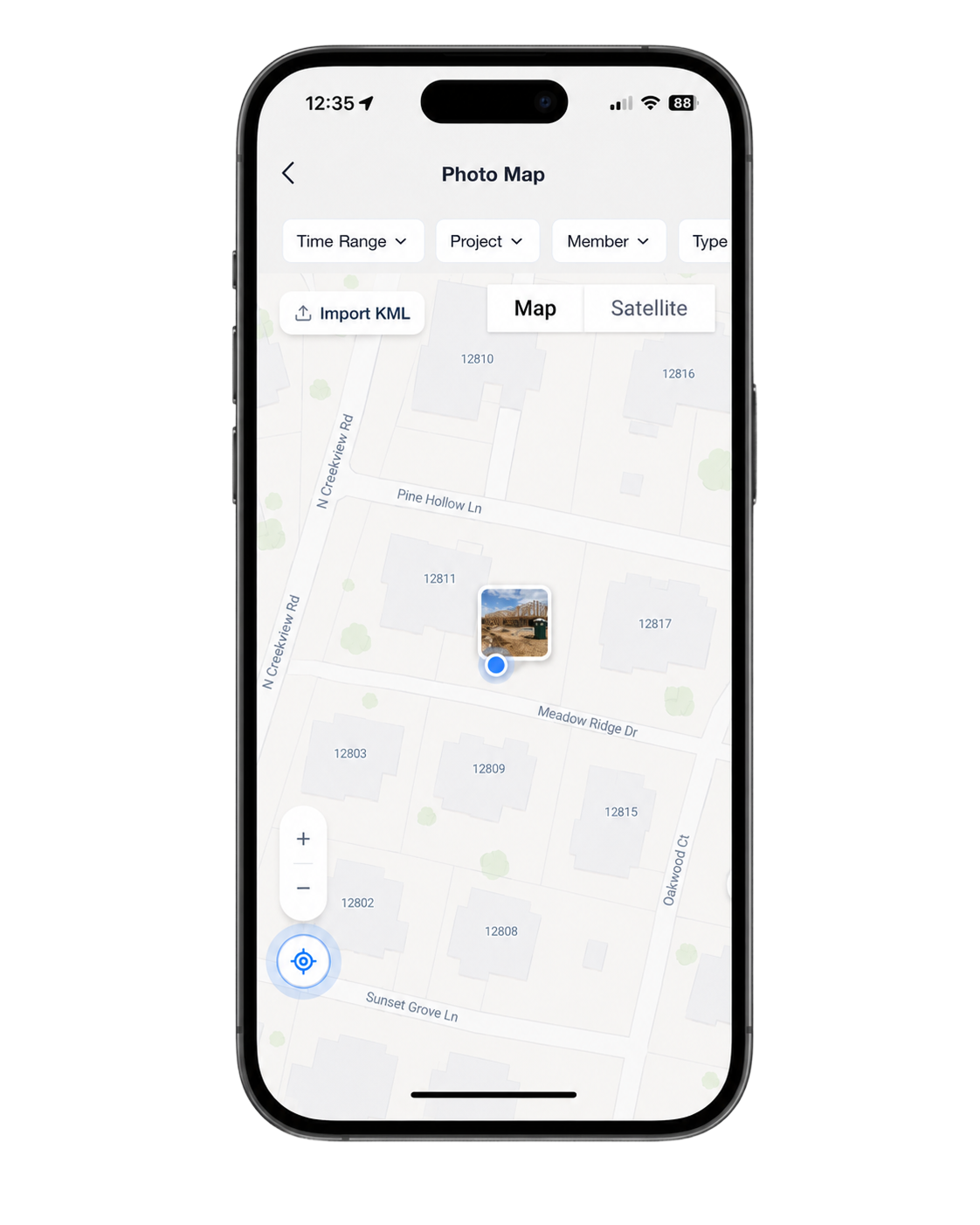
KML Map Overlay: Review Photos Against the Project Plan
Import KML files and view project plans directly on the Timemark photo map. Compare planned work with actual field documentation and spot missing photos before the project reaches review.
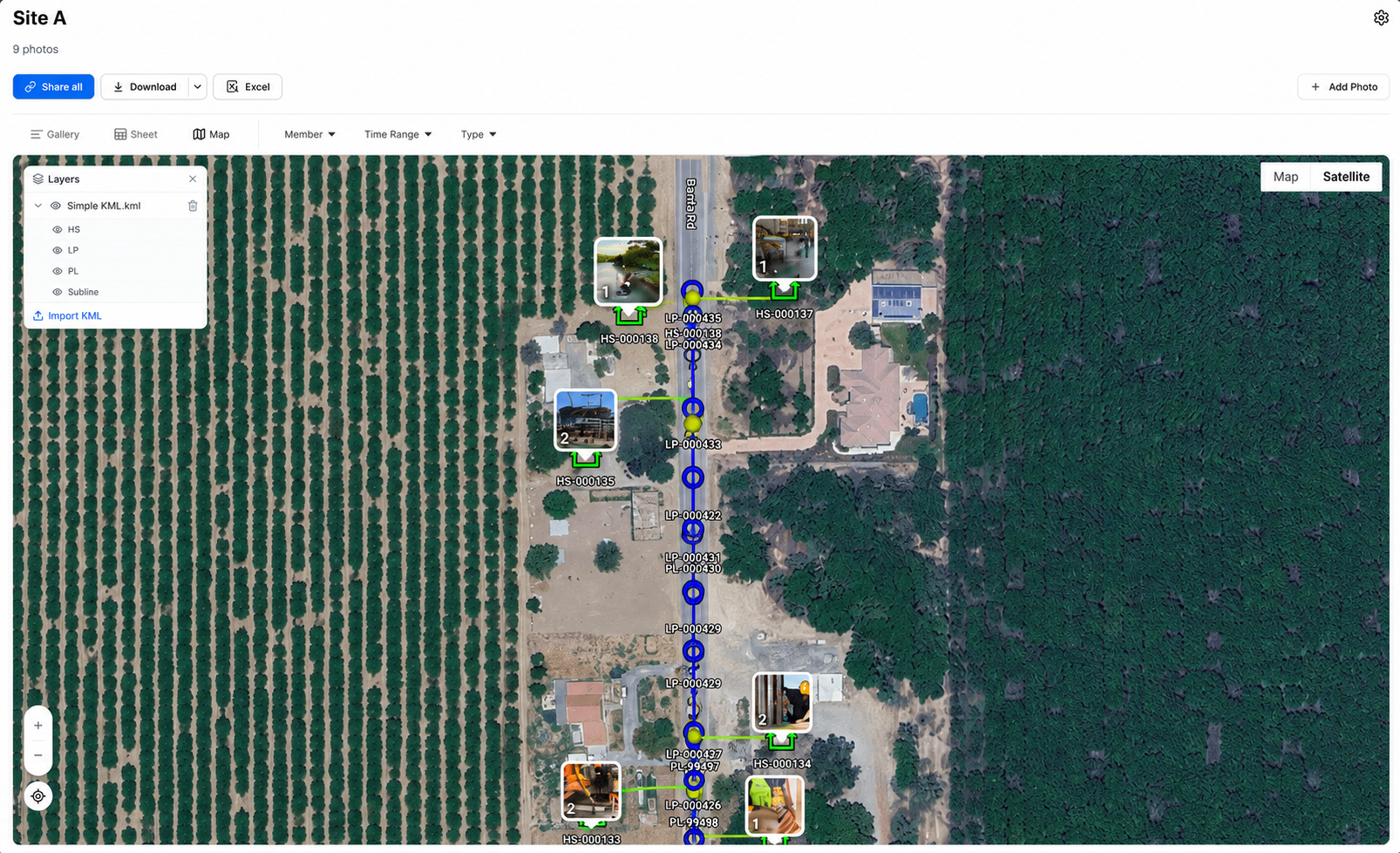
Document Upload: Keep Job Files Inside the Project
Document Upload is available inside every Teamspace project, so field crews and office teams can keep permits and job files with the record instead of searching old emails.
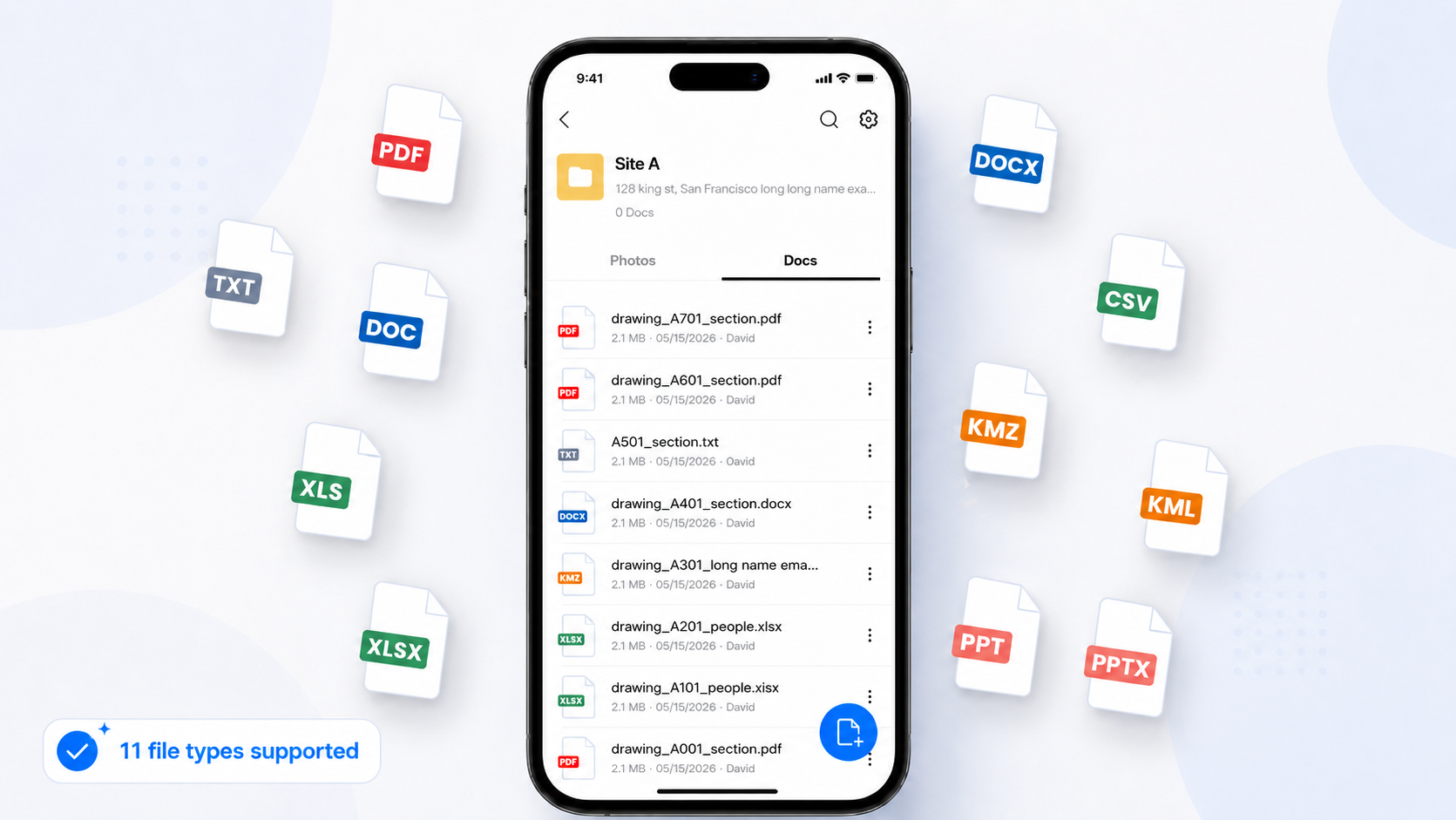
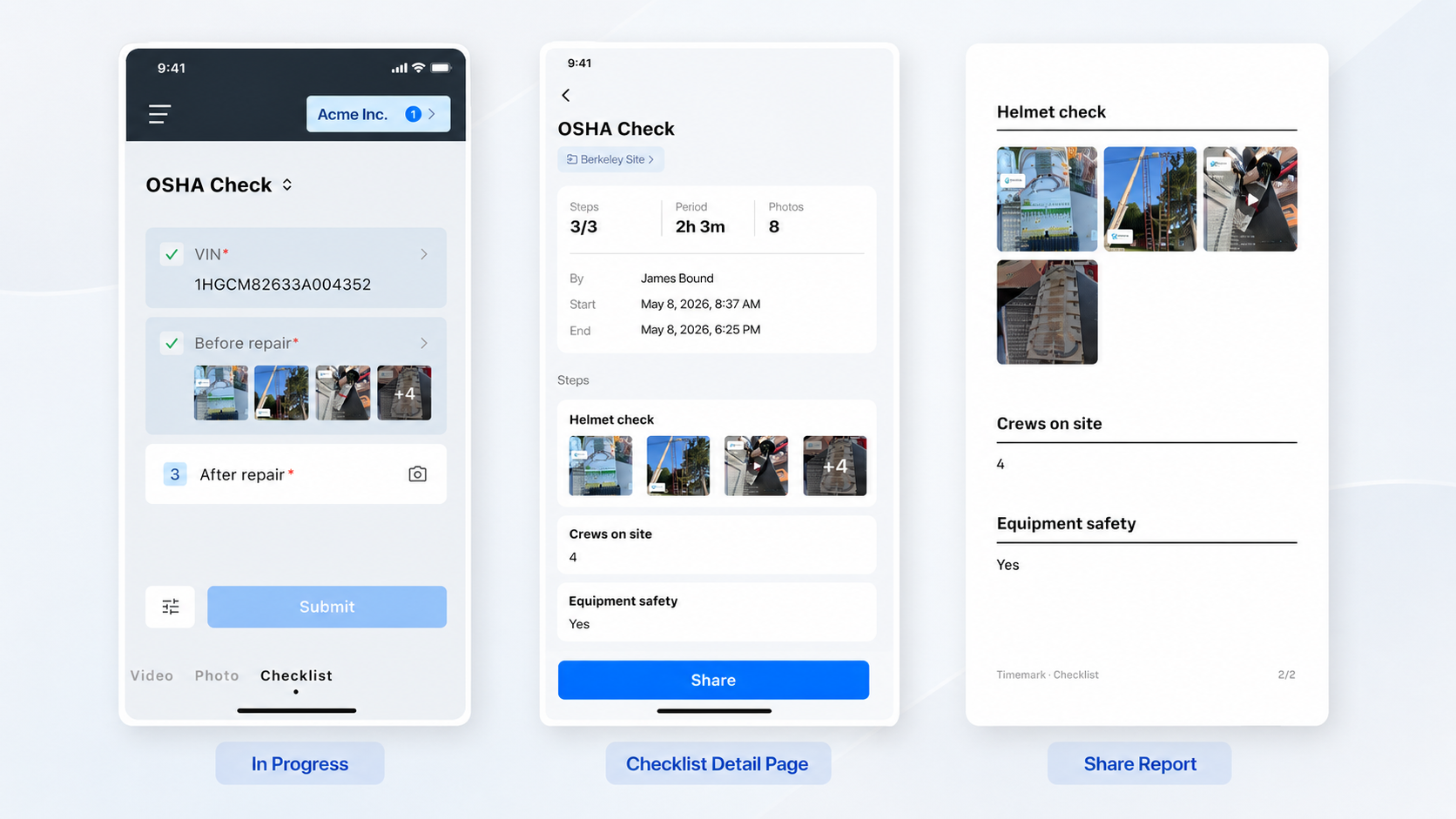
Checklist: Standardize Workflows
Standardize recurring site workflows with checklists your whole team can follow consistently.
Enhancement: Improved Time Tracking
Time tracking is faster and more reliable, so hours logged in the field match the office record.

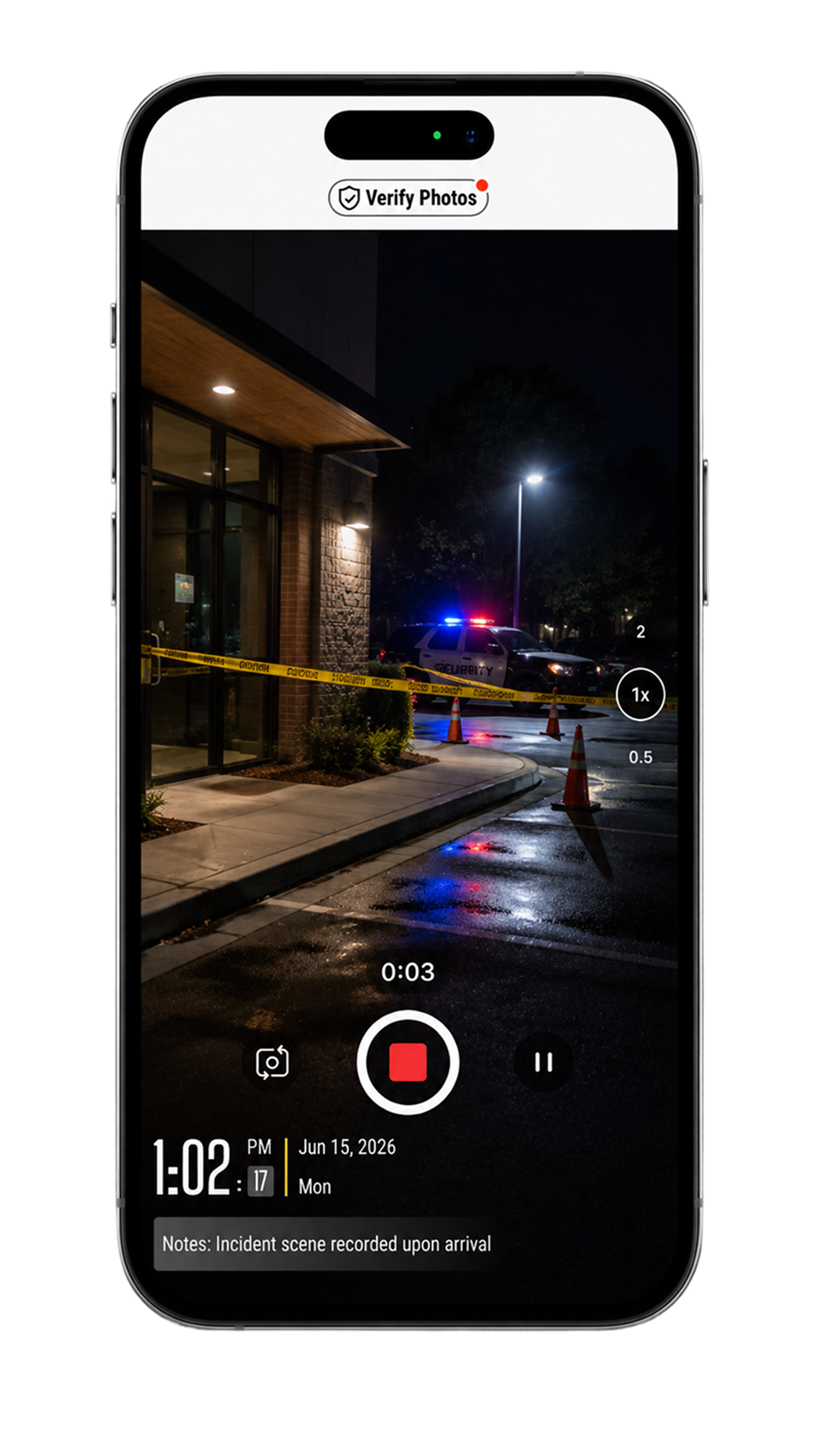
Enhancement: Timestamped Video Now Supports Seconds
Timestamped video overlays now include seconds for more precise time evidence.
Enhancement: "Locate Me" on Map
Quickly center the Photo Map on your current location to compare planned coverage with what has been captured.
A More Complete Workflow for Field Documentation
Timemark is rated 4.8+ on app stores and trusted by millions!
Download Timemark