Timemark so với Email Attachments
Không còn các tệp đính kèm email lớn, chuỗi dài vô tận hoặc tệp bị thiếu.
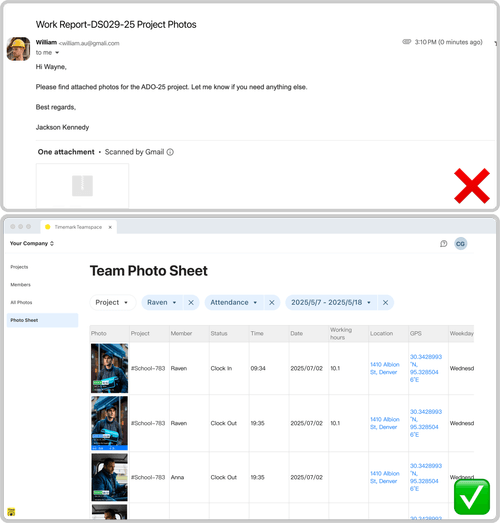
Được tin cậy bởi 3,7 triệu chuyên gia và đội ngũ từ






Tại sao Timemark tốt hơn việc gửi ảnh việc làm qua email?
Dễ tìm, dễ đọc
Email: Ảnh được chôn trong các chuỗi email dài, khó lọc và thường được gửi đến mà không có ghi chú hoặc ngữ cảnh. Timemark: Mỗi bức ảnh đều được tự động đóng dấu thời gian, GPS và ghi chú, sau đó sắp xếp theo dự án, ngày tháng hoặc nhóm trong Teamspace.
Tải Timemark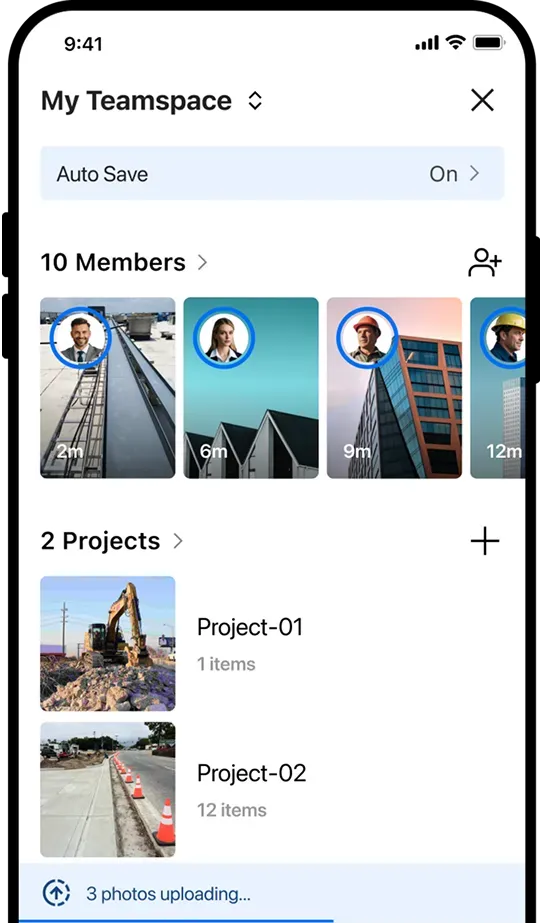
Không còn gánh nặng địa phương
Email: Người nhận cần tải xuống các tệp đính kèm lớn và sắp xếp chúng theo cách thủ công vào các thư mục cục bộ. Timemark: Ảnh được tự động tải lên đám mây, được sắp xếp ngay lập tức theo dự án và có thể truy cập được mà không cần tải xuống hoặc sắp xếp thủ công.
Tải Timemark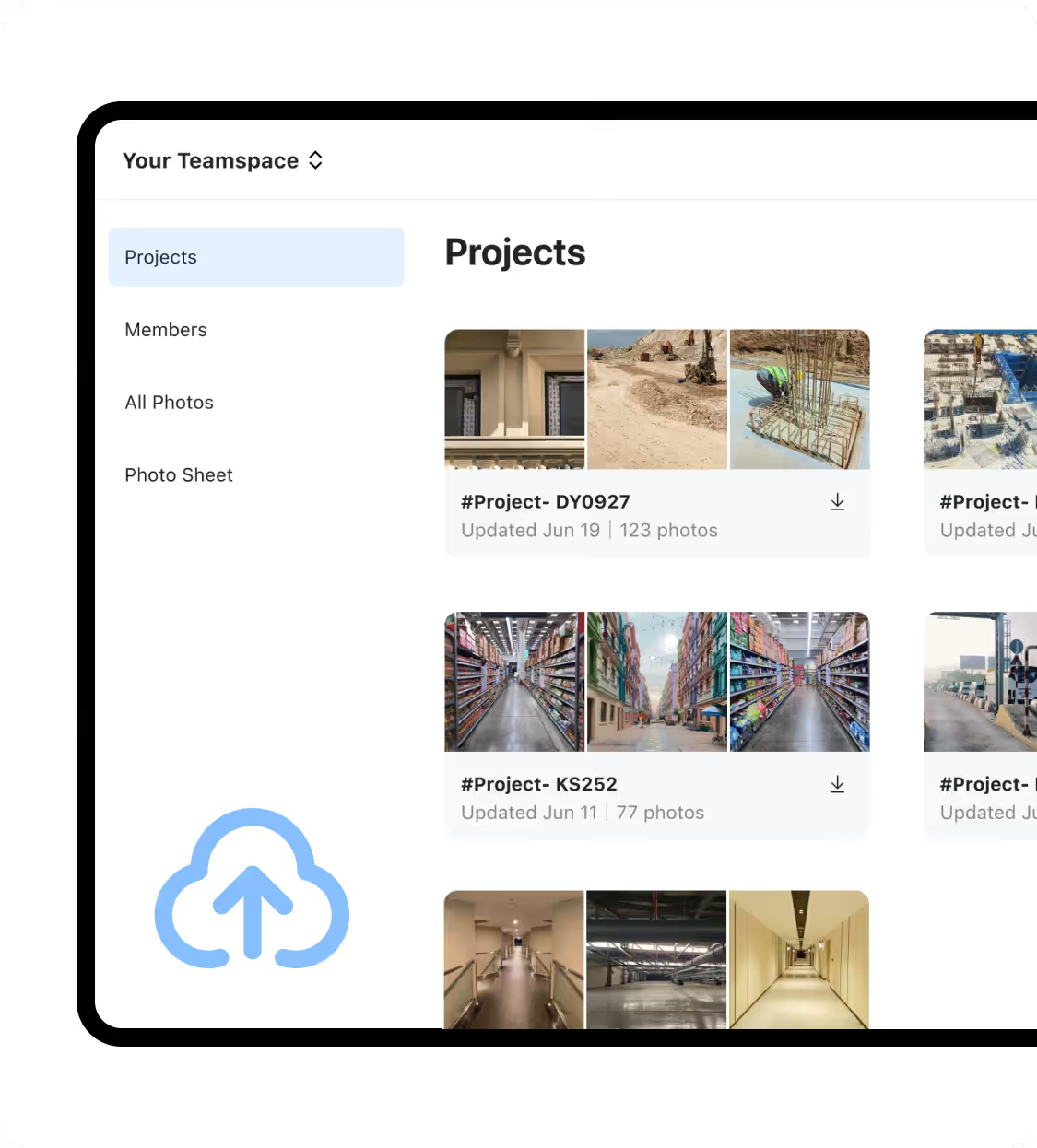
Cập nhật theo thời gian thực
Email: Các nhóm hiện trường chờ đợi các bãi chứa ảnh hàng ngày hoặc hàng tuần và đôi khi quên gửi ảnh, làm chậm quá trình đưa ra quyết định. Timemark: Ảnh tải lên Teamspace ngay lập tức, giúp các trưởng nhóm và bộ phận hỗ trợ được cập nhật theo thời gian thực.
Tải Timemark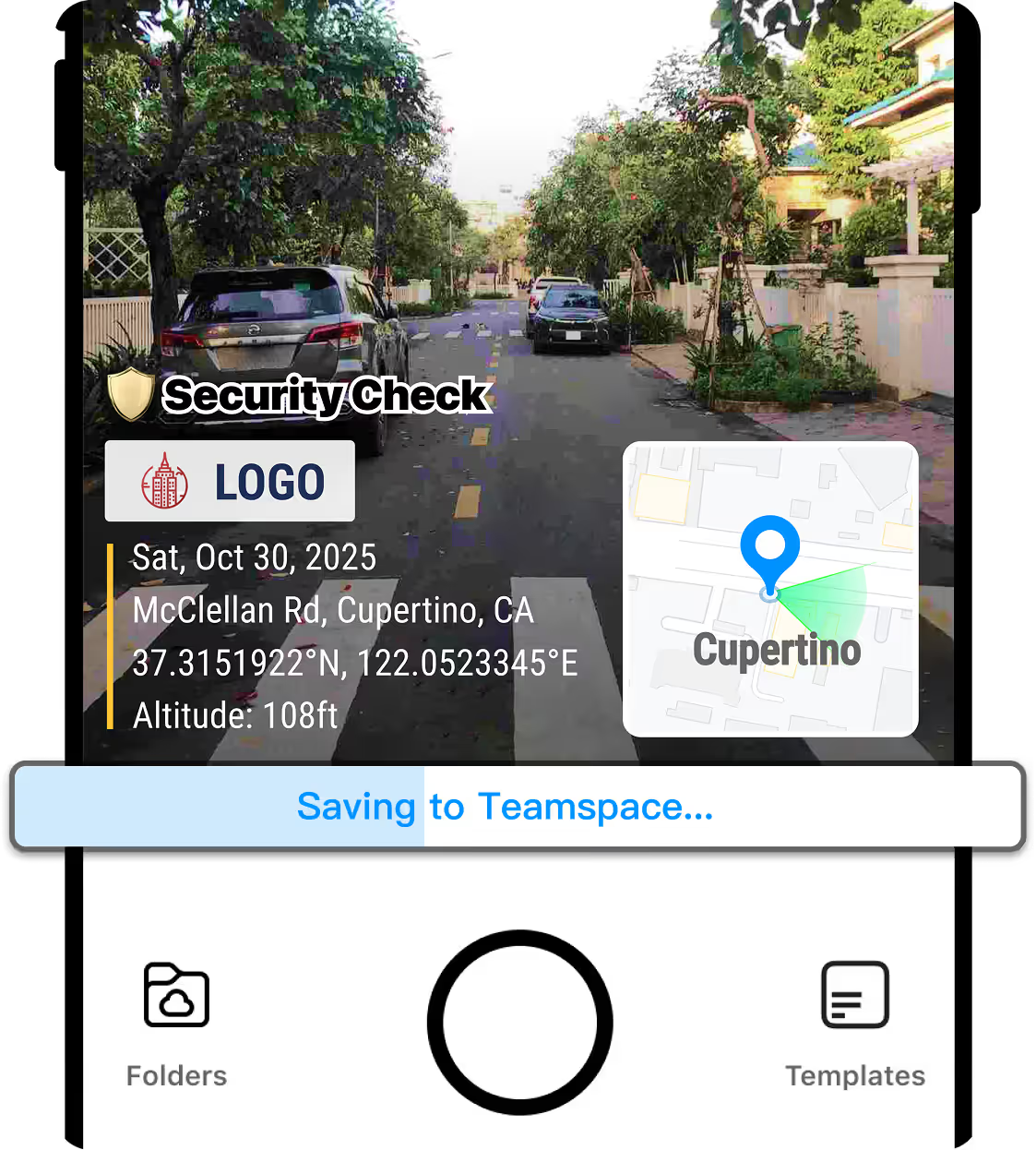
Tất cả trong 1 phút
Email: Việc chọn, đính kèm và nhúng ghi chú theo cách thủ công sẽ mất thời gian. Timemark: Chụp, tự động tải lên và xuất dưới dạng PDF, Excel, liên kết hoặc ZIP ngay lập tức mà không cần thêm bước nào.
Tải Timemark