
How Airbnb Handles Cleaning Disputes
Hesper Du · May 22, 2026
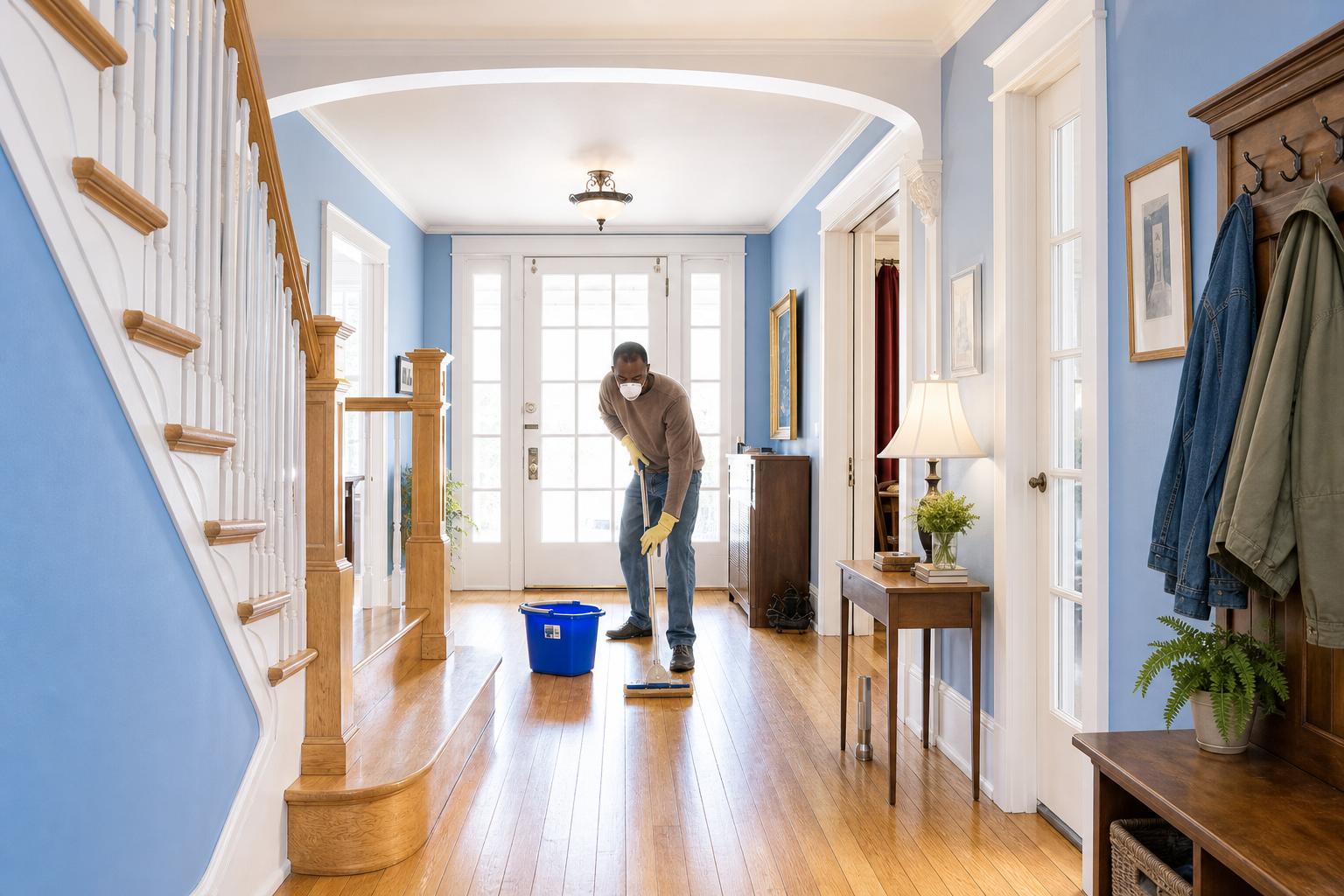
The host documents the issue by taking photos or videos and collecting repair or cleaning estimates and receipts.
Within 14 days of the guest's checkout, the host files a reimbursement request through the Resolution Center. (Note: the 14-day limit applies specifically to AirCover for Hosts claims. General Resolution Center requests can be submitted up to 60 days after checkout.)
The guest has 24 hours to respond.
If the guest declines, pays partially, or does not respond, the host can involve Airbnb.
Airbnb's Community Support team reviews the evidence submitted by the host and makes a decision.
What Airbnb actually looks at
Photos and videos are the most critical evidence. Without them, a host has almost no way to prove that damage occurred or that extra cleaning was necessary.
All communication with the guest should go through the Airbnb platform, not WhatsApp or text messages. Airbnb can only access messages sent within its own system, and those records become part of the case.
What cleaners need to document on every Airbnb turnover
The photo record a cleaning company keeps directly determines whether the host can win a dispute. Every turnover should include two sets of photos.
The first set is taken on arrival, before any cleaning begins. These photos document the condition the guest left the property in, including any existing damage or stains. This protects both the cleaner and the host. If damage existed before the cleaning team arrived, arrival photos are the only proof.
The second set is taken after cleaning is complete, showing the condition of every room before the next guest checks in. These photos need to have a verifiable timestamp and GPS coordinates showing when and where they were taken.
These photos cannot live on a cleaner's personal phone or in a WhatsApp group. Photos transferred through messaging apps can lose GPS metadata in the process, which removes their evidentiary value. Photos need to be tied to a specific job, organized, and retrievable when a host needs to submit evidence quickly.
What happens when there are no photos
Airbnb makes decisions based on the evidence submitted by both sides. If the host has no photos and the guest denies responsibility, the host has very little to work with. It does not matter how thorough the cleaning was or how certain the host is about the damage. Without documentation, there is no proof.
This is also a risk for cleaning companies. If a host loses a dispute and traces the problem back to missing documentation from a turnover, it creates a serious credibility issue for the cleaning relationship.
FAQ
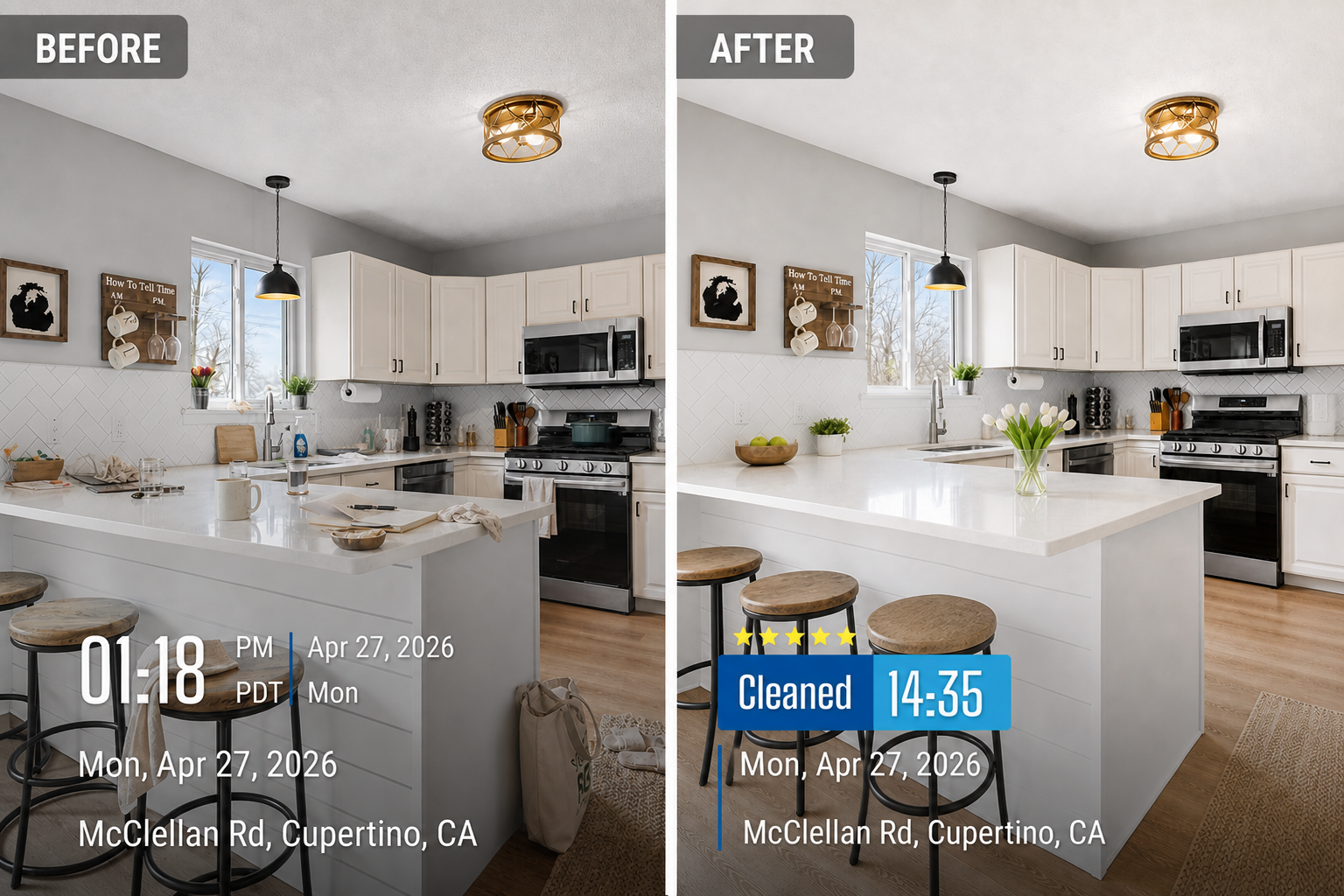
Timemark helps cleaning teams that service Airbnb properties build a verifiable photo record on every turnover.
When a photo is taken in Timemark, the app automatically embeds a verified timestamp and GPS coordinates directly on the image. The date, time, and location are visible on the photo itself, without relying on metadata that can be stripped when photos are sent through messaging apps. Cleaners can also add notes and stage labels such as "on arrival" or "cleaning complete," so every photo is easy to understand without additional explanation.
With Teamspace, photos sync automatically to a cloud workspace organized by property and date, instead of sitting on personal phones or in group chats. When a host needs to submit evidence to Airbnb, the full documentation is ready to retrieve and export immediately.
About Timemark
Timemark is a jobsite photo documentation app with timestamp, GPS geotag, and on-site notes. With Teamspace, field teams can automatically collect, organize, search, and export job photos across projects.
Timemark empowers construction, field service, telecom, and transportation teams to capture verifiable job photos to prevent disputes, support claims, and ensure project transparency. Timemark makes job photos trusted, organized, report-ready, and searchable. For setup instructions and product guidance, visit the Timemark Help Center.