
How Enterprise Photo Requirements Are Reshaping Subcontracting
Gloria · Jul 1, 2026
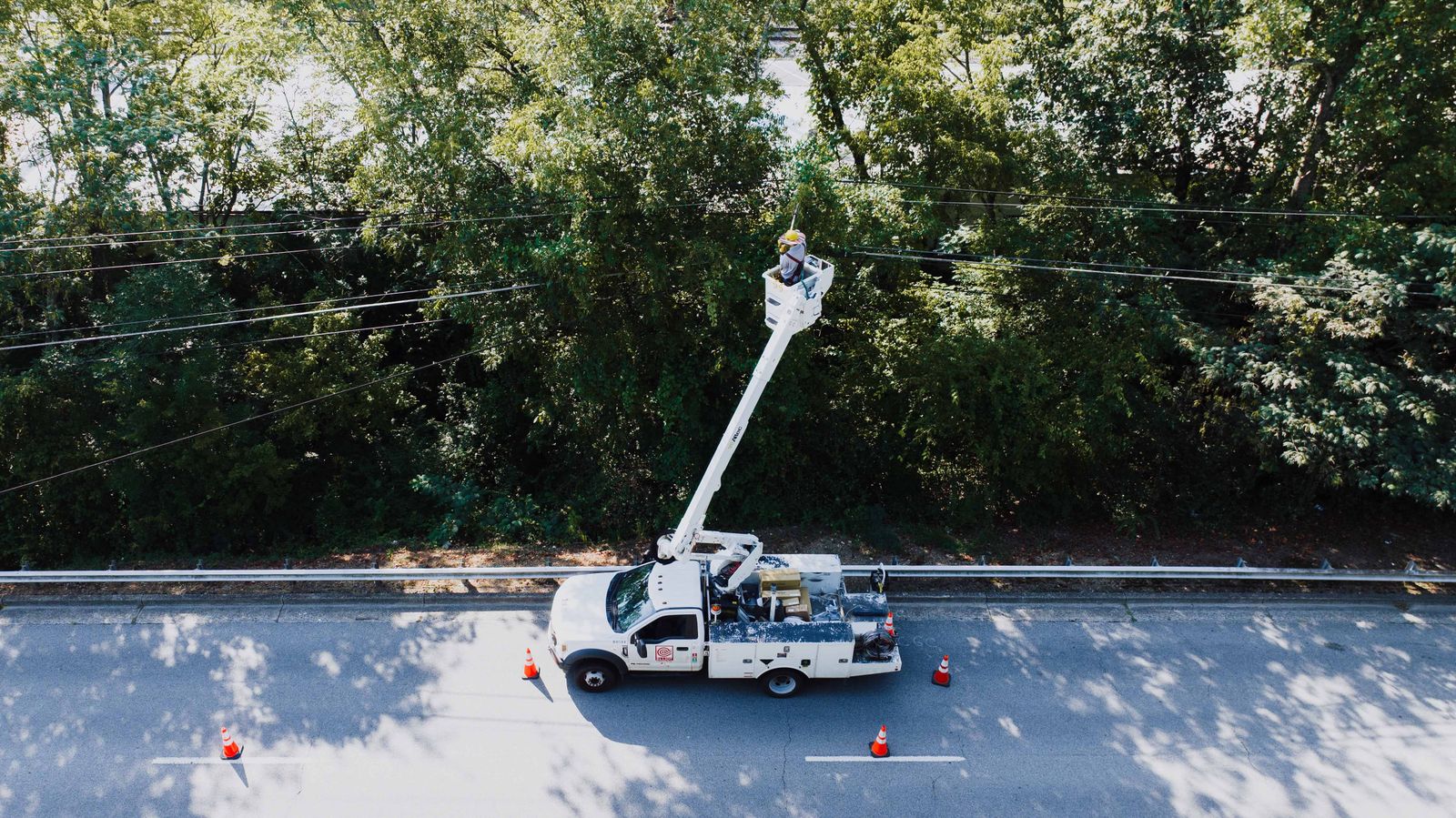
A telecom subcontractor gets a message from their largest client: completion photos now need to include timestamp, GPS location, and the required job details before the work can move to approval.
For the subcontractor, the work may be finished in the field, but it is not finished for the client until the documentation meets the new standard.
The Requirement That Came From Above
For many field teams, photo documentation used to be informal. A technician took a few pictures, sent them by text, and the office pulled together whatever was needed for the client. That worked when the client only wanted a rough confirmation that the job was done.
Enterprise clients operate differently. They have audits, legal teams, safety departments, insurance requirements, and internal reporting standards. When something goes wrong, they need records that show what happened, where it happened, when it happened, and who was responsible. That pressure does not stay inside the enterprise. It moves down the chain to vendors, subcontractors, and field crews.
In practice, this means subcontractors are no longer just selling labor. They are also selling proof. The work still has to be done well, but now it also has to be documented in a way the client can verify later.
Why Big Companies Push the Paperwork Downhill
This is why a photo requirement from a big client should not be treated as a random administrative request. It is part of a broader shift: enterprise clients want less verbal confirmation and more structured evidence.
The Hidden Cost Is Not Taking Photos. It Is Chasing Them.
The requirement sounds straightforward: submit the right photos before the job can move to approval. In the field, the harder part is keeping those photos complete, organized, and tied to the correct job. A few images may come in by text, others through email, and some may stay on personal phones until someone asks for them. When one required angle or detail is missing, the office often finds out after the crew has already moved on to the next site.
In one telecom team we talked to, a crew of around 50 people was spending roughly 3 to 5 hours every week just collecting, checking, and organizing job photos. That may sound small until it becomes a weekly operating cost. Even before you count delayed approvals, rejected submissions, or rework trips, photo chasing quietly becomes an admin tax.
The Mistake: Treating Every Job Like a Blank Slate
The most common mistake is letting every technician decide what to document on the fly. One person takes a wide shot, another takes only close-ups, and a third forgets the final completion photo. Everyone may be trying to do the right thing, but the final record still fails the client’s spec.
The fix is not to ask crews to “take better photos.” That is too vague. The better approach is to recognize that the enterprise client has already written most of the standard for you. Their required shots, angles, data points, and submission rules are the checklist.
A job site photo checklist is not extra paperwork when it is built from the client’s actual requirement. It is a way to make sure the same evidence is captured every time, regardless of which crew member is on site.
Turn the Client’s Spec Into a Job Site Photo Checklist
A good checklist turns an auditor’s language into field language. Instead of “provide complete installation evidence,” the checklist says: take a wide photo of the site, take a close-up of the equipment label, capture the terminal connection, record the reading, add a note if access was blocked, and take a final completion photo before leaving.
For telecom crews, this often works best as reusable templates by job type or equipment type. A “Pedestal Check” template may include the required exterior photo, interior condition photo, serial number, cable routing, and final closed-state image. A “Terminal Check” template may require a pole overview, terminal close-up, connection status, reading, and completion photo. The crew is not inventing the process each time. They are following the client’s standard in a repeatable format.
Instead of simply reminding crews what to capture, Timemark lets teams turn the client’s required photos and field inputs into a repeatable workflow. Each crew follows the same steps, and the office gets cleaner records without having to rebuild the job story after the fact.
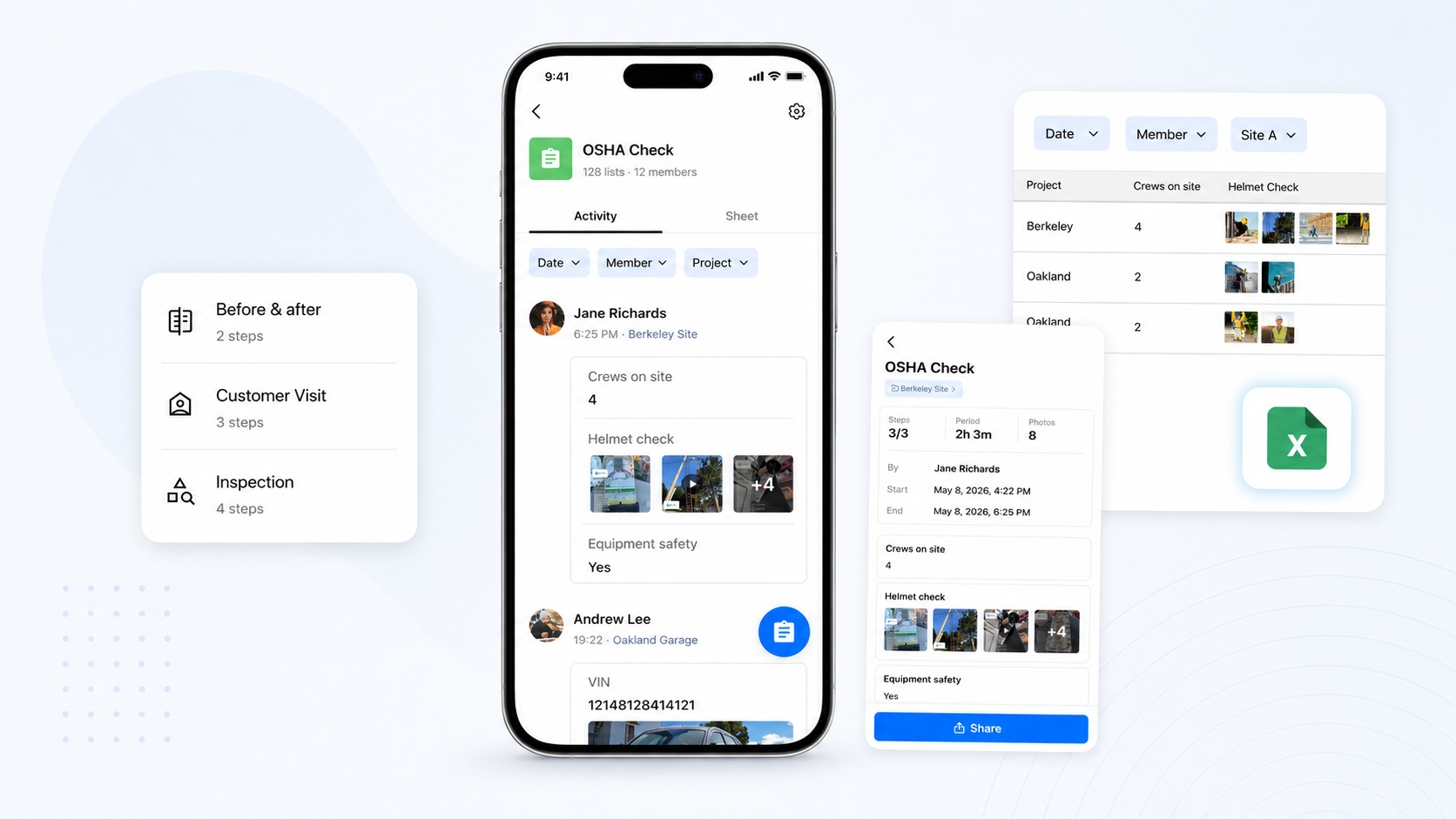
The checklist helps in three practical ways:
- As translation: it turns corporate requirements into steps a tired field worker can follow at 4 p.m.
- As protection: it reduces the “I forgot that shot” problem that can turn completed work into an unpayable job.
- As onboarding: it helps new workers meet the client’s documentation standard without relying on tribal knowledge.
Professional Documentation Is Becoming Part of the Contract
For subcontractors, the real lesson is simple: the companies that can produce clean, complete, and verifiable documentation will be easier to trust. They will look more professional in front of large clients, respond faster to disputes, and reduce the back-and-forth that slows down payment.
That does not mean every subcontractor needs a heavy enterprise software system. It does mean the old habit of collecting job photos through texts, emails, and personal camera rolls is becoming harder to defend, especially when the client’s payment process depends on proof.
Tools like Timemark can support that workflow by helping teams build checklist-based photo capture, collect timestamped and GPS-tagged job photos, organize records by project in Teamspace, and share completed documentation in different formats. But the tool is not the main point. The main point is the operating habit: turn the client’s requirement into a standard process, make it easy for crews to follow, and treat documentation as part of the job, not something the office has to reconstruct afterward.
The power dynamic has changed. Enterprise clients are asking subcontractors to prove more, faster, and with fewer gaps. The subcontractors who adjust early will not just stay compliant. They will become easier vendors to approve, renew, and trust.
About Timemark
Timemark is a jobsite photo documentation app with timestamp, GPS geotag, and on-site notes. With Teamspace, field teams can automatically collect, organize, search, and export job photos across projects.
Timemark empowers construction, field service, telecom, and transportation teams to capture verifiable job photos to prevent disputes, support claims, and ensure project transparency. Timemark makes job photos trusted, organized, report-ready, and searchable. For setup instructions and product guidance, visit the Timemark Help Center.